
Scale your affiliate accounts with InviBrowser: Cut down manual work and optimize operations
Learn how InviBrowser helps affiliate marketers scale multiple accounts and reduce manual warm-up operations with Browser Profiles and Workflow Hub.
Learn how InviBrowser helps affiliate marketers scale multiple accounts and reduce manual warm-up operations with Browser Profiles and Workflow Hub.
When running affiliate marketing with just a few accounts, you can still manually log in to each profile, browse content, check statuses, and carry out daily operations. But when you scale up to dozens of accounts, the challenge is no longer creating more accounts, but how to maintain and operate all of them without your manual workload growing proportionally.
Many affiliate marketers have encountered the situation where they just added an account to the system one day, only to find the session logged out, a verification request appearing, or restrictions applied the next day. This can happen when a new account is introduced to a different usage environment, its access method changes, or unusual activity occurs within a short period. As a result, many people typically spend a period of warm-up to test the account and maintain its initial activity level before integrating it into the official workflow.
The problem is: While it’s manageable to handle 3 to 5 accounts manually, it becomes extremely difficult to allocate time to each individual account on a daily basis when you have 20 to 30 accounts.
This is where Browser Profile, Sync Control, and especially the Workflow Repository on InviBrowser help Affiliate Marketers reduce repetitive operations and streamline their operational workflows.
Start your free InviBrowser experience to create Browser Profiles and test Workflows tailored to your Affiliate operations.
The more affiliates you scale up, the more time-consuming it becomes to maintain each individual account.
When the number of accounts is still small, checking each account every day is not too difficult.
You can:
-
Open each Profile.
-
Check if the account is still logged in.
-
Scroll through the content for a period of time.
-
Follow the News Feed or the Recommendations page.
-
Perform a number of appropriate interactive operations.
-
Check whether the account has generated a verification request.
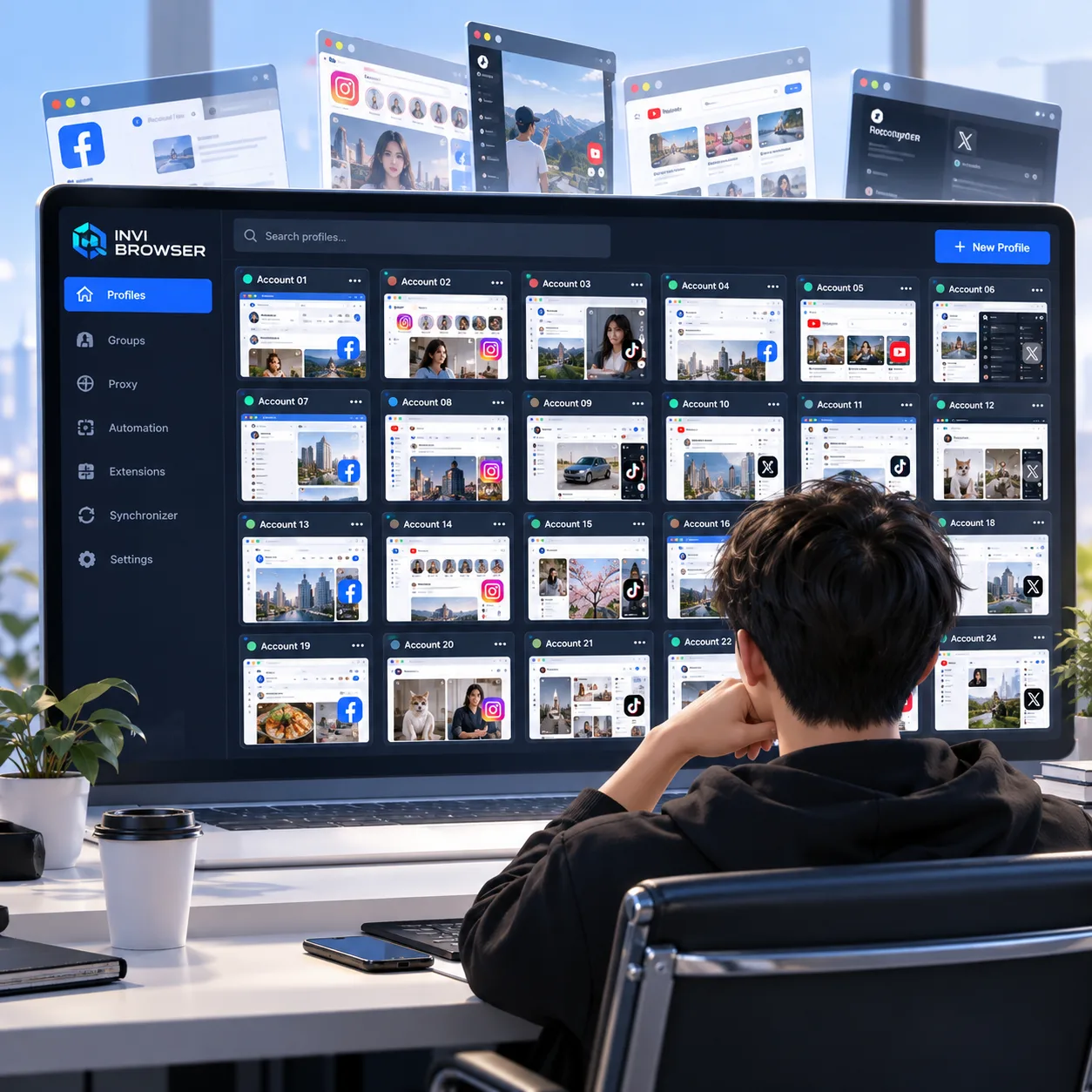
But when you scale up to dozens of accounts, these simple steps start adding up to hours of manual work.
Not to mention that each account may belong to a different campaign, platform, proxy, or operational phase. If you don't organize things clearly from the start, it's easy to end up in a situation where: The number of accounts grows, but the workload also increases accordingly.
What is account warming and why is it often a concern for affiliate marketers?
Warm-up can be simply understood as the phase of maintaining initial activity and verifying the account before it is added to the main workflow.
The goal is not to create a "formula to prevent account bans", but to avoid performing a large number of dense operations immediately after introducing an account to a new environment.
During this phase, the operator typically:
-
Open the Profile and check the login status.
-
Browse the content.
-
Follow the feed or the Recommendations page.
-
Perform a number of interactions that match the usage requirements.
-
Check if the account has any verification prompts or alerts.
Account logouts or verification prompts can stem from a variety of factors. Warm-up does not guarantee that an account will avoid these issues, but it helps operators establish a clearer initial testing and usage workflow.
The biggest challenge when scaling is that these operations have to be repeated across far too many accounts.
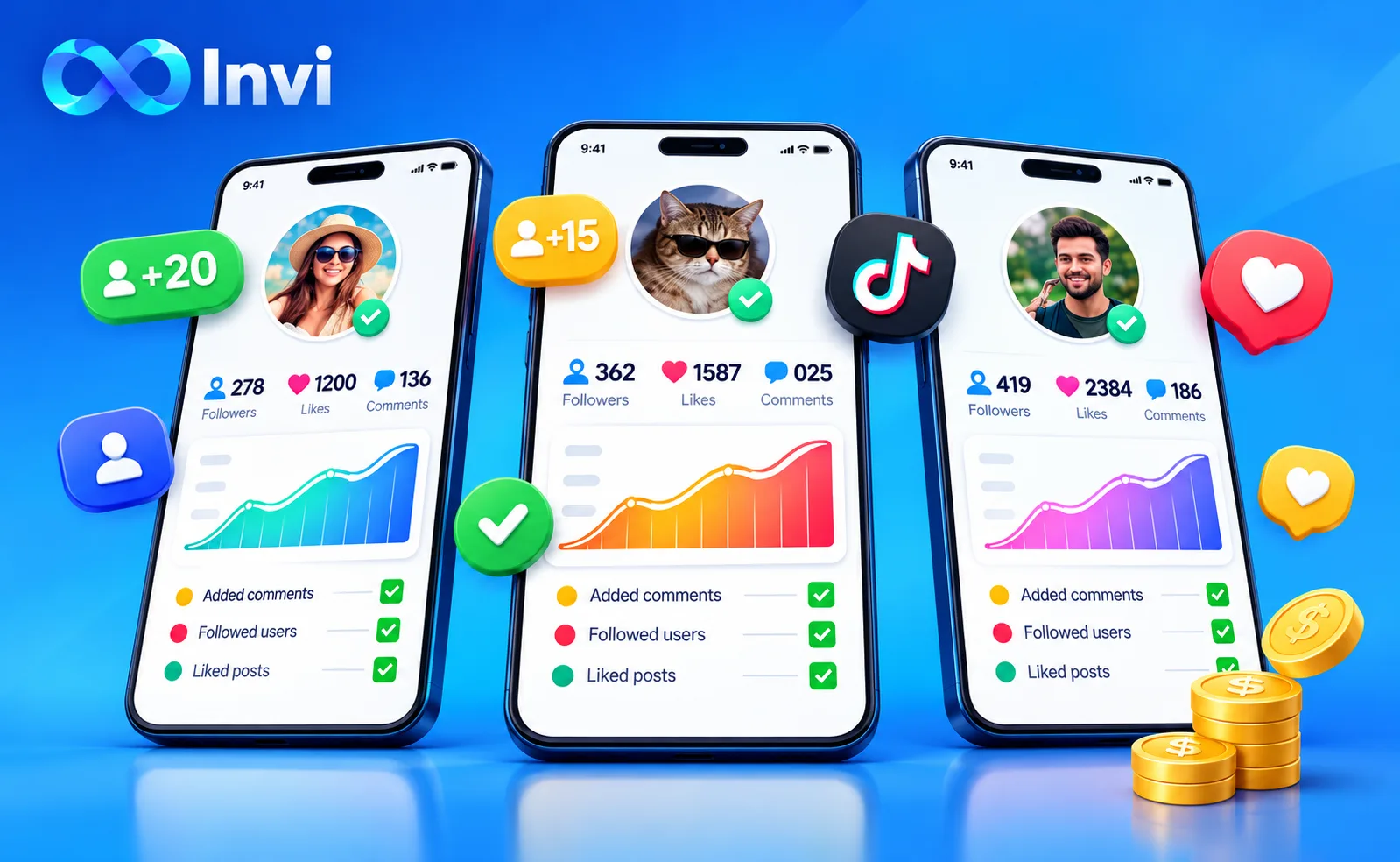
How does InviBrowser help organizations manage multiple Affiliate accounts?
InviBrowser manages each account through a separate Browser Profile.
Each Profile can maintain:
-
Cookie.
-
Session.
-
Proxy.
-
Browser fingerprinting.
-
Relevant environment settings.
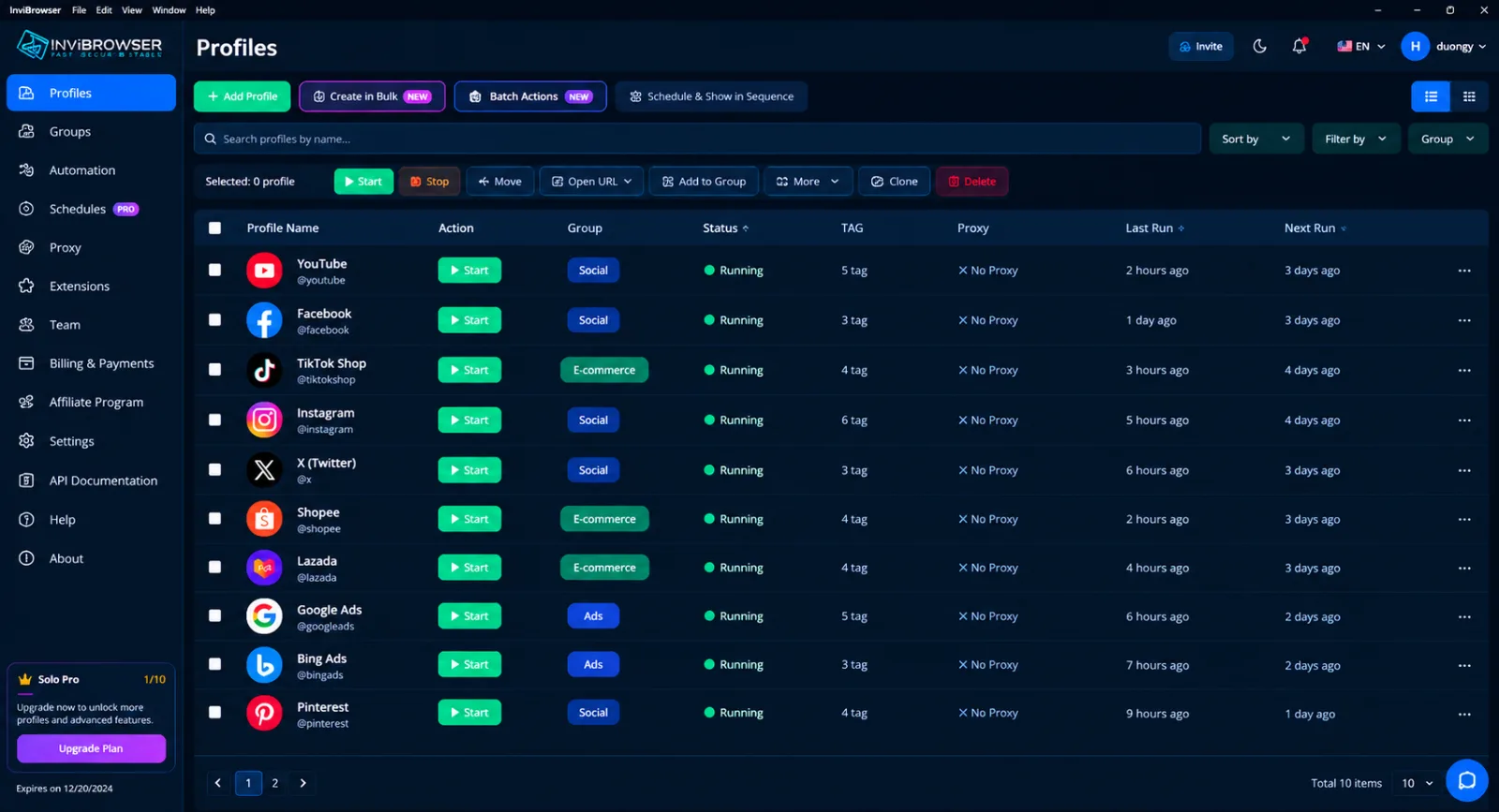
Instead of logging in and out of multiple accounts within the same environment, you can organize each account into a separate Profile and categorize them by campaign.
Learn more: Understanding Cookies, Sessions, and Browser Profiles Correctly
As the number of Profiles increases, InviBrowser also supports:
-
Groups and Tags.
-
Sync Control.
-
Kho Workflow.
-
Workflow Automation.
-
Share Profiles and manage team permissions.
It is worth noting that these tools do not only help create additional accounts, but also focus on the operational phase after multiple profiles have been set up.
Warehouse Workflow: Reduce the need to manually maintain each account
This is the most useful part when Affiliate Marketers start scaling.
InviBrowser comes with a Workflow Library that provides pre-built automated workflows for a range of common use cases.
Instead of doing it this way every day:
Open Profile 1 → perform operations → close → open Profile 2 → perform operations → continue until reaching Profile 30
You can switch to:
Select Workflow → view description → install → configure → select the appropriate Profile → run
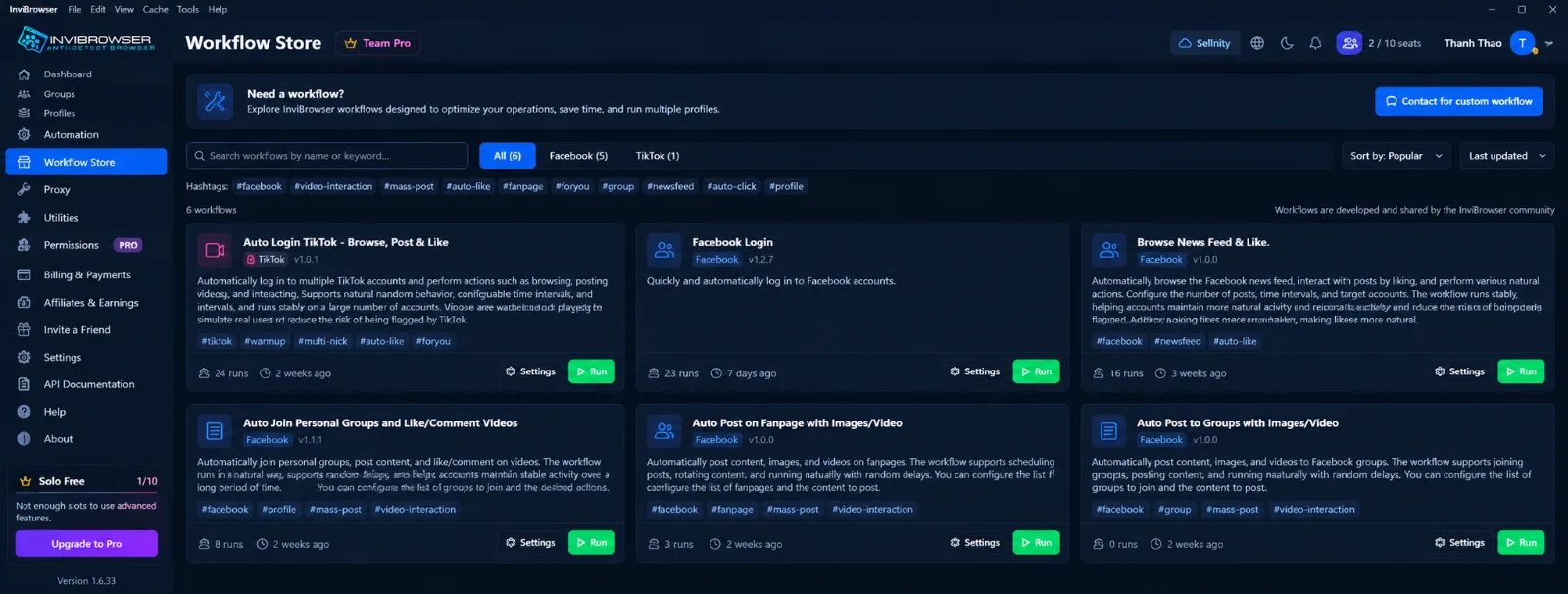
Users do not necessarily need to know programming or build the entire Workflow from scratch on their own.
This is particularly useful for repetitive warm-up steps, as the most time-consuming part is usually not the individual operations themselves, but having to repeat them across dozens of accounts.
TikTok account nurturing workflow: Browse For You Page & Like
With TikTok Affiliate, InviBrowser has the following workflow:"Automated TikTok account nurturing – Browse For You Page & Like"
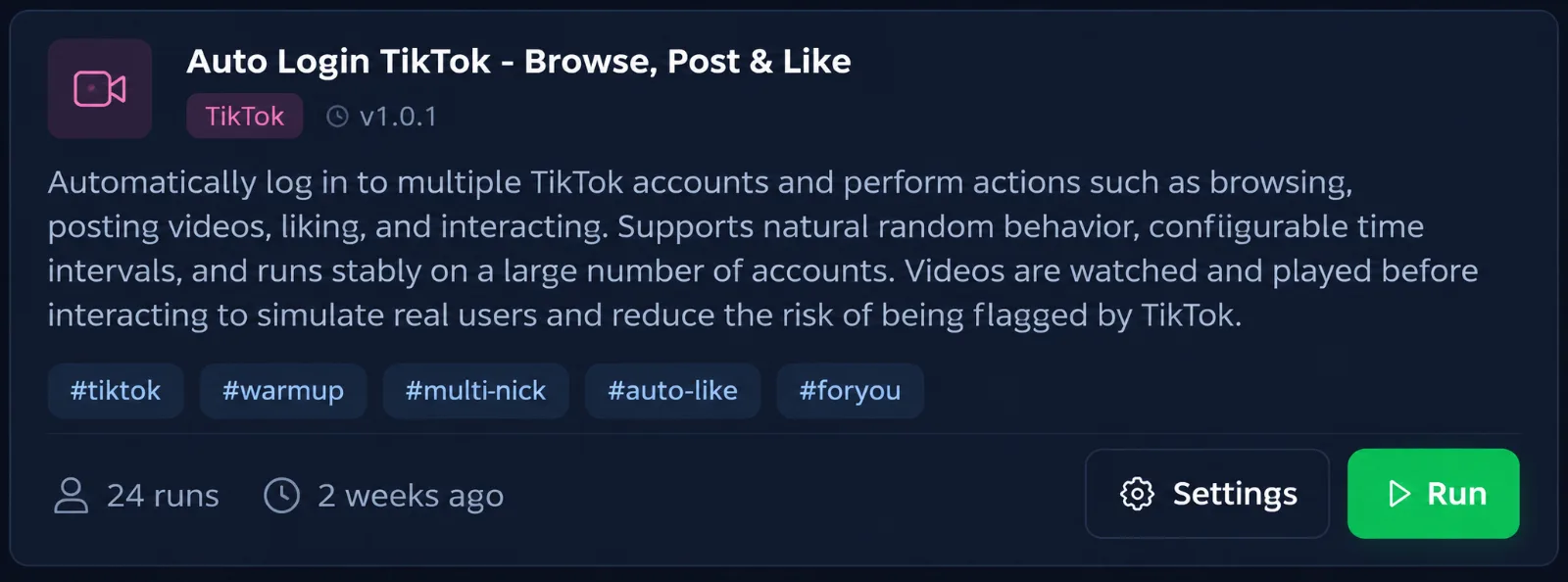
The workflow supports the execution of the following steps:
-
Go to the Suggestions page.
-
Swipe through videos.
-
Perform interactions according to the configured settings.
If you have dozens of TikTok Affiliate accounts, manually logging into each account to browse the For You page every day can take up a huge amount of time.
Workflow helps turn these repetitive operations into a preconfigured process, eliminating the need to manually handle each Profile individually.
It is important to note that Workflow does not guarantee that accounts will avoid TikTok's verification, restrictions, or other control measures. It only helps reduce manual operations and standardize the way you properly manage your Profiles.
Workflow Facebook: Scroll News Feed & Like
For Facebook, InviBrowser features the following Workflow:"Scroll News Feed & Like"
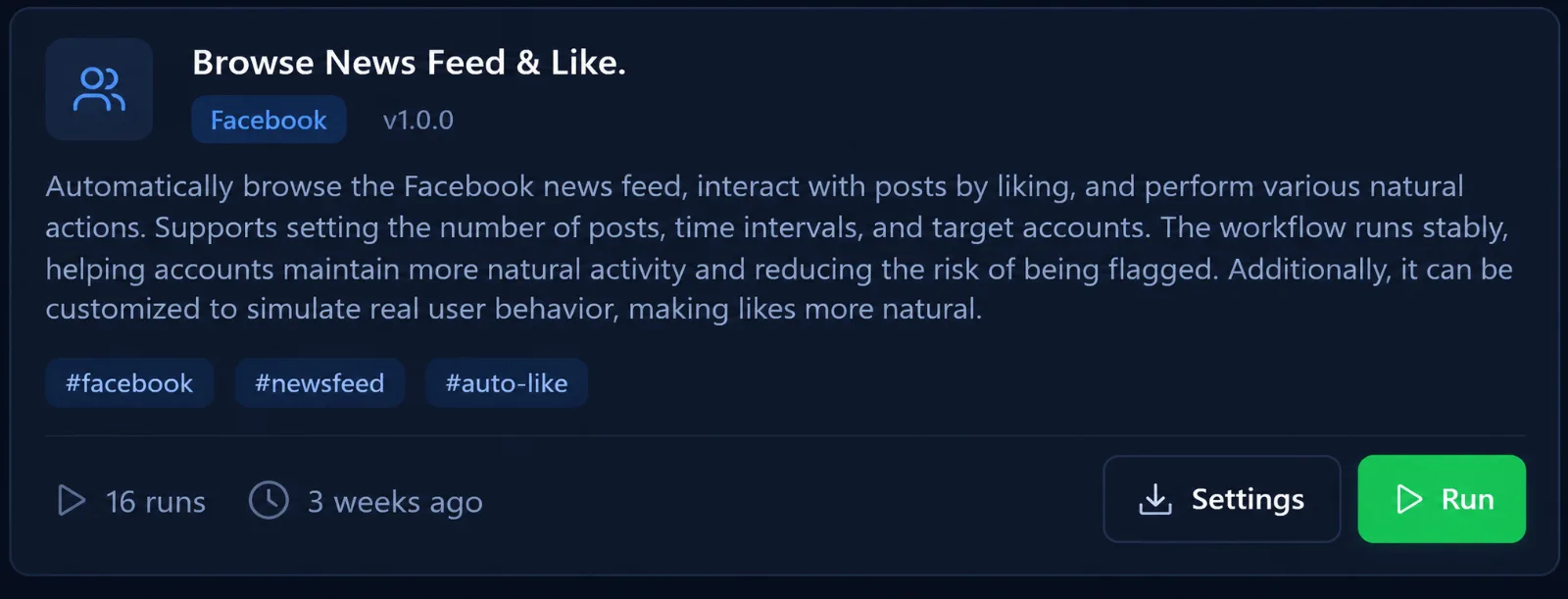
Supported Workflows:
-
Automatically scroll the News Feed.
-
Perform interaction operations according to the configuration.
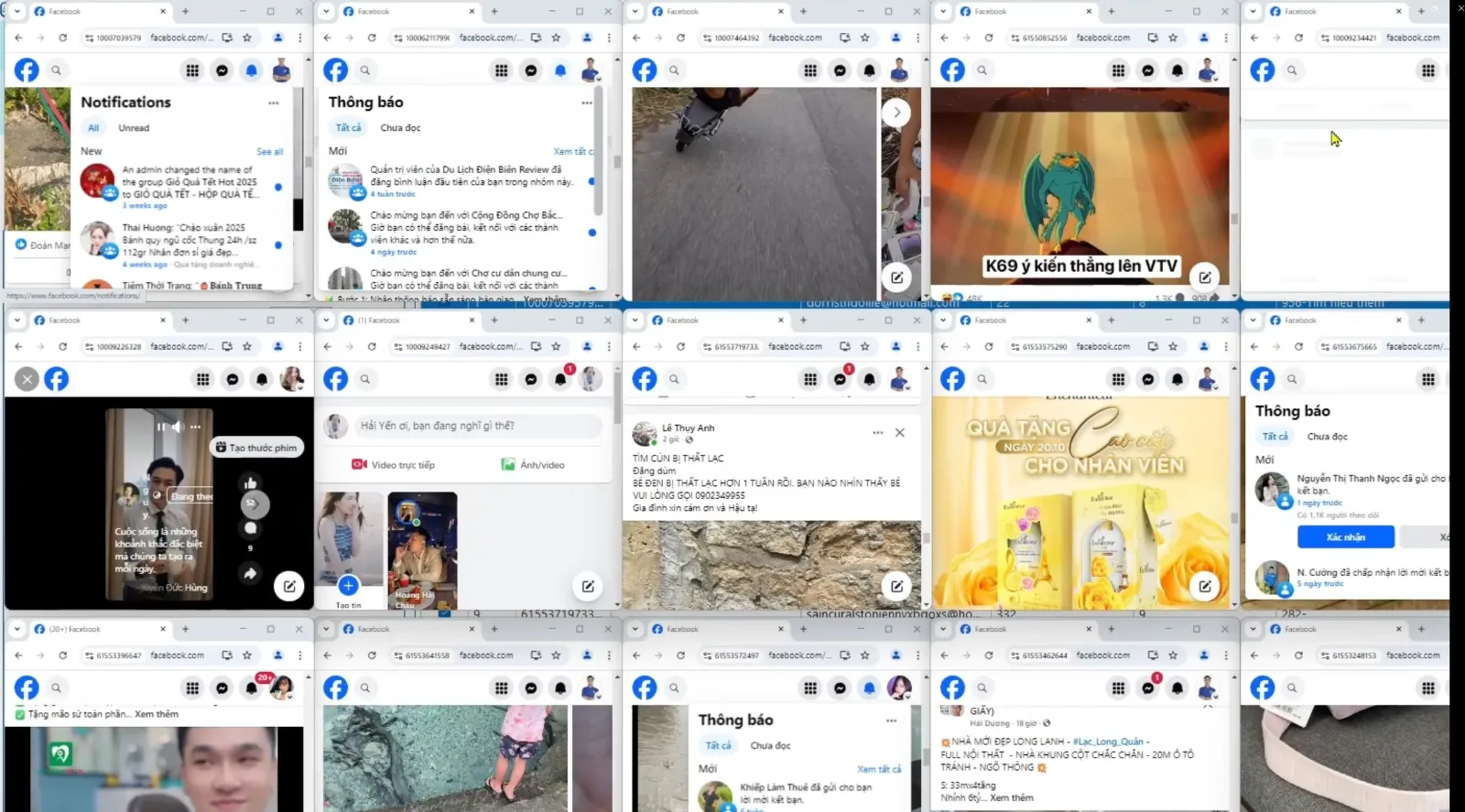
When managing multiple Facebook accounts for affiliate marketing, you don't need to manually open each profile every day and repeat the same sequence of operations.
Instead, repetitive steps can be incorporated into the Workflow to reduce the amount of manual work.
The important thing is not to automate as much as possible, but to select the right steps that take up the most time in the operation process.
From manual operations to Workflow: The differences when scaling to 30 accounts
Suppose you are managing 30 Profiles.
If each profile takes about 5 minutes to check and perform some basic operations:
30 Profiles × 5 minutes = 150 minutes
Spending more than 2 hours each day on just one set of repetitive tasks.
Once the appropriate process is incorporated into the Workflow, you can reduce these manual operations and dedicate more time to more important tasks such as:
-
Select the offer.
-
Content analysis.
-
Track conversions.
-
Optimize traffic.
-
Campaign management.
This is the true value of Automation when scaling Affiliate operations: the number of accounts increases, but the volume of manual operations does not necessarily rise at the same rate.
Manage Affiliate Profiles by Stage
Automation will be more effective if Profiles are clearly organized from the very beginning.
You can use names, Groups, and Tags in InviBrowser to categorize items based on:
-
Platform.
-
Campaign.
-
Market.
-
Person in charge.
-
Account status.
-
Warm-up phase or in operation.
This allows you to quickly identify which Profile groups need to be checked or have Workflows run on them, instead of searching through each account individually.
When should I use Workflow to warm up accounts?
Workflows to consider when:
-
You manage multiple Browser Profiles.
-
Profiles have a number of repeated operational steps.
-
There isn't enough time to log into each account every day.
-
To standardize the workflow across multiple Profiles.
-
To reduce manual operations when scaling.
-
The appropriate steps for automation have been clearly identified.
If there are only a few accounts, manual operations may still be sufficient.
However, when dealing with dozens of Profiles, automating part of the process starts to make a more noticeable difference in terms of time.
Important Notes for Using Workflows on TikTok and Facebook
Workflow helps reduce manual work, but it is not a tool that guarantees accounts will not be restricted.
When using Automation, you should:
-
Test the workflow before full deployment.
-
Test it on a small scale first.
-
Monitor the results after each run.
-
Do not automate behaviors that are prohibited by the platform.
-
Adjust the process according to the actual status of the account.
-
Comply with the policies of TikTok, Facebook and other platforms you use.
The goal of Workflow is automate repetitive parts , not to bypass the platform s control system.
Start scaling Affiliate with Workflow Repository on InviBrowser
With only a few accounts, you can manage almost everything yourself.
But when the number of accounts rises to dozens, having to log into each account individually, check their statuses, browse content, and repeat the same sequence of operations every day will quickly become the most time-consuming part of the work.
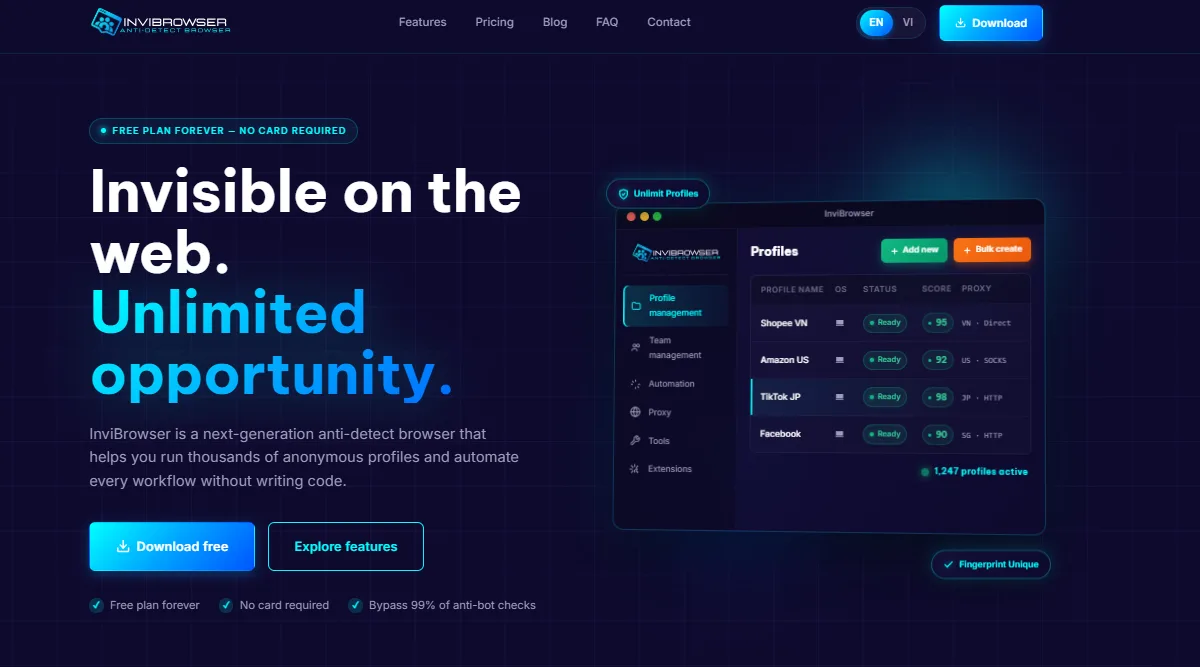
InviBrowser allows you to combine:
-
Separate browser profile for each account.
-
Proxy per profile.
-
Groups and Tags.
-
Sync Control.
-
Kho Workflow.
-
Workflow Automation.
-
Share Profiles and manage team permissions.
The Free plan currently allows the use of 10 Profiles and 5 Workflows, with 10 runs per day for each Workflow, which is suitable for testing a small process before scaling up.
Try InviBrowser for free to explore the Workflow Library and automate repetitive tasks when managing your Affiliate accounts.
Conclusion
Scaling an affiliate program is not just about increasing the number of accounts. The real challenge arises when you have to maintain and operate each account, yet no longer have enough time to log in to every single account on a daily basis.
With Browser Profile, Sync Control and Workflow Repository on InviBrowser, affiliate marketers can reduce repetitive warm-up operations, standardize workflows, and allocate more time to the critical aspects of their campaigns.
See also:
-
InviBrowser for Affiliate Marketing: Efficient Multi-Account Management
-
Understanding Cookies, Sessions, and Browser Profiles Correctly
You can try InviBrowser for free to test the Workflow Hub on a small group of Profiles before scaling up your operations.