
InviBrowser: The optimal antidetect browser for Facebook Ads and TikTok Ads teams
The team managing Facebook Ads and TikTok Ads often has to operate multiple ad accounts simultaneously: personal accounts, Business Manager accounts, client
The team managing Facebook Ads and TikTok Ads often has to operate multiple ad accounts simultaneously: personal accounts, Business Manager accounts, client accounts, or accounts for various other projects.
As the number of accounts increases, sharing a single browser can make management more complicated. Teams are likely to encounter issues such as difficulties in account handover, confusion over work environments, wasted time on repeated logins, or difficulty tracking who is responsible for each account.
That is why many teams have started using Antidetect Browser to create a separate working environment for each account.
Start your free InviBrowser experience to create separate browser profiles for each ad account and optimize the operation workflow of your Ads team.
Challenges Faced by Ads Teams When Managing Multiple Ad Accounts
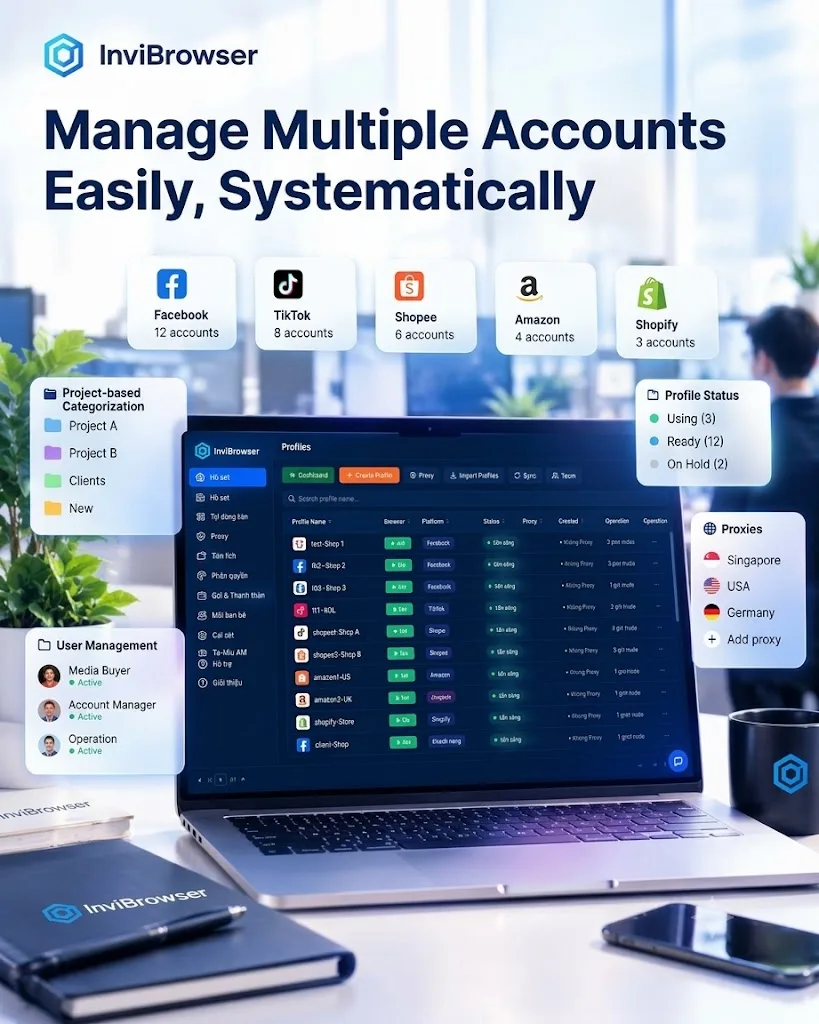
Using a single shared browser complicates management tasks
For some accounts, logging in on regular Chrome may still be sufficient.
However, when the Ads Team has to manage multiple Facebook Ads accounts, TikTok Ads accounts, or multiple clients at the same time, using a shared browser environment can cause a number of inconveniences:
-
It is difficult to distinguish which account belongs to which project.
-
It is easy to get confused when switching between accounts.
-
It takes time to log in and recheck the environment.
-
Handover becomes difficult when new members join the team.
Each account can be associated with a different workflow, responsible person, or campaign. Therefore, maintaining a well-organized work environment is of great importance.
Account handover between members is time-consuming
Within an Ads Team, accounts can be transferred between:
-
Media Buyer.
-
Account Manager.
-
Operations personnel.
-
New member.
If only login credentials are shared, the team may face difficulties maintaining the original working environment.
A dedicated profile management solution makes the handover process easier to control.
Difficult to scale as the number of accounts grows
When the number of accounts grows from a few to several dozen, manual management methods begin to lose their effectiveness.
The team needs a system that can:
-
Classify accounts by project.
-
Manage multiple private environments.
-
Follow the user who is currently using the Profile.
-
Standardize the operational procedures.
How does InviBrowser support Facebook Ads and TikTok Ads teams?
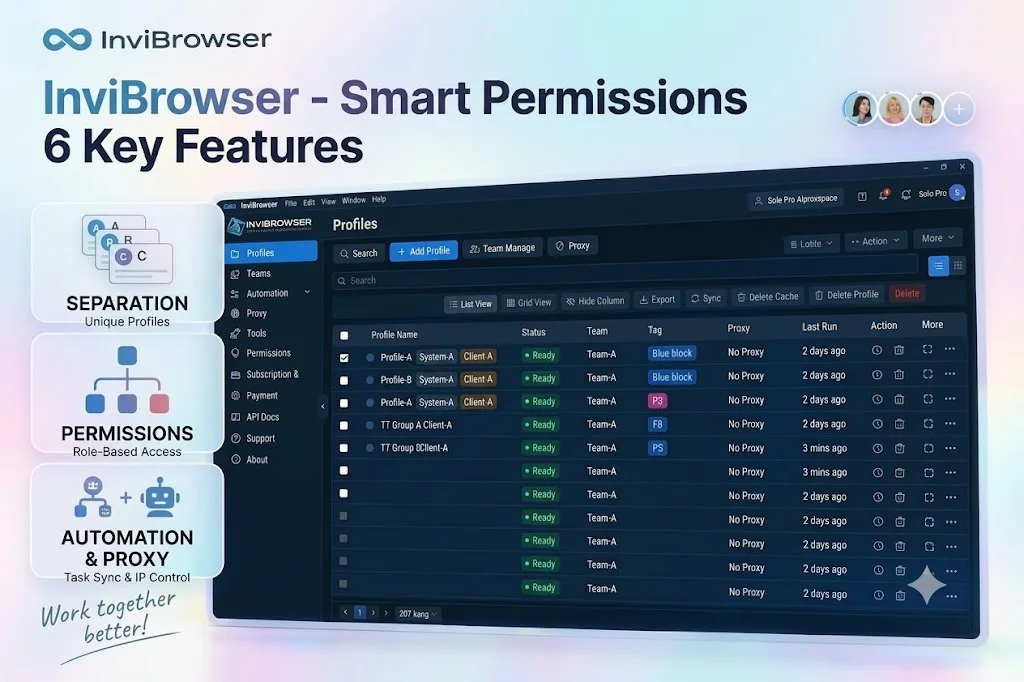
1. Each advertising account uses a separate Browser Profile
InviBrowser helps create independent Browser Profiles for each account or project.
Each Profile can be managed with its own set of data, such as:
-
Cookie.
-
Session.
-
Browser Fingerprint.
-
Proxy.
-
Browser configuration.
Example:
-
Profile A → Facebook Ads Client A.
-
Profile B → Facebook Ads Client B.
-
Profile C → TikTok Ads Shop C.
Instead of logging into multiple accounts within the same environment, the Ads team can organize each account under a separate Profile.
Learn more: What is an antidetect browser? A complete A-Z explanation for beginners
2. Managing multiple Ads accounts on the same device
When running multiple campaigns, the issue is not just about the number of accounts, but also how you organize them.
With dedicated Browser Profiles, the Ads team can:
-
Open the correct environment for each project.
-
Track accounts by each Profile.
-
Reduce manual account switching.
-
Easy to manage as the number of accounts increases.
Example:
An Agency can create:
-
Profile of Customer Group A.
-
Profile of customer group B.
-
Profile TikTok Ads.
-
Profile Facebook Ads.
Each group can be managed according to its own dedicated workflow.
3. Authorize and Hand Over Profiles to Team Members
For agencies or ad teams with multiple members, sharing accounts is not always convenient.
InviBrowser supports organizing Profiles by team member, which helps:
-
The responsible person shall use the assigned profile correctly.
-
Leaders can easily manage the Profile list.
-
Limit the number of people editing the same environment at the same time.
This is particularly useful when the team is working on multiple projects or serving a variety of different clients.
4. Set up proxy for each account
When managing multiple accounts, proxies are a critical component of organizing access environments.
InviBrowser allows you to configure proxies for individual browser profiles, making it easy for ad teams to track performance:
-
Which profile is using which proxy.
-
Which environment belongs to which project.
-
Which configuration is currently in use.
Learn more: What is a Proxy? How Proxies Work and a Beginner's Guide to Using Proxies
5. Synchronize operations when managing multiple accounts
Some of the tasks within the Ads team are repetitive in nature, such as:
-
Account check.
-
Set up the configuration.
-
Perform the same operations across multiple environments.
The operation synchronization feature eliminates the need to repeat each step individually across separate windows.
Instead of performing manual operations multiple times, the team can optimize the workflow when they need to process multiple Profiles at the same time.
6. Automate repetitive workflows
In addition to synchronizing operations, InviBrowser supports building automated workflows for repetitive processes.
This helps the Ads Team:
-
Minimize manual operations.
-
Standardize operational procedures.
-
Easily scalable as the number of accounts grows.
Sample Workflow for Ads Team Using InviBrowser
Example of an Agency managing multiple clients:
| Browser Profile | Purpose |
|---|---|
| Profile 01 | Facebook Ads Client A |
| Profile 02 | Facebook Ads Client B |
| Profile 03 | TikTok Ads Shop C |
| Profile 04 | Testing Campaign |
Each Profile can be managed according to:
-
Project.
-
Person in charge.
-
Advertising platform.
-
Access environment.
This organizational structure makes it easier for the Ads Team to maintain control as the number of accounts increases.
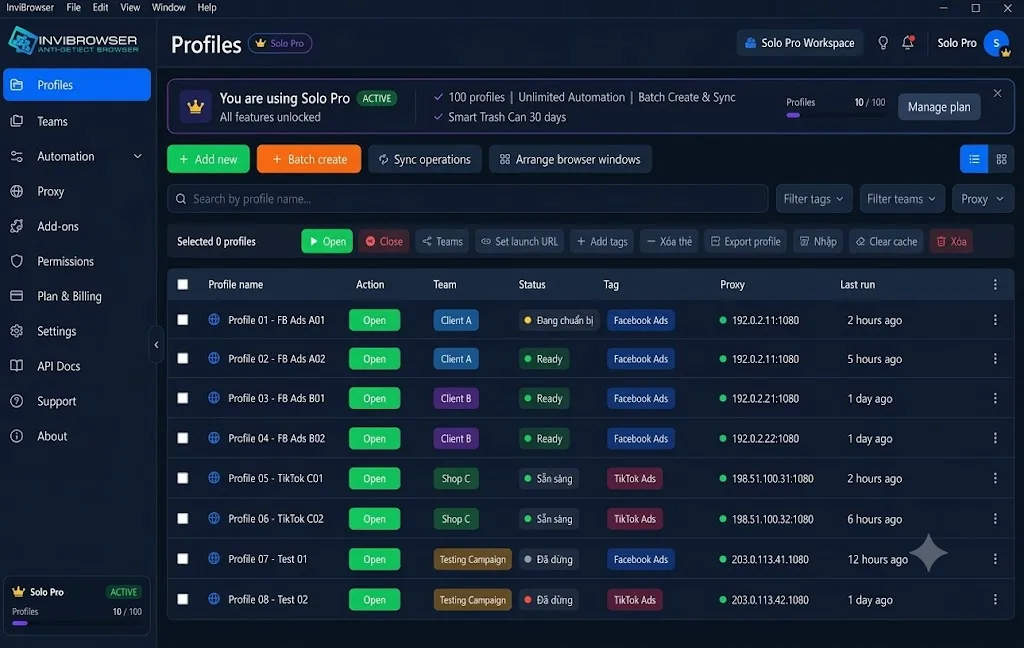
Which advertising teams is InviBrowser suitable for?
Small Team Ads (1–5 people)
Suitable for:
-
A freelancer working with multiple clients.
-
Marketing In-house.
-
Seller runs ads on their own.
-
Small team running Facebook Ads and TikTok Ads.
For this group, InviBrowser helps organize accounts more clearly instead of storing multiple accounts in the same browser.
Small Team Ads (5–20 people)
Suitable for:
-
Advertising agency.
-
Media Buying Team.
-
E-commerce Team.
-
The team operates multiple projects.
When multiple team members are involved, profile allocation and workflow management become increasingly important.
Why should the Ads Team consider InviBrowser?
The problem with the Ads Team is not just about being able to create a large number of accounts.
The greater challenge is to build a structured operational process:
-
Each account has its own environment.
-
Members know exactly which Profile to use.
-
Easy to hand over when there is a change in personnel.
-
Easily scalable as the number of projects increases.
InviBrowser helps advertising teams solve this problem through browser profiles, proxies, operation synchronization, and workflow management tools.
Conclusion
As teams running Facebook Ads and TikTok Ads scale up, managing multiple accounts within the same browser environment can become difficult to control.
With InviBrowser, the Ads team can create separate browser profiles for each account, manage proxies, assign profiles to team members, and optimize operational workflows.
See also:
You can experience InviBrowser for freeto build a dedicated account management environment for your Facebook Ads and TikTok Ads teams.