
What Is an Antidetect Browser? A Comprehensive A-Z Guide for Beginners
Learn what an antidetect browser is, how it operates based on browser fingerprints, how it differs from regular browsers, and why this tool is used for
Learn what an antidetect browser is, how it operates based on browser fingerprints, how it differs from regular browsers, and why this tool is used for managing multiple online accounts.
When accessing the Internet, browsers may leave a variety of information such as operating system, cookies, screen resolution, or "browser fingerprint". For people who need to manage multiple accounts on TikTok, Facebook, Shopee, etc. , using a shared browser environment can cause difficulties during operation.
That is why antidetect browsers are attracting the attention of numerous sellers, marketers, and agencies. So what is an antidetect browser, how does it work, and how does it differ from a regular browser?
You can try InviBrowser for free to start creating and managing browser profiles according to your needs.*
What is an antidetect browser?
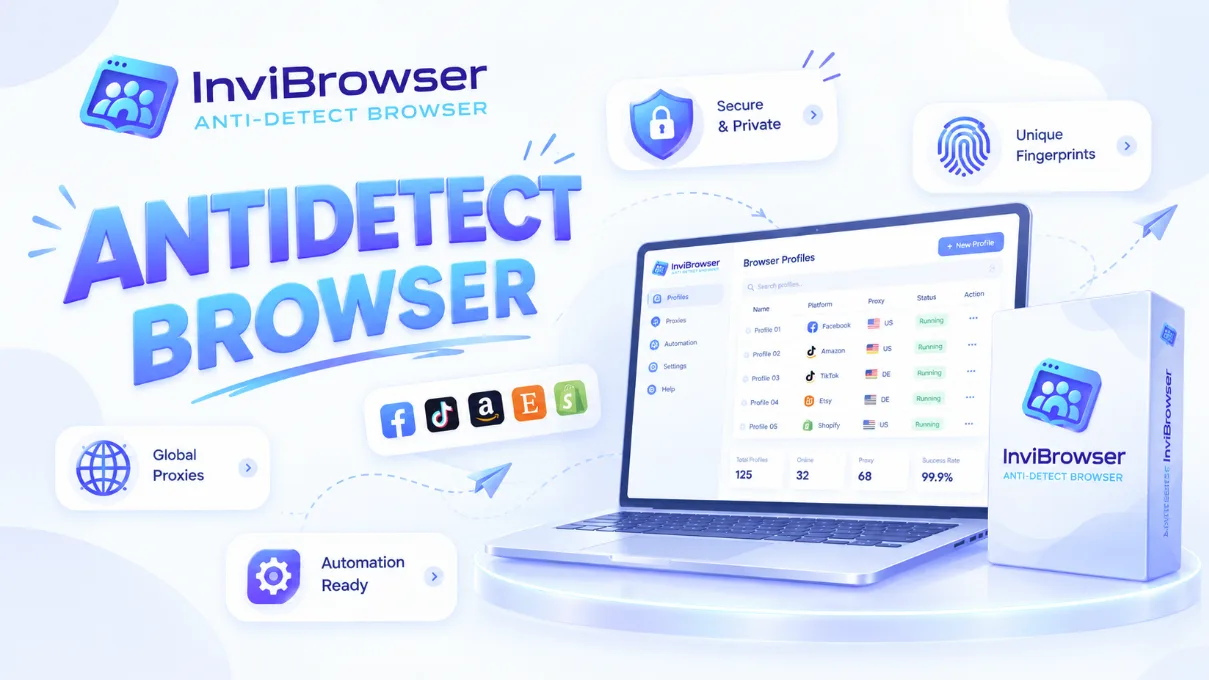
Antidetect Browser is a type of browser designed to create and manage multiple separate browser environments on the same device.
Unlike regular browsers, an antidetect browser allows users to create multiple "browser profiles", where each profile can store separate data such as:
-
Cookie.
-
Local Storage.
-
Login session.
-
Browser configuration.
In simple terms, instead of using a single browser for multiple accounts, an antidetect browser allows you to create multiple independent working environments, similar to using several different devices on the same computer.
However, an antidetect browser is not a tool that guarantees absolute anonymity or allows bypassing all platform verification systems. It is a solution that supports more efficient management and isolation of browser environments.
What is Browser Fingerprint?
Browser Fingerprint is a collection of information that a website can gather from a user's browser when they visit the site.
Some commonly used data include:
-
User Agent.
-
Canvas.
-
WebGL.
-
The font has been installed.
-
Browser language.
-
Timezone.
-
Some other browser environment parameters.
When using a regular browser, multiple accounts may share the same browser environment. This makes it easy for cookies, login history, or other browser data to get mixed up between different accounts.
Antidetect browsers solve this problem by creating separate profiles. Each profile can operate with an independent data environment.
Example:
| Regular browser | Antidetect Browser |
|---|---|
| - Multiple accounts share the same environment | - Each account has its own profile |
| - Cookies are easily confused with each other | - Separate Cookie |
| - Difficult to manage multiple accounts | - Easy to break down by individual workflow |
| - Not suitable for large teams | - Supports team management |
How Does an Antidetect Browser Work?
Antidetect browsers operate by creating and managing independent browser profiles. Each profile can be configured with a separate browser environment.
1. Create multiple independent "browser profiles"
Rather than having all accounts run on the same browser, users can create multiple different profiles.
Each profile can store:
-
First-party Cookie
-
Private cache
-
Private Session
-
Private browser information
This makes it easier to switch between accounts without having to repeatedly log in and out
Learn more about the differences between cookies, sessions, and browser profiles to operate multiple accounts more efficiently.
2. Browser Fingerprint Management
One of the biggest advantages of Antidetect Browser is its ability to control the identifying information of each profile.
The parameters that can be managed include:
-
User agent
-
Browser version
-
Device Information
-
Canvas
-
WebGL
-
Screen resolution
As a result, each profile can operate within a separate browser environment.
3. Combine with proxies to manage access environments
Many people often mistakenly believe that an antidetect browser can automatically change your IP address. However, these are two distinct concepts.
-
Antidetect Browser focuses on managing browser environments.
-
Proxy focuses on changing the routing of network connections.
In many cases, users combine the two to build a complete working environment for each account.
Learn more about what a Proxy is? How proxies work and a step-by-step guide to using proxies for beginners to gain a clearer understanding of the role proxies play in account management.
Should I use an antidetect browser?
Antidetect browsers are typically suitable for groups of users who need to manage multiple online environments:
Sellers and e-commerce businesses
Operators managing multiple stores or multiple sales accounts can use browser profiles to separate their work.
Digital marketer
Marketers running multiple campaigns across different platforms can manage each separate workflow individually.
Agency
An agency managing accounts for multiple clients requires a separate working environment for each project.
Affiliate marketer
Affiliate marketers often work with a variety of platforms and different accounts, so an effective profile organization method is essential.
What types of accounts can an antidetect browser be used for?
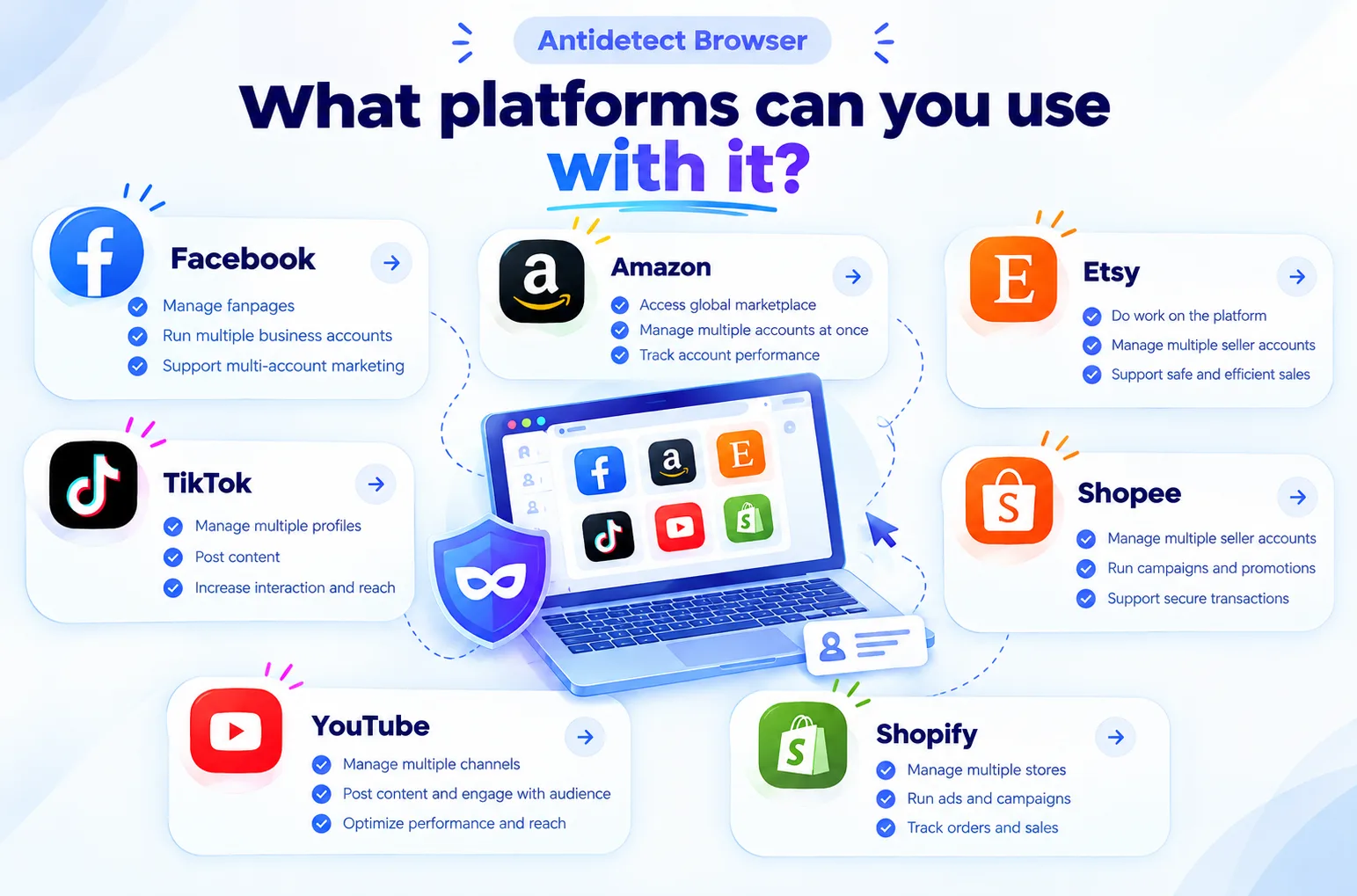
Facebook is commonly used for:
-
Fanpage management.
-
Manage Business accounts.
-
Manage multiple marketing projects.
Each account or project can be organized in a separate profile to avoid login data confusion.
Shopee
For Shopee, the Antidetect Browser can provide the following support:
-
Separate workspaces for each shop.
-
Manage multiple sales projects.
-
Minimize login data errors.
Each individual profile makes shop management clearer and more convenient.
YouTube
With YouTube, the Antidetect Browser can be used to:
-
Manage multiple channels.
-
Isolate the environment for each account.
-
Minimize errors during operation.
Each profile keeps the login credentials and activity data of each channel separate from one another.
Amazon
Amazon sellers typically need to manage:
-
Numerous marketplaces.
-
Diverse working environments.
-
Project-specific account.
Antidetect Browser supports isolating browser environments, but users still need to comply with Amazon's account policies.
Etsy
For Etsy, antidetect browsers are commonly used to:
-
Separate workspaces for each shop.
-
Manage multiple sales projects.
-
Minimize errors during operation.
Each individual profile helps keep login credentials and daily operations better organized.
Shopify
With Shopify, agencies or e-commerce teams can use separate profiles for each store to:
-
Manage multiple stores.
-
Avoid logging into the wrong account.
-
Separate administrative data.
Key Criteria to Consider When Choosing an Antidetect Browser
When choosing an antidetect browser, users should consider the following:
Profile management capabilities
A good tool should allow for easy creation, editing, and management of multiple profiles.
Browser Fingerprinting Technology
The browser fingerprinting capability is a key factor that determines the effectiveness of the tool.
Team collaboration ability
For agencies or businesses, the permission assignment and profile sharing feature can help optimize workflows.
Proxy integration capability
Support for multiple types of proxies gives users more flexibility in setting up their work environment.
Data Security
Information such as cookies, sessions, and account data must be protected during use.
Manage Multiple Browser Profiles with InviBrowser
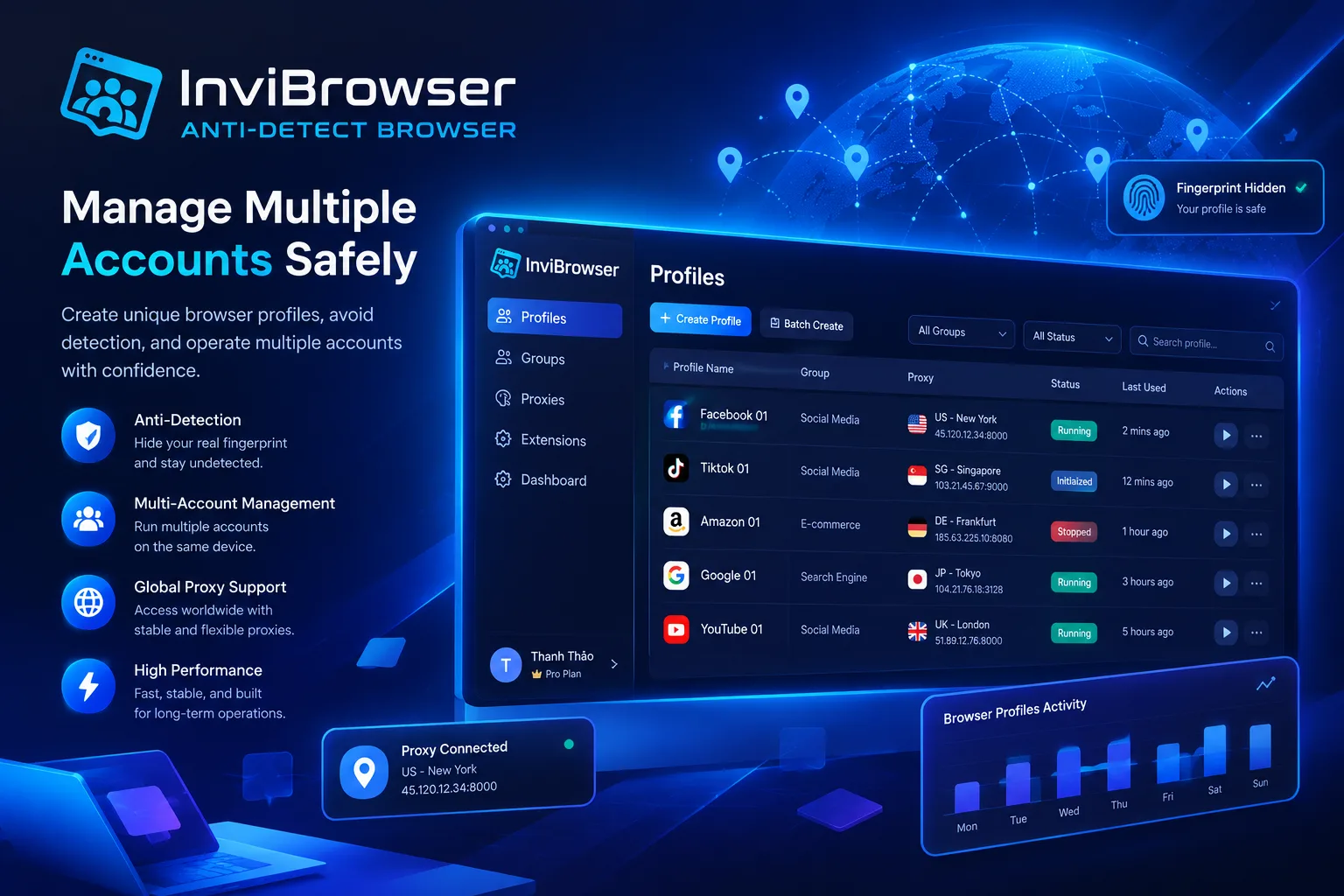
If you need to run multiple browser environments on the same device, InviBrowser supports creating and managing multiple independent browser profiles.
Some notable features:
-
Create multiple browser profiles.
-
Isolate browser data.
-
Manage profiles by group.
-
Member permissions.
-
Supports multi-account operation workflows.
Start your free InviBrowser experience to manage multiple browser profiles more efficiently.
Frequently Asked Questions About Antidetect Browsers
Is the antidetect browser legal?
The Antidetect Browser itself is a browser environment management tool. Its use must comply with the laws and terms of service of each respective platform.
Does an antidetect browser change your IP address?
Not necessarily. Antidetect browsers primarily manage the browser environment, while IP addresses depend on the network connection, proxy, or VPN being used.
Can an antidetect browser help prevent accounts from being banned?
No tool can guarantee that an account will never be banned. Safe operation also depends on how you use the account, your device, network, and the policies of each platform. An antidetect browser is a tool for managing browser environments, not a "shield" that guarantees accounts will never be banned.
Chrome Profile also allows you to create multiple profiles, so why use an antidetect browser?
Chrome Profile is suitable for separating a few personal and work accounts. However, when you need to manage multiple accounts or have multiple people operating together, an antidetect browser offers more specialized features, such as managing multiple browser profiles, isolating browser environments, and supporting team-based workflows.
| Criteria | Chrome Profile | Antidetect Browser |
|---|---|---|
| - Create multiple profiles | - Yes | - Yes |
| - Separate cookies | - Yes | - Yes |
| - Fingerprint management | - Not the main objective | - This is an important feature |
| - Manage multiple accounts | - Basic | - More specifically |
| - Team management | - Limitations | - Supported |
Conclusion
Through the above article, we hope you now have a clear understanding of what an antidetect browser is, how this tool works, and its role in managing multiple accounts and isolating browser environments. For sellers, marketers, agencies, or businesses that regularly operate multiple accounts, choosing the right tool will make the management process more convenient and organized.
If you are looking for a solution to manage multiple browser profiles on the same device, InviBrowser supports creating independent browser profiles with isolated data, group-based management, and member permission assignment. This allows you to build a more efficient workflow for operating multiple accounts all on a single platform.
See more
You can try InviBrowser for free to start creating and managing browser profiles according to your needs.