
Understanding Cookies, Sessions, and Browser Profiles Correctly
Understand the differences between Cookies, Sessions, and Browser Profiles, the role of each type of data, and how to isolate environments when managing
Understand the differences between Cookies, Sessions, and Browser Profiles, the role of each type of data, and how to isolate environments when managing multiple online accounts.
When managing multiple accounts on Facebook, TikTok, Shopee or other platforms, you will frequently encounter Cookies, Sessions and Browser Profiles. These three concepts are closely related but not identical. Understanding them correctly will help you isolate data, avoid account mix-ups, and manage multiple browser environments more efficiently.
Start your free InviBrowser experience to create and manage multiple independent Browser Profiles, with more effective separation of Cookies and Sessions.
What is a Cookie?
A cookie is a small piece of data that a website stores on a user's browser.
Cookies can contain various types of information such as:
-
Login status.
-
Language selection.
-
Website setup.
-
Cart contents.
-
Some data for analysis or tracking purposes.
For example, when you log in to Facebook and select to stay logged in, the website may use cookies to recognize your browser in subsequent visits.
Thanks to this, you don't have to re-enter your account and password every time you open the website.
However, cookies are not always used for logging in. Each website may use cookies for different purposes.
What is a Session?
A session can be understood as an interaction between a user and a website within a specific period of time.
When a user logs in, the system can create a session to confirm that the account has been authenticated.
Example:
-
Log in to your account.
-
Website for information verification.
-
The system creates a session.
-
The browser receives a session identifier, commonly referred to as a Session ID.
-
In subsequent requests, the website uses this code to recognize that you are logged in.
The session may end when:
-
User logged out.
-
Session has expired.
-
The website has terminated the login session.
-
The cookie containing session identification information has been deleted.
It is important to note that Cookies and Sessions are not the same thing.
A Cookie is data stored on the browser side, while a Session is a state maintained by the website during the user's interaction process.
What is a Browser Profile?
A Browser Profile is a separate browser environment dedicated to a specific user, account, or usage purpose.
A Browser Profile can contain:
-
Cookie.
-
Cache.
-
Browsing history.
-
Login session.
-
Local Storage.
-
Extension.
-
Browser settings.
-
Some other information related to the browser environment.
For example, you can create:
-
Profile A is used to manage Facebook Account A.
-
Profile B is used to manage TikTok account B.
-
Profile C is used to manage Shopee Store C.
When profiles are separated, the data for each environment is also managed independently, which reduces the risk of logging into the wrong account or mixing up data across multiple accounts.
This is also one of the important principles when using Antidetect Browser to manage multiple accounts.
What are the differences between Cookies, Sessions and Browser Profiles?
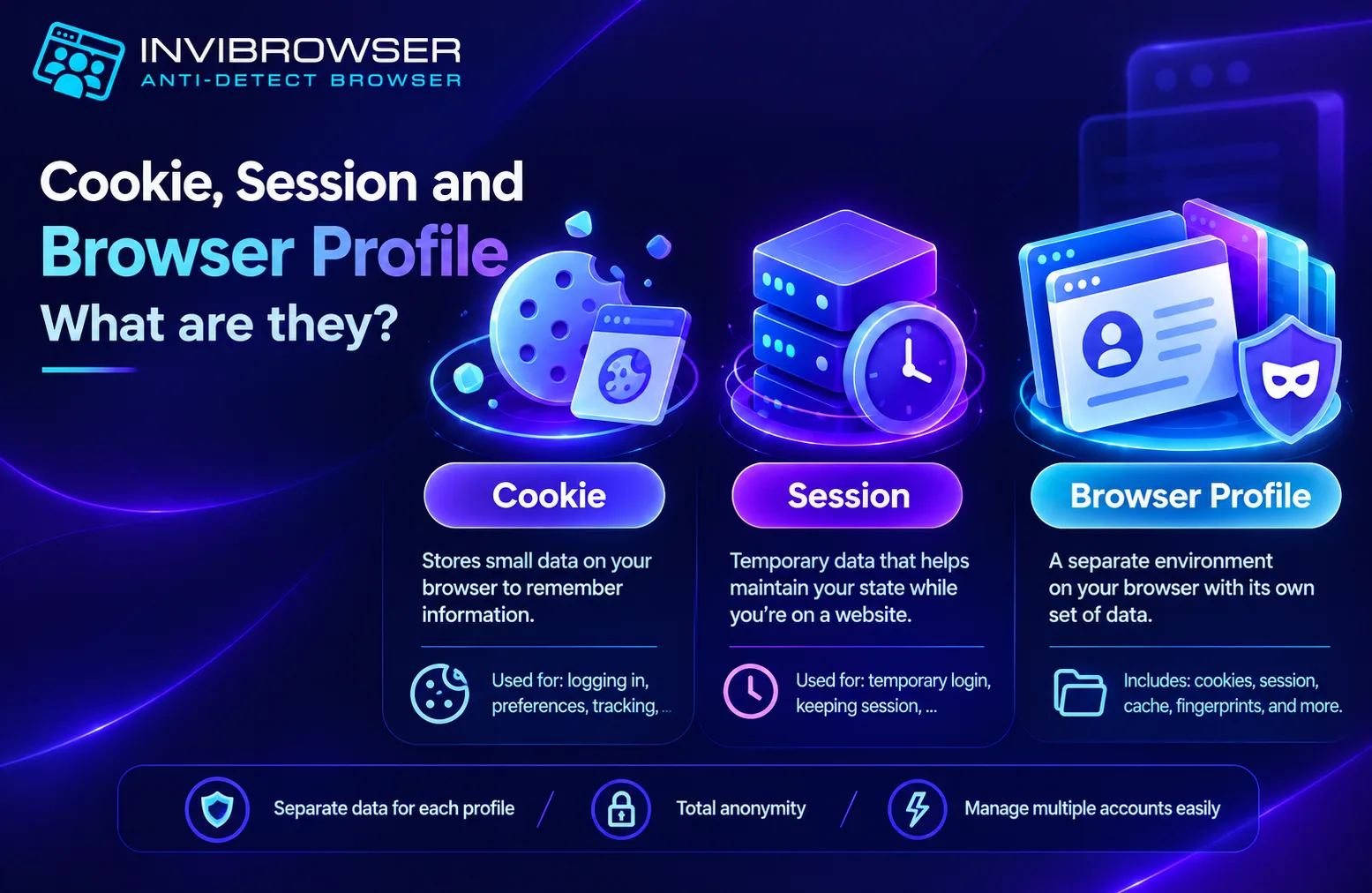
In simple terms:
-
A cookie is a piece of data.
-
A session is a state of interaction with a website.
-
A browser profile is an environment that stores browser data.
The table below helps to clarify the differences:
| Criteria | Cookie | Session | Browser Profile |
|---|---|---|---|
| - Essence | - Data stored in the browser | - Interaction session between a user and a website | - Isolated Browser Environment |
| - Purpose | - Store login information, preferences, tracking data… | - Maintain user state | - Separate data and usage environments |
| - Scope | - Usually based on the website or domain | - Per trading session | - All browser profiles |
| - May contain login credentials | - Yes | - Related to login status | - May contain cookies and session data |
| - Use when managing multiple accounts | - Yes | - Yes | - Very important |
How are Cookies, Sessions and Browser Profiles related to each other?
The three concepts can be visualized in the following sequence:
Browser Profile → contains Cookies → Cookies may contain Session IDs → Sessions allow websites to maintain login status
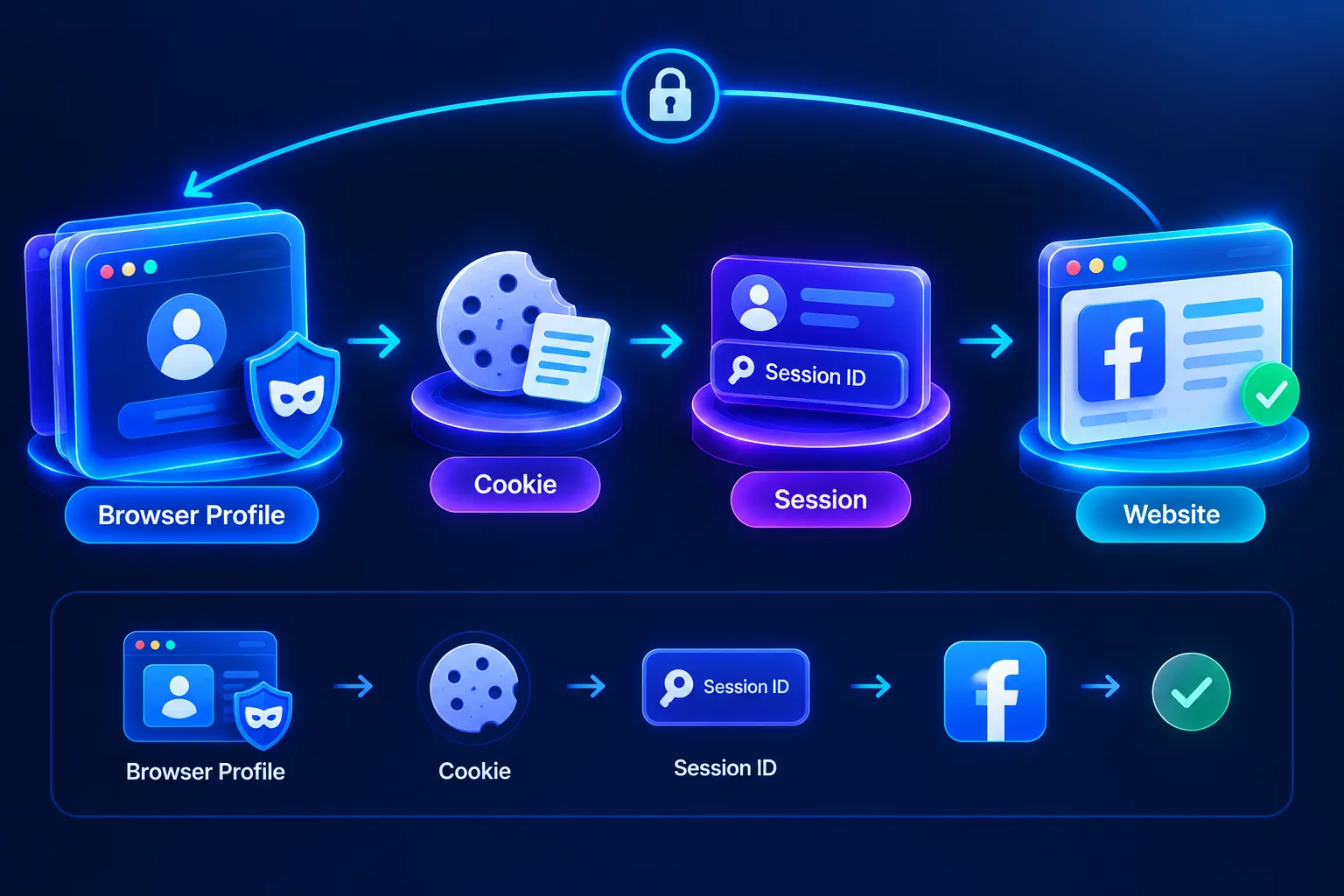
For example, you open a Browser Profile and log in to Facebook.
After logging in:
-
Session generation website.
-
The browser may store relevant information in Cookies.
-
Cookies are stored within the Browser Profile.
-
When you reopen the correct Browser Profile, the data remains intact, so the account can stay logged in.
This is why Browser Profiles play a crucial role when managing multiple accounts.
If all accounts share the same browser environment, Cookie and Session data are also more likely to become mixed up.
What happens when you delete Cookies, Sessions, or Browser Profiles?
When Deleting Cookies
You can:
-
Logged out of the website.
-
Some saved preferences have been lost.
-
The website no longer recognizes some previous statuses.
However, the specific impact depends on how the website uses cookies.
When the session expires
The website will no longer recognize the current login session.
You usually need to log in again to create a new Session.
When Deleting a Browser Profile
Data stored in the profile may be lost, for example:
-
Cookie.
-
Session.
-
History.
-
Cache.
-
Local Storage.
-
Related settings.
Therefore, if a Browser Profile is being used for an important account or project, users should think carefully before deleting it.
Why is it necessary to separate Cookies and Sessions when managing multiple accounts?
When only using one or two personal accounts, sharing a browser usually does not cause many difficulties.
However, as the number of accounts grows, organizing the data becomes increasingly important.
For example, an agency may need to manage:
-
10 Facebook accounts.
-
5 TikTok accounts.
-
Multiple marketplace accounts available.
If all are logged in within the same environment, users may encounter the following situation:
-
Signed into the wrong account.
-
Cookies for multiple accounts are mixed up.
-
It is difficult to determine which Session belongs to which account.
-
It is difficult to hand over the work environment to other team members.
-
It takes time to constantly log in and out.
Separating Browser Profiles helps each account have a more distinct working environment.
How does Browser Profile support the management of multiple accounts?
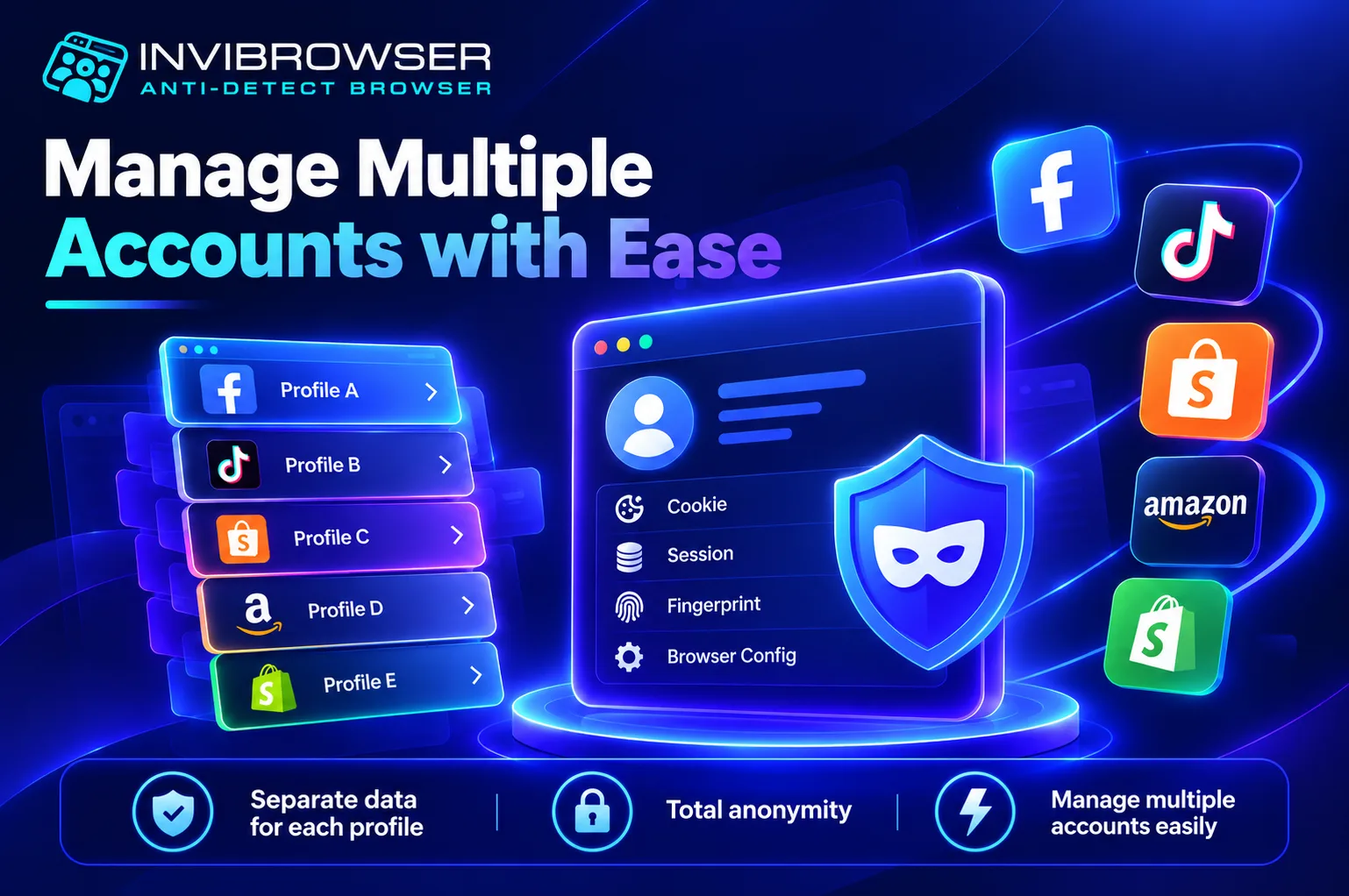
Suppose you are managing three projects:
| Browser Profile | Account | Data |
|---|---|---|
| - Profile A | - Facebook A | - Custom Cookie and Session |
| - Profile B | - TikTok B | - Custom Cookie and Session |
| - Profile C | - Shopee C | - Custom Cookie and Session |
Instead of having to log out of Profile A and then log in to Profile B, users only need to open the correct browser profile they want to use.
This helps:
-
Reduce account confusion.
-
Save time on logging in.
-
Separate the data by project.
-
More transparent workflow management.
-
It is easy to divide work within the team.
If each profile requires a separate connection environment, users can also combine Browser Profiles with Proxies
In addition to Cookies and Sessions, websites can also use browser fingerprinting to identify the access environment. Therefore, managing multiple accounts is not simply a matter of separating Cookies.
How is a browser profile different from a browser tab?
Opening multiple tabs does not mean creating multiple browser environments.
Tabs within the same Browser Profile typically share a variety of data, such as:
-
Cookie.
-
Session.
-
Local Storage.
-
Browser settings.
For example, if you are logged into Facebook on the first tab, when you open Facebook on the second tab of the same profile, that account will usually remain logged in.
Conversely, a dedicated Browser Profile can store separate data.
Therefore:
A tab is a separate workspace window within the same environment.
Browser Profile = a separate browser environment.
Manage Multiple Browser Profiles with InviBrowser
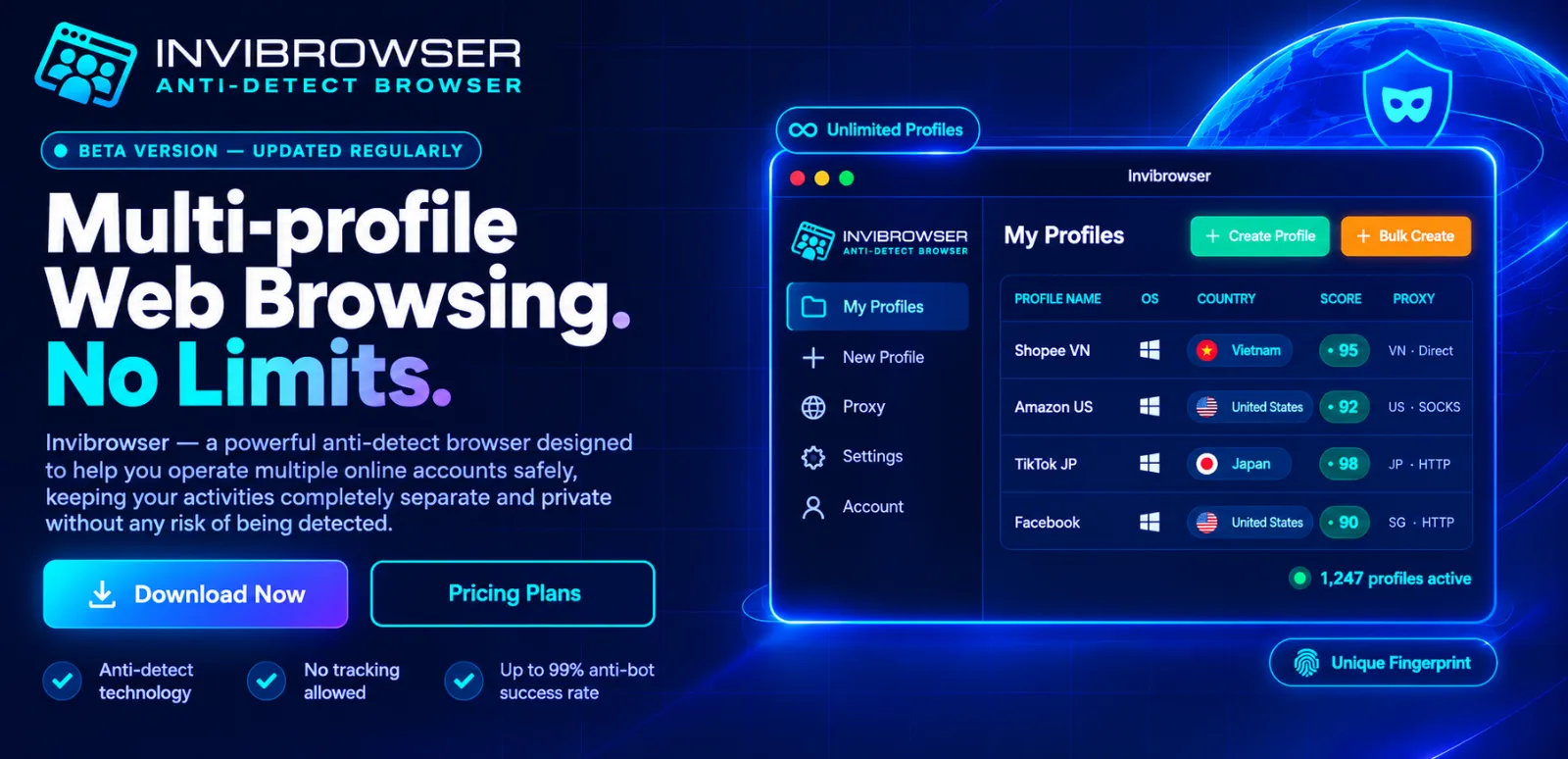
As the number of accounts increases, managing cookies, sessions, and multiple profiles manually using a regular browser can become complicated.
InviBrowser supports the creation and management of multiple independent browser profiles on the same device.
Some features that support the operation process include:
-
Create multiple Browser Profiles.
-
Isolate cookies and sessions between different profiles.
-
Manage profiles on a per-project basis.
-
Set up proxy for each profile.
-
Share and grant profile access permissions to team members.
-
Support multi-account management workflows.
As a result, each account or project can be organized in a separate browser environment, making operations more transparent and convenient.
Start your free InviBrowser experience to create and manage multiple independent Browser Profiles, with more effective separation of Cookies and Sessions.
Conclusion
Cookies, Sessions, and Browser Profiles serve different roles, but all directly impact the account management process. Among these, Browser Profiles help separate the Cookies, Sessions, and browser data for each individual account.
With InviBrowser, you can create multiple independent browser profiles, combine them with proxies, and manage separate environments all on the same device.
Start your free InviBrowser experience to manage multiple accounts more conveniently.
See also: