
Best AdsPower Alternatives in 2026
Looking for an alternative browser to AdsPower? Explore InviBrowser, Multilogin, GoLogin, Dolphin Anty and Incogniton to find the right antidetect browser for
Looking for an alternative browser to AdsPower? Explore InviBrowser, Multilogin, GoLogin, Dolphin Anty and Incogniton to find the right antidetect browser for your needs.
AdsPower is one of the most well-known names when it comes to antidetect browsers
Browser. However, as the number of accounts grows, user needs are no longer limited to creating multiple browser profiles. Proxies, operation synchronization, automation, team management, and scaling costs start to become more critical factors.
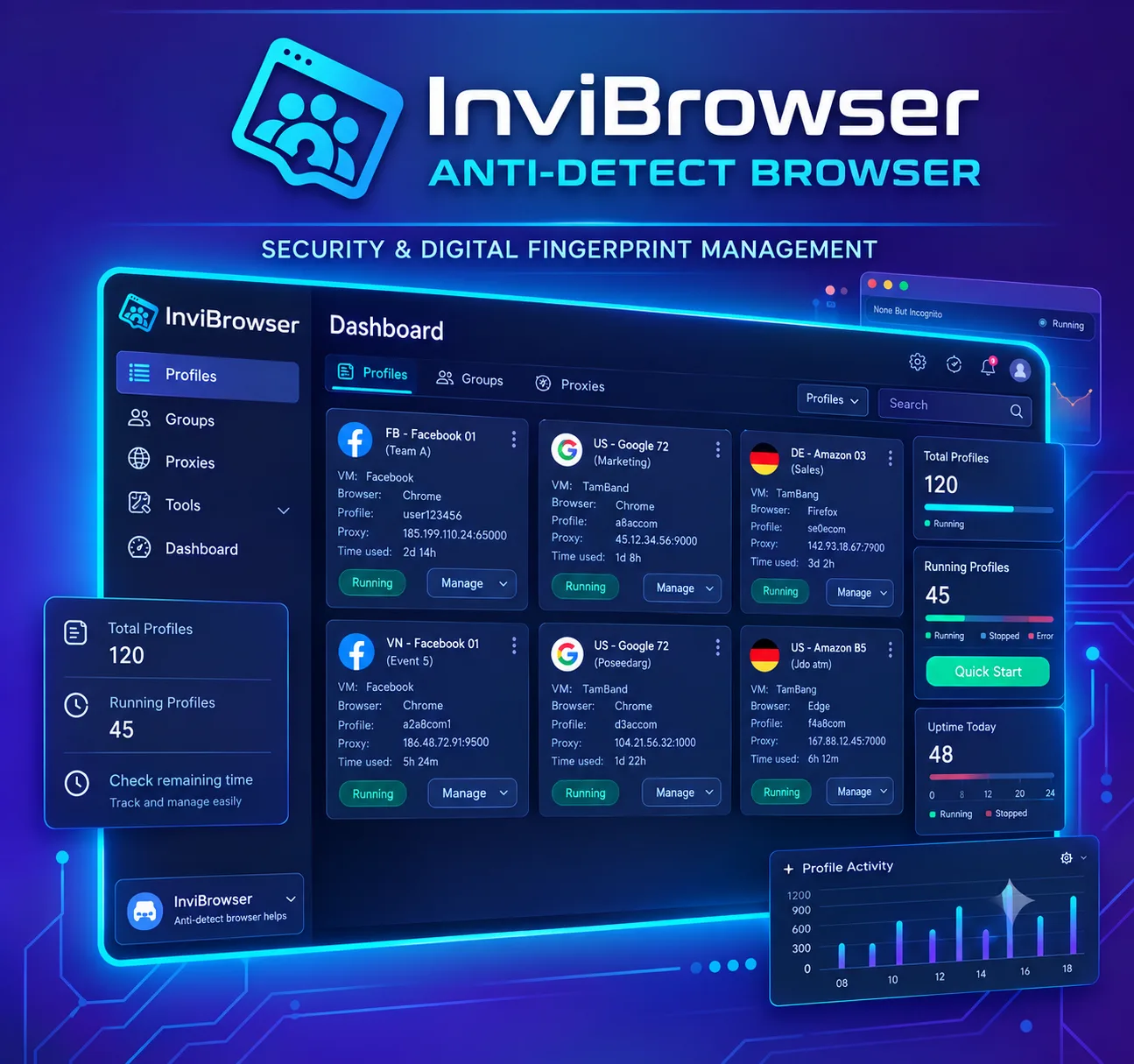
That is why many people start looking for alternative browsers to AdsPower instead of sticking to just one tool by default. In the list below, InviBrowser is the first name mentioned thanks to its approach focused on managing multiple profiles, proxies, sync control and automation all within a single
workflow.
You can try InviBrowser for free to start creating and managing browser profiles according to your needs.
Why are many people looking for alternative browsers to AdsPower?
Looking for an alternative browser to AdsPower does not mean that AdsPower no longer meets your usage needs.
Problems usually arise when the workflow begins to change.
A person managing only 5 accounts may not notice much difference between different Antidetect Browsers. But when the number rises to dozens or hundreds of profiles, other questions start to arise:
-
Is it possible to perform an action on multiple Profiles at the same time?
-
How to find the right Profile faster?
-
Which proxy is associated with which account?
-
What repetitive tasks can be automated?
-
Is it possible to assign profiles to individual employees without granting full access permissions?
-
How will the cost change as the number of Profiles increases?
Therefore, instead of just asking "Is AdsPower good? ", the more practical question is:
"Which tool best fits my current workflow? "
What factors should be considered when choosing an alternative tool to AdsPower?
Before switching to another antidetect browser, you should review your entire account operation workflow instead of only comparing feature lists.
Browser Profile
Browser Profile is the foundation of most Antidetect Browsers.
A suitable tool should help you create and manage multiple separate browser environments while being easy to:
-
Name the Profile.
-
Chia Profile theo Group.
-
Add Tag.
-
Search and filter.
-
Cookie and Session Management.
-
Monitor the proxy currently in use.
Learn more about the differences between cookies, sessions, and browser profiles to operate multiple accounts more efficiently.
Browser Fingerprint
Websites can collect a variety of information such as User-Agent, Canvas, WebGL, WebRTC, time zone, language, and screen resolution to create a browser fingerprint.

Therefore, the ability to manage Fingerprint parameters is also a factor to consider when choosing an Antidetect Browser.
Learn more: What is Browser Fingerprint? How does browser fingerprinting work?
Proxy
When each browser profile requires a separate connection, manual proxy management can easily become a bottleneck.
A suitable tool should enable users to easily determine:
-
Which proxy the profile is currently using.
-
Check if the proxy is still active.
-
Which region does the proxy belong to?
-
Which Profile needs the Proxy to be changed?
Learn more about what a Proxy is? How proxies work and a beginner's guide to using proxies to gain a clearer understanding of the role of proxies in account management.
Sync Control and Automation
This is where the difference becomes more pronounced as the number of Profiles increases.
If you have to open 20 Profiles and repeat the same sequence of operations on each window, most of your time will be wasted on repetitive tasks.
Action syncing or Automation features help reduce manual steps and standardize workflows.
Team Management
For agencies or teams with multiple members, managing access permissions is just as important as managing Profiles.
You should check whether the tool supports:
-
Share Profile.
-
Member permissions.
-
Divide profiles by team or project.
-
Restrict operation permissions.
-
Revoke access rights when there is a personnel change.
Top 5 noteworthy AdsPower alternative browsers in 2026
| Tool | Notable points | Suitable for |
|---|---|---|
| InviBrowser | Profile, Proxy, Sync Control, Automation, Team | MMO, Affiliate, Seller, Agency, Ads |
| Multilogin | Browser Profile, API, Team, Cloud workflow | Large-scale team and operations |
| GoLogin | Profile, Proxy, Cloud, API | Freelancers and small teams |
| Dolphin Anty | Synchronizer, Automation, Scenario Builder | Affiliate, Media Buyer |
| Incogniton | Profile, API, Synchronizer | Individuals and small teams |
InviBrowser – Ideal for managing multiple profiles, synchronizing operations, and automating workflows
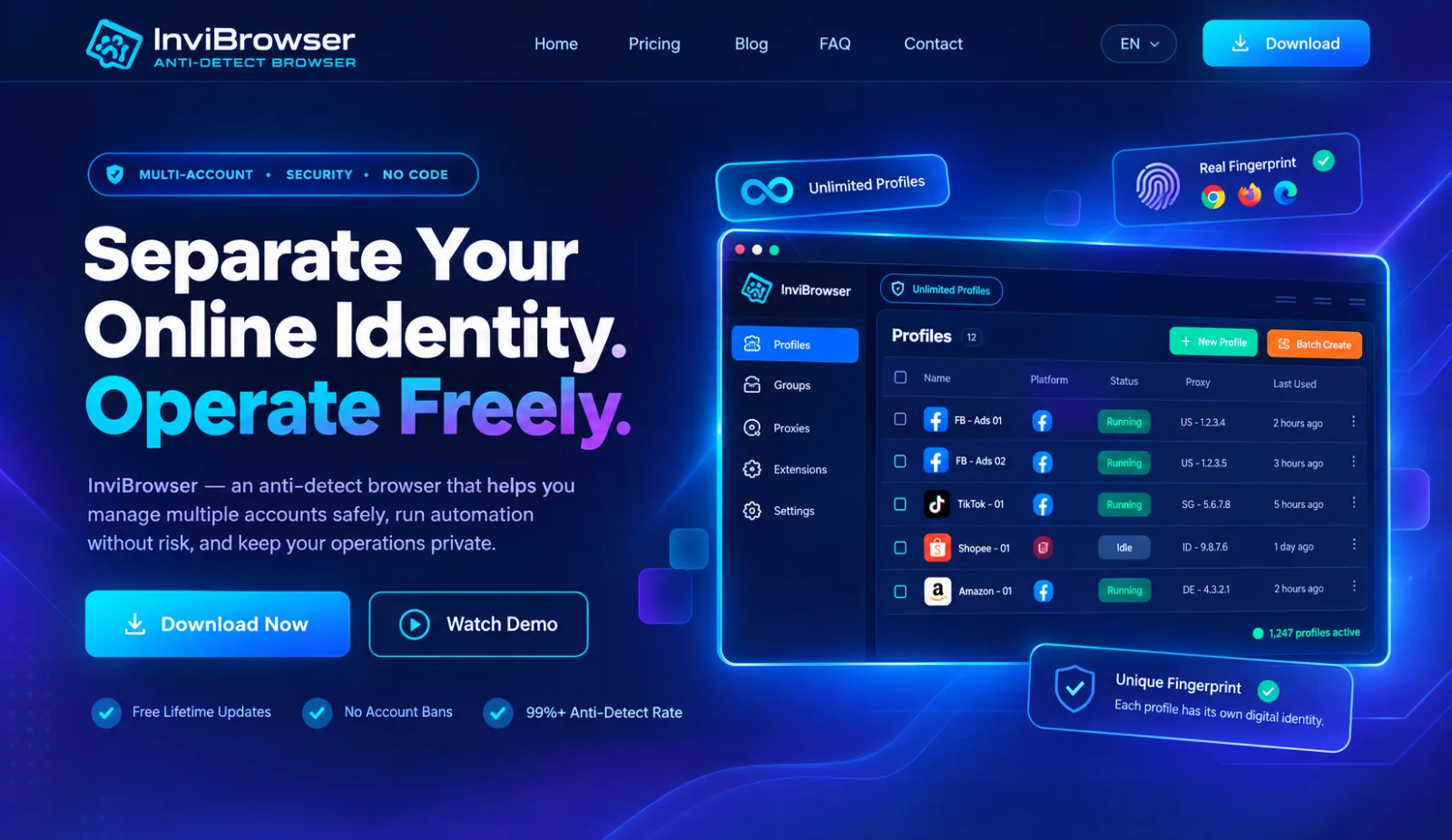
If you are looking for an alternative to AdsPower that not only allows you to create multiple browser profiles but also lets you consolidate all your operational tasks into a single system, InviBrowser is the first option worth trying.
InviBrowser focuses on solving the problem of managing multiple accounts through Browser Profiles, Proxies, operation synchronization, process automation, and tools that support team collaboration.
Browser Profile Management
Each Browser Profile can be organized as a separate environment with its corresponding Cookies, Sessions, Proxy, and Fingerprint configuration.
Users can:
-
Create individual Profiles.
-
Create Profiles in bulk.
-
Name it after the project or account.
-
Assign groups and tags for categorization.
-
Search and filter Profiles.
-
Manage multiple environments all from a single interface.
If you are just getting started, you can check out the guide to creating and managing Profiles on InviBrowser.
Synchronize operations across multiple Profiles
When multiple Profiles need to perform the same action, the action synchronization feature saves you from having to repeat each step in every window.
Users only need to perform operations on the main Profile, and the corresponding operations will be automatically applied to the remaining Profiles.
This method is suitable for tasks that still require direct user control, but where users do not want to repeat the same sequence of operations multiple times.
Process Automation
While synchronized operations are suitable for tasks that require direct control, the automation feature is better suited for pre-established processes.
You can build workflows for frequently repeated steps instead of opening each Profile and starting over from scratch.
As the number of accounts grows, automation not only saves time but also ensures more consistent operation across multiple profiles.
Proxy Management
A very common issue as the number of Profiles grows is that it becomes difficult to remember which Proxy is being used for which account.
InviBrowser allows you to manage proxies together with browser profiles, making it easier for users to keep track of the connection environment for each profile.
Teamwork
For workflows involving multiple participants, Profiles can be organized and shared on a per-member basis, rather than having all users share a single admin account.
This is suitable for agencies or teams that manage multiple projects simultaneously, especially when there is a need to assign permissions and hand over profiles between team members.
Important note: Free forever plan at 0 VND
A notable advantage of InviBrowser is its permanently free plan with no cost, which is sufficient for new users to experience the core antidetect features before deciding to upgrade.
The Free plan currently includes:
-10 files in your personal workspace.
- Maximum of 2 submissions per batch.
-5 automated workflows, with each workflow having 10 runs per day.
-
All basic antidetect features.
-
Team workspace with 5 files per member, up to 2 members and basic permission settings.
This is ideal for beginners who want to try out browser profiles, proxies, fingerprinting, operation synchronization, and automation without having to pay upfront.
What does the free Solo Pro plan include?
If users want to experience more than what the Free plan offers, they can claim Solo Pro for free to expand the number of profiles and try out InviBrowser's more advanced features.
With Solo Pro, you can use:
-
100 files in a personal workspace.
-
Unlimited profile exports.
-
Unlimited workflows and runs.
-
Perform bulk operations on multiple profiles.
-
Smart Trash supports the recovery of deleted files.
-
Advanced antidetect features and profile management capabilities.
This allows you to test InviBrowser on a larger scale without having to pay immediately, making it particularly suitable for MMO operators, affiliate marketers, or those managing multiple accounts simultaneously.
Who is InviBrowser suitable for?
InviBrowser is well worth considering if you are:
-
MMO.
-
Affiliate Marketing.
-
Social Media.
-
E-commerce.
-
Agency.
-
Manage multiple accounts by group.
-
This task requires synchronized operations across multiple windows.
-
Processes that involve many repetitive steps need to be automated.
Experience InviBrowser for free at 0 VND to create 10 Browser Profiles, test proxies directly, synchronize operations with automated workflows before migrating your entire operational system.
Multilogin – Ideal for operations requiring scalability
Multilogin is one of the long-standing names in the antidetect browser market.
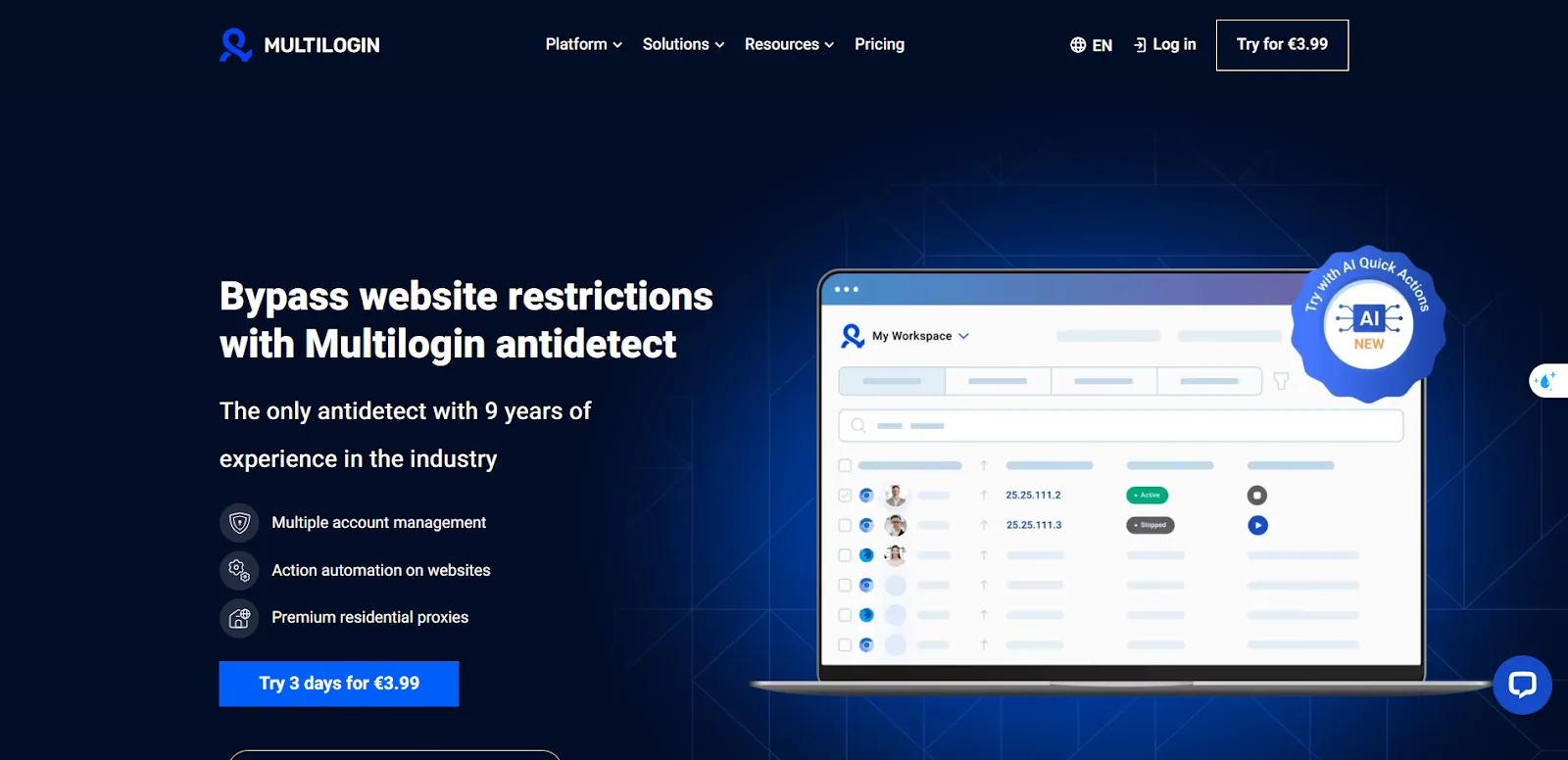
This tool focuses on creating and managing Browser Profiles, while also providing additional features for API, Automation, and teamwork.
Multilogin is usually more suitable for operations that have relatively well-established processes and need to scale up to a large number of profiles.
Who is Multilogin suitable for?
You may consider Multilogin if you need:
-
Efficiently manage a large number of browser profiles.
-
API for technical workflows.
-
Team Management.
-
Automation via external systems.
-
Enterprise-scale operating environment.
One key consideration is the total cost as the number of Profiles and members increases.
GoLogin – An Accessible Choice for Individuals and Small Teams
GoLogin is also a name that frequently appears on lists of AdsPower alternatives.
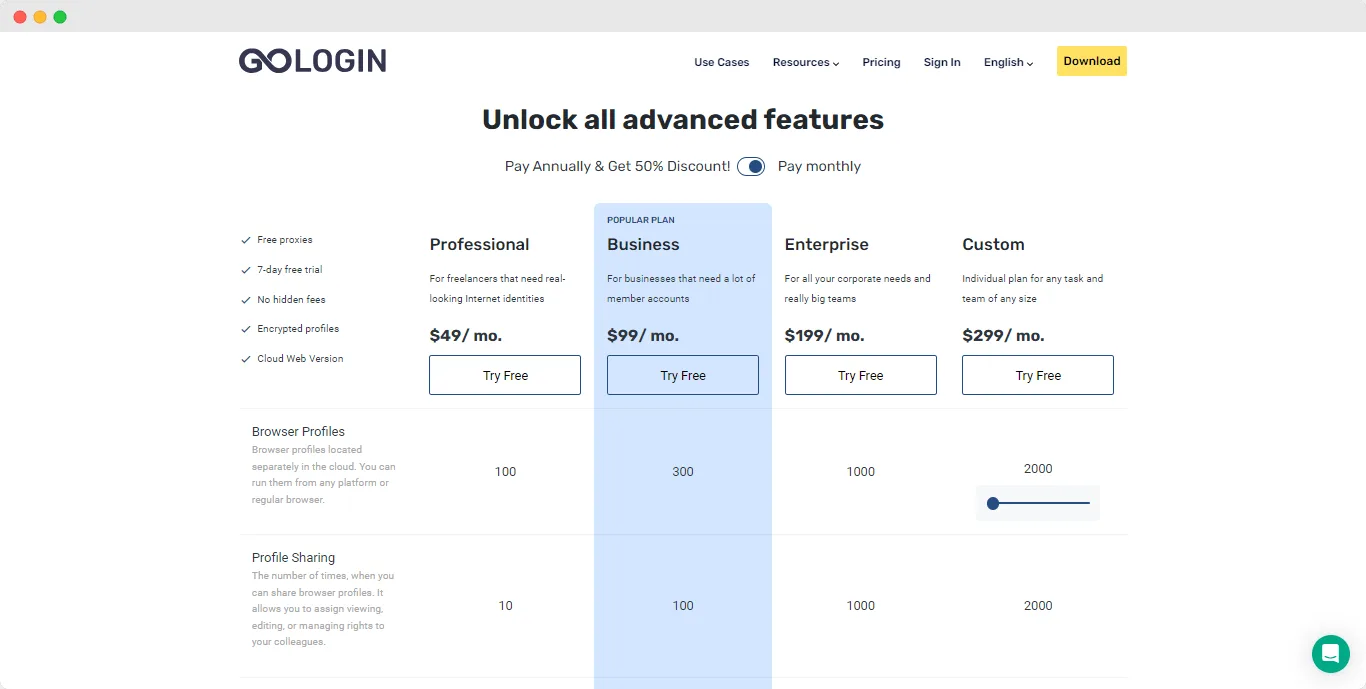
The platform focuses on Browser Profile and provides additional features related to Proxy, Cloud, and API.
The interface is relatively user-friendly, making it suitable for beginners who are new to using antidetect browsers or teams that do not have overly complex workflows.
Who is GoLogin suitable for?
GoLogin may be suitable for:
-
Freelancer.
-
New to using Antidetect Browser.
-
Small team.
-
Who needs a Cloud Profile.
-
The workflow requires an API, but it is not overly complex.
If the team is starting to expand, you should carefully check the member limits and profile sharing capabilities of each plan.
Dolphin Anty – A Standout Tool for Affiliates and Media Buyers
Dolphin Anty is frequently mentioned in the affiliate marketing and media buying communities.
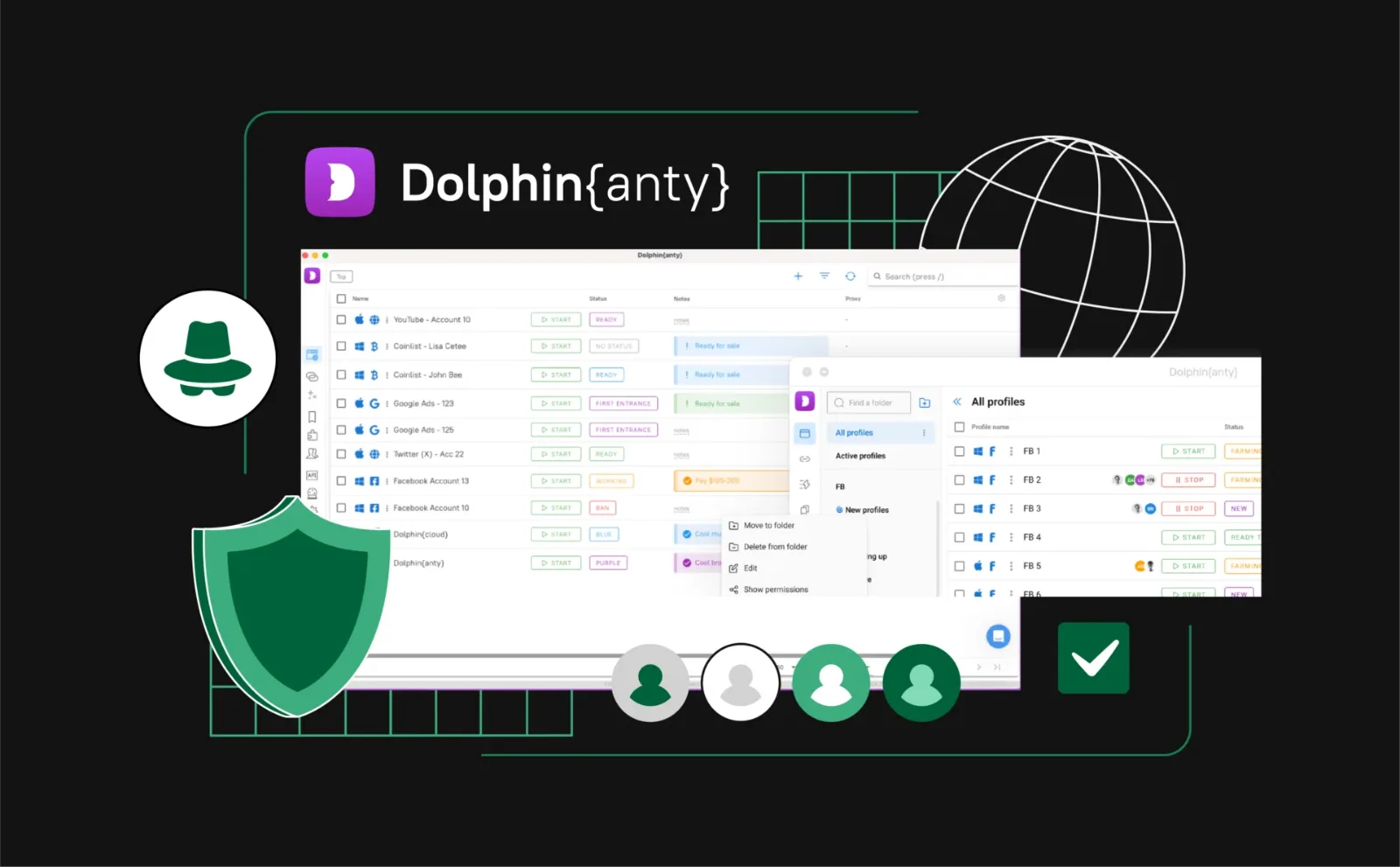
In addition to Browser Profile, the product also places considerable emphasis on Automation features and operation synchronization.
Some notable feature groups include:
-
Synchronizer.
-
Scenario Builder.
-
Proxy Management.
-
API.
-
Team Management.
Who is Dolphin Anty suitable for?
Dolphin Anty is well worth considering if your workflow places significant emphasis on:
-
Affiliate Marketing.
-
Media Buying.
-
Advertising.
-
Perform the same operation across multiple Profiles.
-
Automation.
If you only need to manage a few basic accounts, some advanced features may not be strictly necessary.
Incogniton – The Choice for Individuals and Small Teams
Incogniton is also among the popular antidetect browsers that users look for as an alternative to AdsPower.
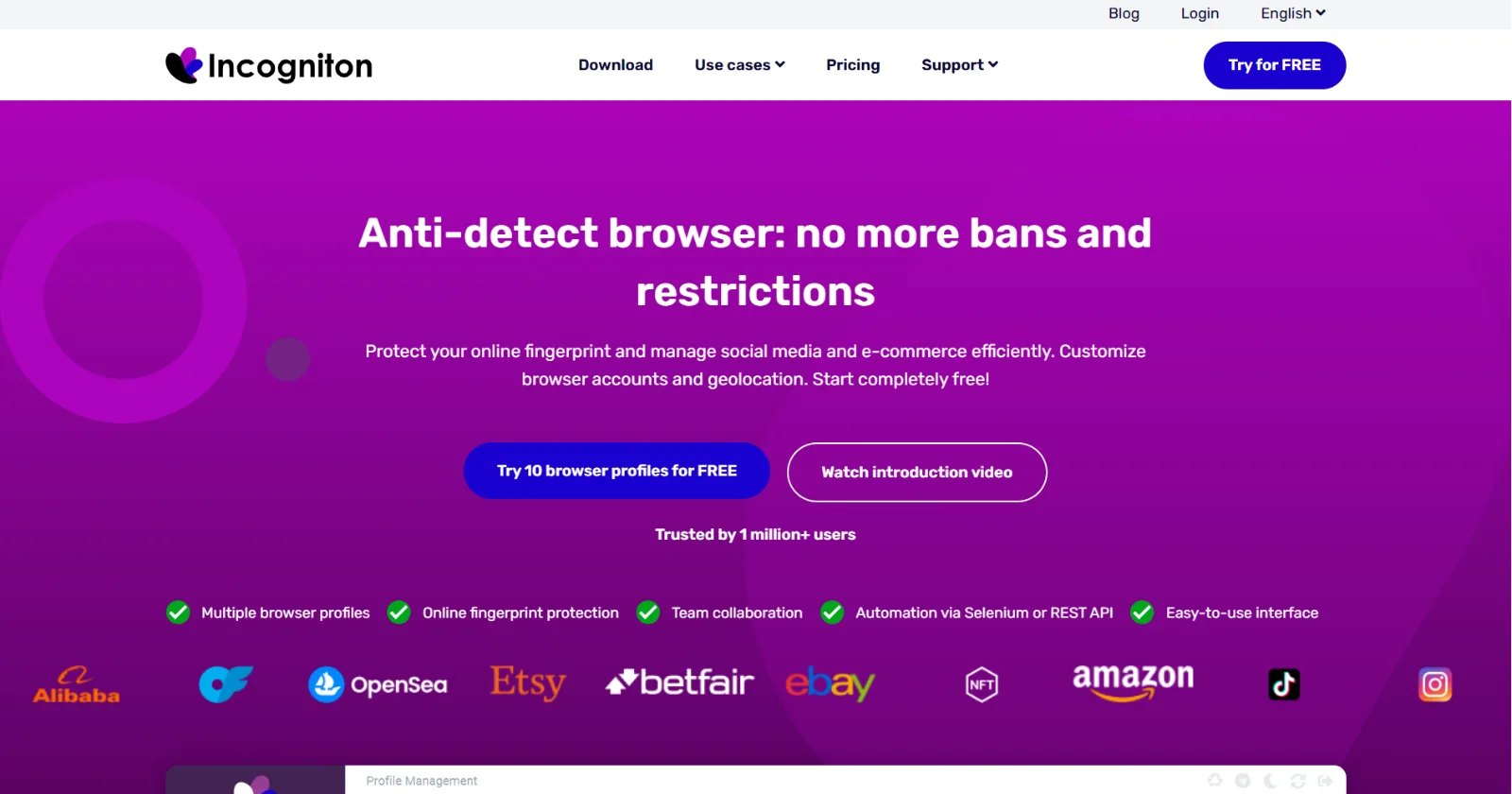
This tool focuses on Browser Profiles and provides additional capabilities related to Proxies, APIs, Automation, and team collaboration.
Who is Incogniton suitable for?
Incogniton may be suitable for:
-
Individual users.
-
Freelancer.
-
Small team.
-
Users who need to manage multiple profiles but are not operating on a very large scale.
-
The workflow needs to integrate external automation.
InviBrowser vs AdsPower: What Are the Differences?
If we only look at the core functionality, both InviBrowser and AdsPower are designed to solve the problem of managing multiple browser profiles.
| Criteria | InviBrowser | AdsPower |
|---|---|---|
| Browser Profile | Yes | Yes |
| Browser Fingerprint | Yes | Yes |
| Proxy theo Profile | Yes | Yes |
| Free plan | 10 Profiles, 5 workflows, Basic Team | 2 Pre-built RPA Profiles |
| Synchronize Operations | Sync Control | Yes |
| Automation | Workflow Automation | RPA / Automation |
| Team Management | Yes | Yes |
| Groups and Tags | Yes | Yes |
| Instructions for use | Profile + Proxy + Sync + Automation | Multi-account ecosystem |
Free Plan: InviBrowser has a clear advantage in terms of the number of Profiles
This is the most noticeable difference if you want to try out a new tool without having to pay right away.
AdsPower offers a truly free, time-unlimited plan that includes 2 Browser Profiles and a built-in RPA tool. For users who only need basic testing or to maintain a few environments, this plan may already be sufficient.
Meanwhile, InviBrowser offers a permanent free plan with 10 profiles, which means the number of free profiles is significantly higher.
Conclusion
AdsPower remains a well-known name in the antidetect browser market, but in 2026 users have more options such as InviBrowser, Multilogin, GoLogin, Dolphin Anty and Incogniton.
If you are looking for a solution that integrates browser profile management, proxy, sync control, and automation into a single workflow, InviBrowser is an option worth adding to your testing list before you decide to switch tools.
See also:
You can try InviBrowser for free to start managing browser profiles and proxies more conveniently.