
Is it really safe to manage multiple YouTube accounts using Chrome profiles?
Managing 2–3 YouTube accounts on Chrome may not be a problem. But when the number rises to 10,20, or even dozens of accounts, the biggest concern is no longer
Managing 2–3 YouTube accounts on Chrome may not be a problem. But when the number rises to 10,20, or even dozens of accounts, the biggest concern is no longer convenient login, but whether the accounts are being linked to each other via the same device, IP address, and browser environment.
As soon as one account is unexpectedly logged out, requires verification, gets restricted or locked, the operator will immediately worry that the remaining accounts may also be reviewed, as they are sharing too many environmental signals.
For those who are scaling multiple YouTube channels, this is the truly alarming risk: if one account runs into issues, it can cause the entire cluster of accounts to become difficult to manage.
Therefore, as the number of accounts increases, the challenge is no longer just creating additional Chrome profiles, but rather isolating and managing the environment for each account more clearly.
Start your free InviBrowser experience to test organizing each account in a separate Browser Profile and manage proxies more centrally.
What are the risks of managing multiple shared YouTube accounts on Chrome?
Owning or managing multiple YouTube channels is not an issue in itself. YouTube provides built-in mechanisms for users to manage multiple channels and assign permissions to team members.
A more important concern arises when you are running multiple independent Google Accounts on the same device and want each account to have a separate working environment.
At that time, the risks usually fall into two main groups.
Multiple accounts are sharing an excessive number of environmental signals
If dozens of accounts are operating on the same device, they may all be subject to factors such as:
-
Physical device.
-
IP address.
-
Network connection.
-
Similar browser environment.
-
Location and time zone.
-
Some browser parameters.
-
The login and operation methods are nearly identical.
This does not mean that YouTube will lock your account just because you are logged into multiple accounts on Chrome.
However, the more accounts that rely on the same environment, the harder it is to control the level of isolation between them.
This is also the reason why people who are scaling multiple accounts often worry about their accounts being "swept", requiring verification, or displaying security warnings across multiple accounts.
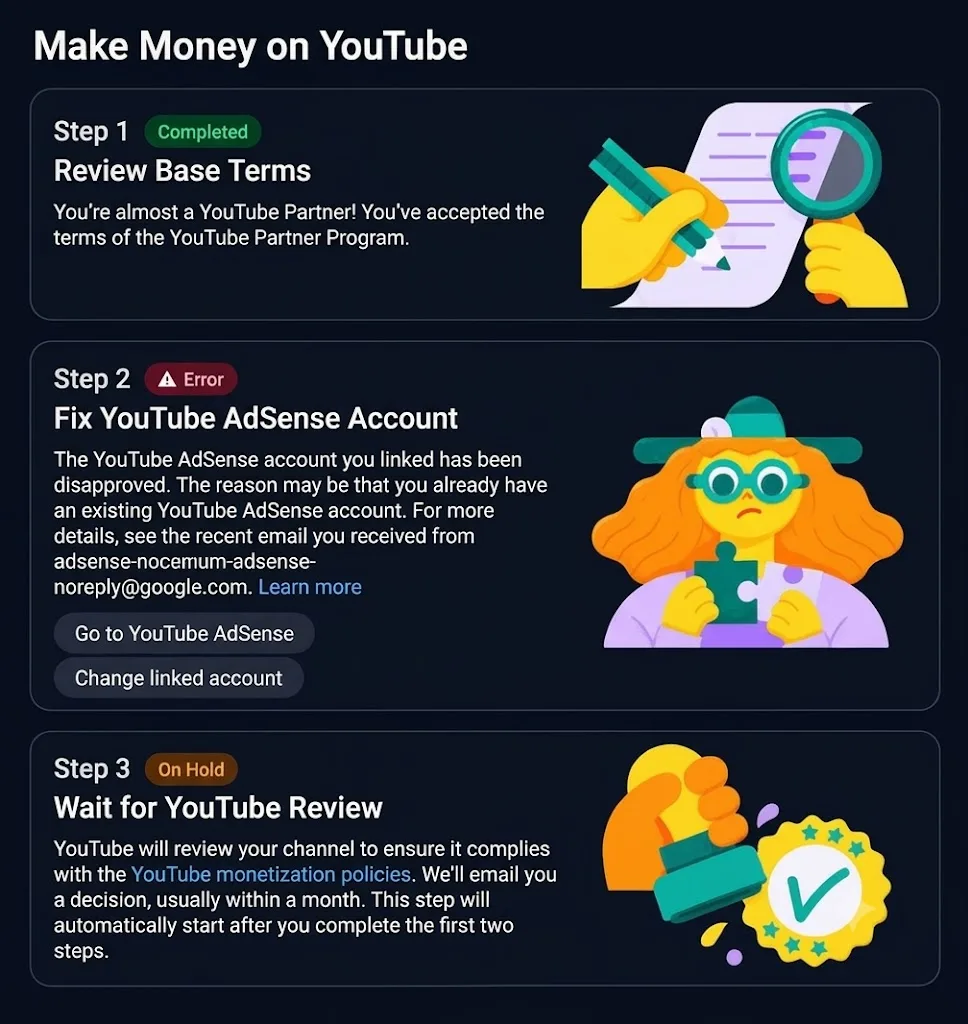
One problematic account can make the entire cluster of accounts difficult to manage
The most concerning scenario when scaling multiple YouTube accounts is that if one account encounters an issue, the remaining accounts are also likely to be subjected to associated scrutiny.
The reason is that multiple accounts are being used simultaneously:
-
Device connection.
-
Mask the IP address.
-
Network connection failed.
-
Similar browser environment.
-
Many login and operation signals are identical.
When an account is logged out, requires verification, has security alerts, is restricted, or is locked, other accounts that share too many common attributes with that account are more likely to be grouped into the same environment cluster.
Therefore, if 20–30 accounts are all running on the same device and the same IP, the risk does not only lie with a single individual account. If one account encounters an issue, it can make the entire cluster of accounts more vulnerable to being flagged for review, verification, or operational disruption.
This is the reason why when scaling multiple YouTube accounts, operators often try to separate each account into a separate environment instead of continuing to keep all of them tied to the same Chrome profile.

Why do Chrome Profiles start to have limitations when scaling up a large number of accounts?
Chrome Profiles are quite convenient for small-scale use.
You can create:
Profile A → Google Account A
Profile B → Google Account B
Profile C → Google Account C
Cookies and Sessions are stored per profile, so you don't have to constantly log out and log back in.
However, Chrome profiles are primarily designed to separate different browser usage experiences.
When the requirement changes to:
-
Each account requires a separate environment.
-
Proxy must be managed on a per-Profile basis.
-
IP needs to be monitored.
-
You need to configure the browser parameters according to the Profile.
-
Need to share the Profile with the Team.
-
Need to manage dozens or hundreds of environments.
Then Chrome usually starts to lack dedicated management tools.
That is why many people switch to Antidetect Browser as the number of accounts increases.
How does an antidetect browser help separate multiple accounts?
Antidetect Browser allows you to create multiple Browser Profiles, where each profile is managed as a separate browser environment.
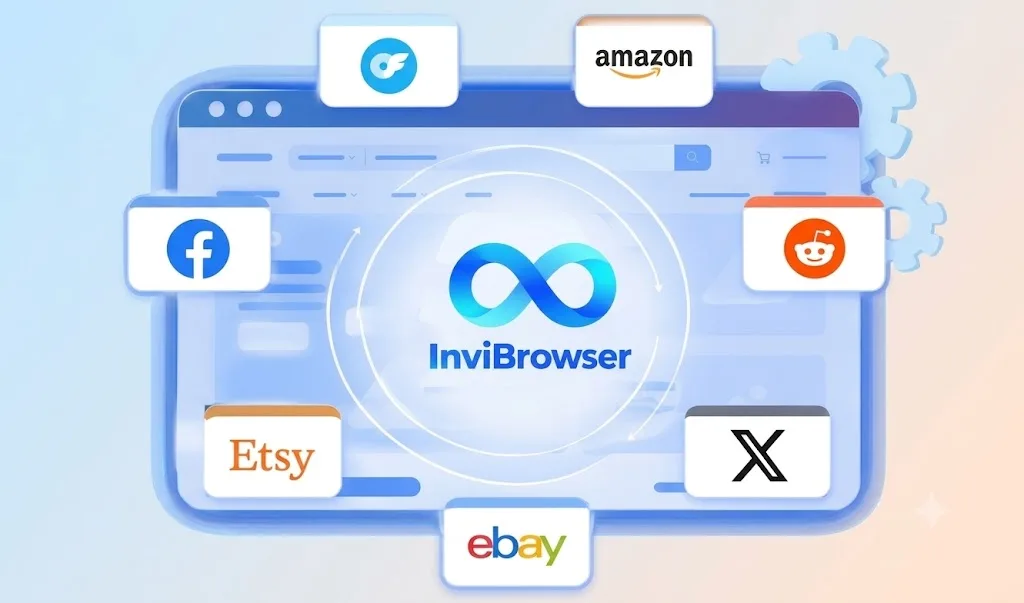
Rather than having multiple accounts operate under the same shared configuration, you can organize them as follows:
Account A → Browser Profile A
Account B → Browser Profile B
Account C → Browser Profile C
Each Profile can store separate data such as:
-
Cookie.
-
Session.
-
Browser history.
-
Extension.
-
Browser settings.
-
Some browser fingerprinting parameters.
The key point here is not "hiding the account from YouTube".
The value of an antidetect browser lies in enabling operators to more clearly organize and control the environment of each individual account.
Learn more: What is an antidetect browser? A comprehensive A-Z guide for beginners
When should you switch from Chrome to a dedicated browser profile?
You don't need an antidetect browser just because you have two accounts.
Chrome may still be sufficient if:
-
You only have a few accounts.
-
It is mainly self-operated.
-
No dedicated proxy required.
-
No need to manage multiple environments.
-
No Team members are assigned to work on this.
However, a dedicated Browser Profile becomes worth considering when:
-
There are dozens of accounts.
-
Each account should have its own separate environment.
-
Proxy must be managed according to Profile.
-
Need to track Cookies and Sessions.
-
You need to configure the browser environment.
-
Multiple members are involved in the operation.
-
Accounts need to be grouped by project.
-
Want to reduce manual management operations.
How does InviBrowser help manage multiple YouTube accounts?
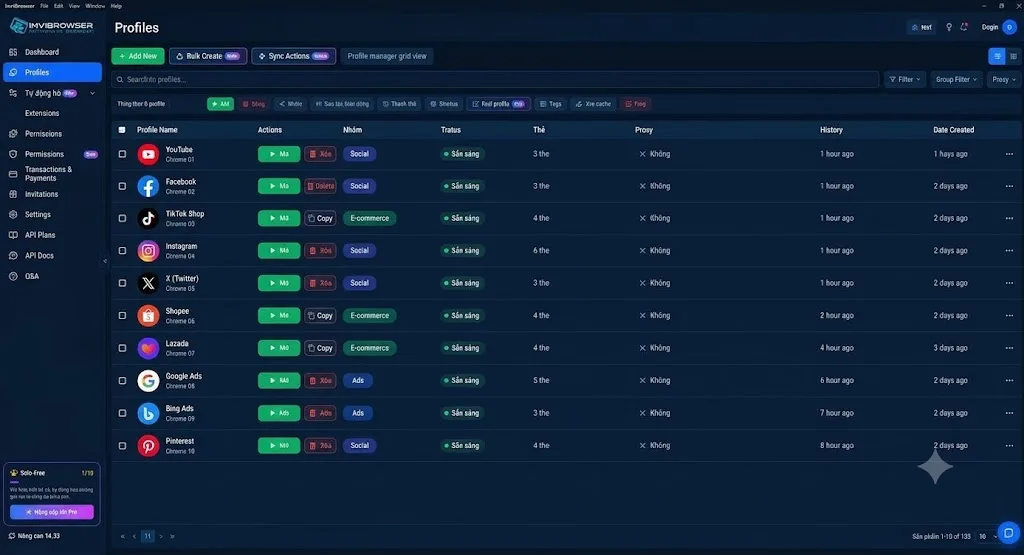
With InviBrowser, each YouTube account can be managed in a separate Browser Profile, which includes:
-
Separate Cookies and Sessions.
-
Dedicated proxy.
-
Unique browser fingerprint.
-
Private environment settings.
You can also:
-
Create and manage multiple browser profiles.
-
Assign a proxy directly to each profile.
-
Check Proxy Status.
-
Classify Profiles using Groups and Tags.
-
Share Profiles and assign permissions to the Team.
-
Use Sync Control or Workflow to reduce repetitive operations.
Instead of having multiple accounts rely on the same shared Chrome environment, InviBrowser helps you manage each profile more clearly within the same system.
This does not guarantee that the account will not be subject to verification, restrictions, or suspension, but it helps operators better control the environment of each individual account when scaling up to large volumes.
Try InviBrowser for free to create your own dedicated Browser Profile and manage multiple YouTube accounts more centrally.
Conclusion
When you only have a few YouTube accounts, using Chrome Profiles is a simple and easy-to-use solution.
But when scaling up to dozens of accounts, a bigger concern is how much environmental signals are being shared across multiple accounts and what happens if one account starts encountering issues.
An antidetect browser allows you to isolate cookies, sessions, and environments for each browser profile. When combined with a proxy, operators can more clearly and proactively manage the connections of each profile.
With InviBrowser, browser profiles, proxies, fingerprints, groups/tags, teams and workflows are centrally managed within the same system, making it more suitable as the scale of accounts begins to grow.
See also:
-
Understanding Cookies, Sessions, and Browser Profiles Correctly
-
What Is a Proxy? How It Works and a Beginner's Guide to Using Proxies
You can try InviBrowser for free to create your own Browser Profiles, configure proxies, and set up a suitable management workflow before scaling up to a larger number of accounts.