
Residential Proxies vs Datacenter Proxies: How to Choose the Right One for Your Needs
Compare residential proxies with datacenter proxies in terms of IP source, speed, cost, and use cases to determine which type of proxy is suitable for each
Compare residential proxies with datacenter proxies in terms of IP source, speed, cost, and use cases to determine which type of proxy is suitable for each specific need.
Residential proxies and datacenter proxies are two common types of proxies, yet they differ in IP source, speed, cost, and usage methods. Choosing the wrong type of proxy can lead to unstable workflows or unnecessary additional costs.
So how do residential proxies and datacenter proxies differ from each other, and which type of proxy should you use? Let's compare them across different criteria to find the more suitable option.
Start your free InviBrowser trial to set up proxies for individual browser profiles and manage multiple access environments more conveniently.
What are residential proxies?
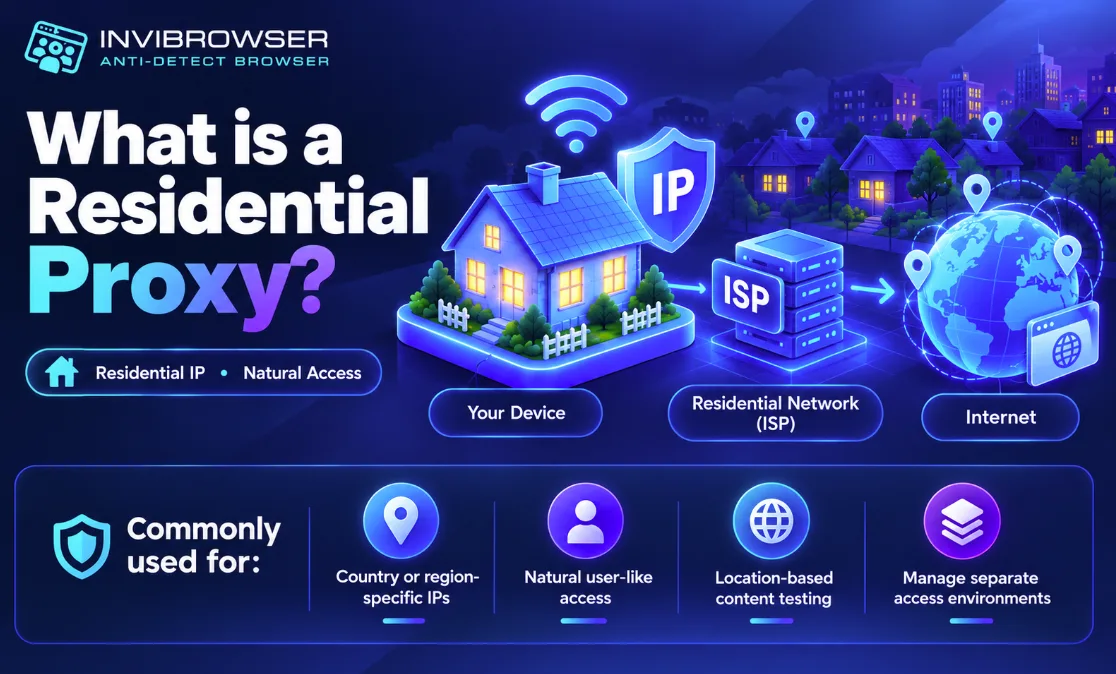
Residential proxies are a type of proxy that uses IP addresses assigned by Internet Service Providers (ISPs) to residential networks.
When you access a website through a residential proxy, the connection will use an IP address from a residential network instead of the device's direct IP address.
This type of proxy is usually chosen in cases where it is necessary to:
-
IP addresses associated with a specific country or region.
-
An access environment that is close to ordinary users.
-
Check the content based on geographic location.
-
Manage multiple separate access environments.
If you are not yet clear about how proxies work, you can read more What Is a Proxy? How Proxies Work and a Beginner's Guide to Using Proxies
What is a Datacenter Proxy?
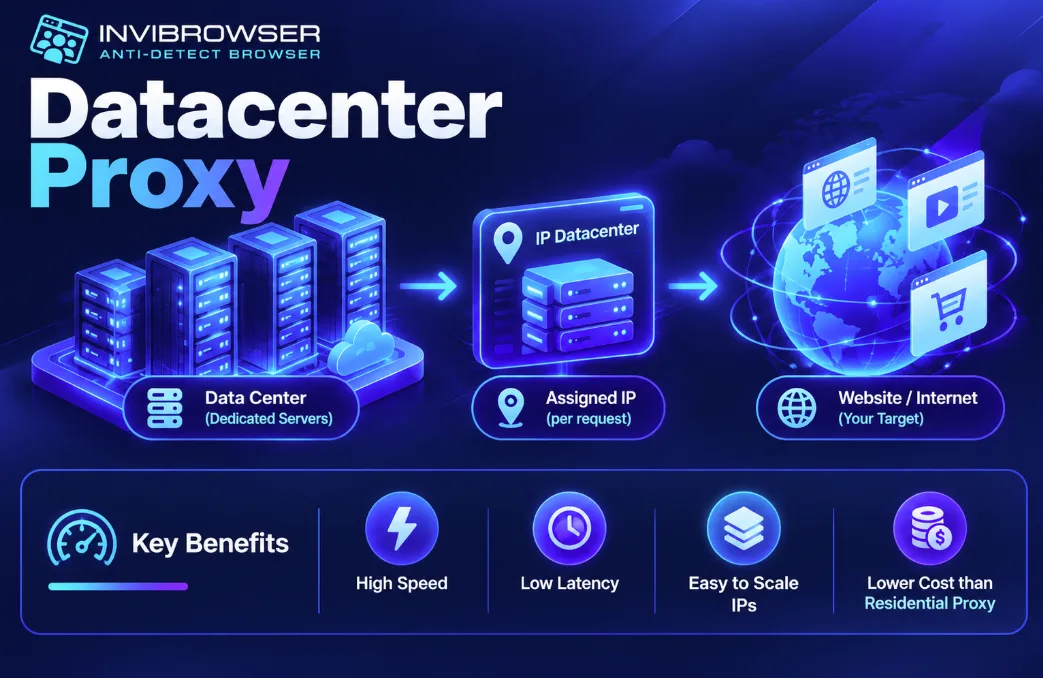
Datacenter proxies use IP addresses provided by data centers or server infrastructure, rather than residential internet networks.
The outstanding advantages of Datacenter Proxy are usually:
-
High speed.
-
Low latency.
-
The number of IP addresses can be easily scaled up.
-
In many cases, the cost is lower than that of residential proxies.
Therefore, Datacenter Proxies are typically used for workflows that require high speed or handle large volumes of traffic.
What is the difference between Residential Proxies and Datacenter Proxies?
The biggest difference lies in the IP source.
Residential proxies use IP addresses associated with residential networks, while datacenter proxies use IP addresses sourced from server infrastructure.
Due to this difference, the two types of proxies also vary in speed, cost, and use cases.
| Criteria | Residential proxy | Datacenter Proxy |
|---|---|---|
| - IP Source | - ISP/residential network | - Data Center |
| - Speed | - Usually lower | - Usually faster |
| - Cost | - Show more | - Usually lower |
| - Scalability | - Varies by supplier | - Easy to scale |
| - IP by location | - Usually diverse | - Supplier dependency |
| - Suitable | - Geo testing, multi-account, marketplace | - High-speed testing, automation, and workflow |
There is no single type of proxy that is superior in all scenarios. The most important thing is to choose the type that matches your intended use case.
Advantages and Disadvantages of Residential Proxies
Advantages
Residential proxies offer several advantages:
-
The IP address comes from a residential network.
-
You can select IP addresses by country or region.
-
Suitable for workflows that require an access environment close to that of regular end users.
-
Useful when you need to manage multiple profiles with separate IP addresses.
Disadvantages
Residential proxies also have certain limitations:
-
Costs are usually higher.
-
The speed may not be as stable as that of Datacenter Proxy.
-
The quality of IP is highly dependent on the supplier.
When choosing a residential proxy, you should check both the IP source and IP Reputation instead of only focusing on the IP location.
Advantages and Disadvantages of Datacenter Proxies
Advantages
Datacenter Proxies are suitable for the following priority scenarios:
-
High speed.
-
Low latency.
-
Large number of IP addresses.
-
More cost-effective.
-
Fast scalability.
Disadvantages
For IP addresses originating from data centers, some systems can identify that these are IPs belonging to server infrastructure rather than residential networks.
In addition, IP quality also depends on usage history and the proxy provider.
When should you use residential proxies?
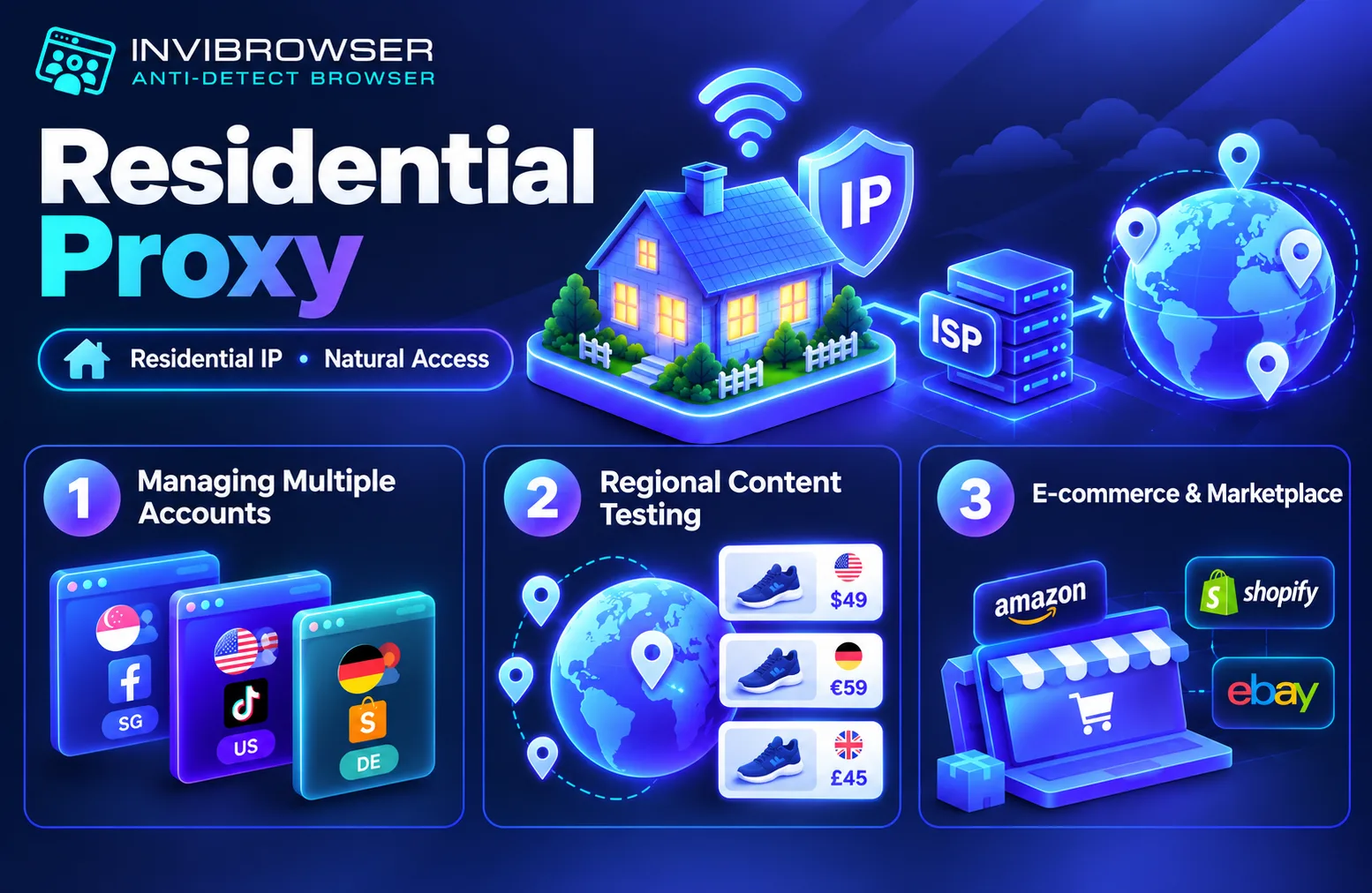
Residential proxies are more suitable when you need an access environment tied to residential IP addresses.
Some common cases:
Manage multiple accounts
If each account requires a separate access environment, residential proxies can be assigned to individual Browser Profiles.
Example:
-
Profile A → Singapore Residential IP
-
Profile B → US residential IP
-
Profile C → German residential IP
When combined with the Antidetect Browser, each profile can be managed with its own separate cookies, sessions, proxy settings and other browser data.
Check content by region
Residential proxies are also suitable for use cases where you need to test:
-
Website content by country.
-
Product prices by region.
-
Results are displayed by location.
-
User experience in each market.
E-commerce and marketplace
Sellers or agencies operating across multiple markets can use residential proxies to segment access environments by region or project.
When Should You Use Datacenter Proxies?
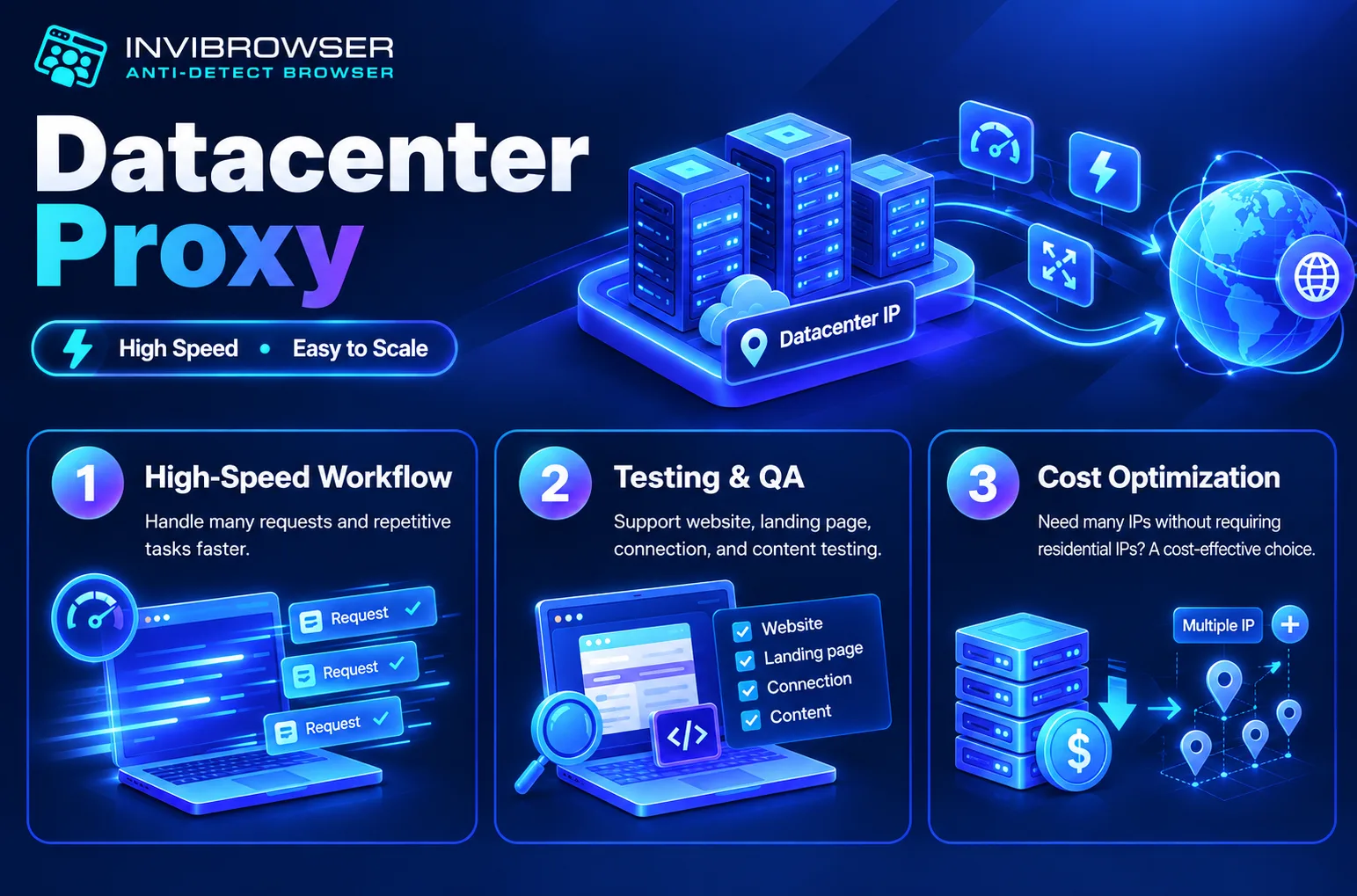
Datacenter proxies are more suitable if speed and scalability are your top priorities.
Some common cases:
High-Speed Workflow Required
If you need to handle multiple requests or perform repeated operations, the speed of Datacenter Proxy is a significant advantage.
Testing and verification
Developers, QA engineers, or marketers can use Datacenter Proxies to:
-
Test website.
-
Check the landing page.
-
Test the connection.
-
Monitor content from multiple IP addresses.
When you need to optimize costs
If you need a large number of IPs but are not required to use residential IPs, Datacenter Proxies are usually more cost-effective.
Which type of proxy should be used for different needs?
You can quickly select according to the table below:
| Demand | Proxy Types to Consider |
|---|---|
| - Manage multiple accounts | - Residential proxy |
| - Check content by region | - Residential proxy |
| - Multi-market e-commerce | - Residential proxy |
| - High-speed testing | - Residential proxy |
| - High-volume automation | - Datacenter Proxy |
| - Need a large number of IPs at low cost | - Datacenter Proxy |
| - Residential IP Priority | - Residential proxy |
| - Priority on speed | - Datacenter Proxy |
This does not mean that residential proxies are always better suited for multi-accounting, nor that datacenter proxies are always superior for automation.
You still need to consider:
-
Platform policies.
-
Number of accounts.
-
IP location.
-
IP Reputation.
-
Connection speed.
-
Budget.
-
Actual workflow.
Combining Proxies with Browser Profiles When Managing Multiple Accounts
A proxy only handles part of the access environment: the IP address and connection route.
Meanwhile, the website can also identify other elements such as:
-
User Agent.
-
Cookie
-
Session
-
Canvas.
-
WebGL.
Therefore, when managing multiple accounts, many people combine proxies with browser profiles.
Example:
| Browser Profile | Proxy | Account |
|---|---|---|
| - Profile 1 | - US Residential Proxy | - Account A |
| - Profile 2 | - Singapore Residential Proxy | - Account B |
| - Profile 3 | - Germany Datacenter Proxy | - Account C |
This organization method gives each account its own dedicated workspace, making it easier to manage.
Manage Proxies by Browser Profile with InviBrowser
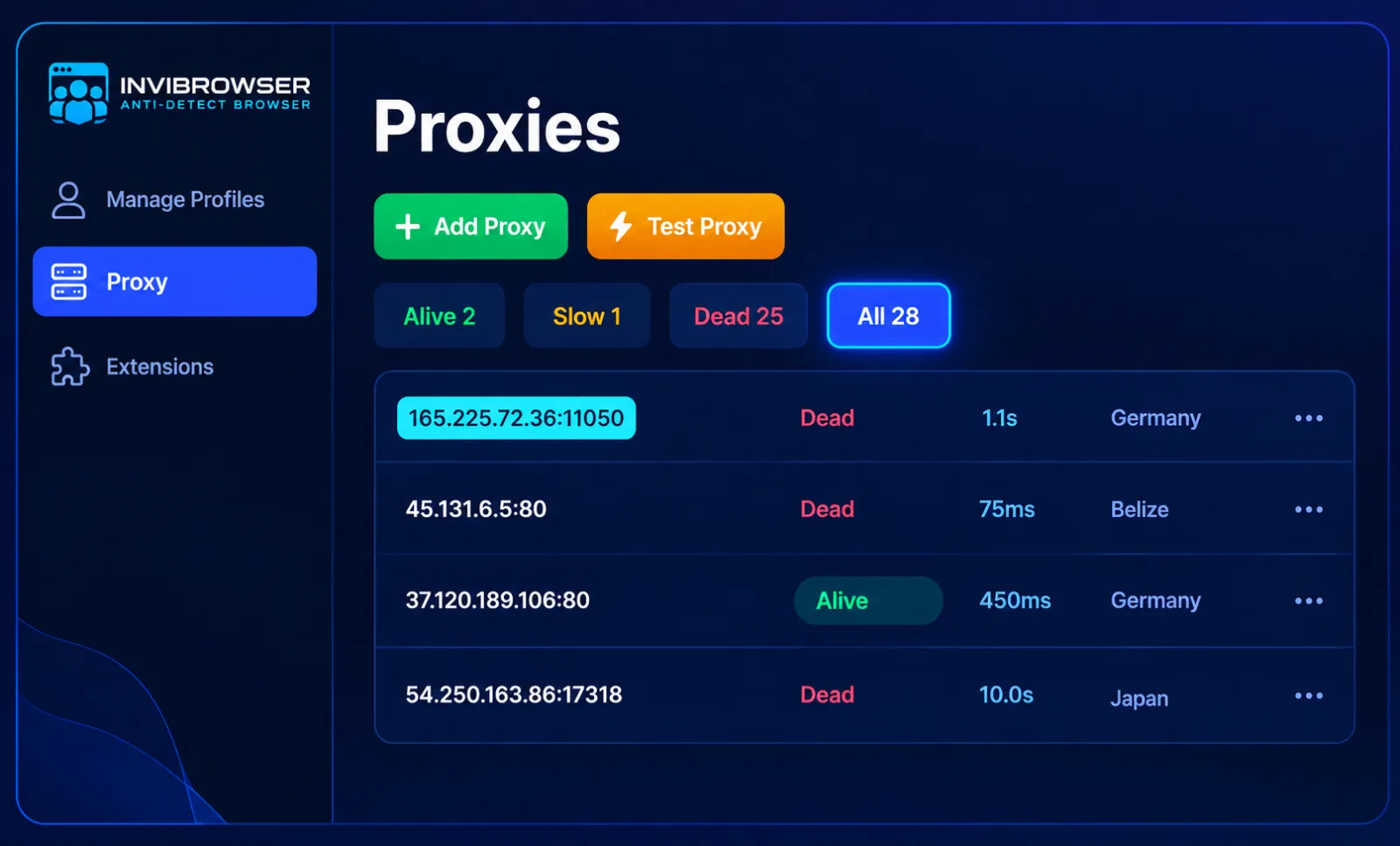
As the number of accounts and proxies increases, manually configuring each environment can become complicated.
InviBrowser supports creating multiple independent browser profiles and setting up a separate proxy for each profile.
Users can:
-
Create multiple Browser Profiles.
-
Set up Residential Proxy or Datacenter Proxy on a per-profile basis.
-
Separate Cookie and Session.
-
Manage profiles on a project-by-project basis.
-
Share and assign permissions to team members.
Start your free InviBrowser trial to set up proxies for each browser profile and manage multiple work environments more conveniently.
FAQs about Residential Proxies and Datacenter Proxies
Is it possible to use residential proxies and datacenter proxies at the same time?
Yes. You can use Residential Proxies for profiles that require residential IPs, and Datacenter Proxies for workflows that prioritize speed or cost efficiency.
Do residential proxies have static IP addresses?
It depends on the type of service. Residential proxies can be static IPs or rotate IPs based on time, requests, or connection sessions, depending on the provider's configuration.
Is it necessary to use a separate proxy for each browser profile?
This is not mandatory in all cases. However, if you need to separate access environments between different profiles, setting up a dedicated Proxy will help you manage IP addresses and each workflow more clearly.
Does proxy quality depend on whether they are residential or datacenter proxies?
It is not only dependent on the type of Proxy. The quality is also related to the IP source, IP Reputation, speed, stability, and the service provider.
Are residential proxies always better for managing multiple accounts?
No. Residential proxies have the advantage of residential IP resources, but the choice still needs to be based on the platform, budget, number of profiles, and the actual requirements of the workflow.
Conclusion
Residential proxies and datacenter proxies serve different needs. Residential proxies are suitable when you require residential IPs, location-specific access environments, or multi-profile management; while Datacenter Proxy is more suitable when speed, scalability, and cost are prioritized.
Rather than looking for the "best" type of proxy, you should choose a proxy based on your actual workflow, IP quality, and the requirements of each platform.
See also:
You can try InviBrowser for free to manage proxies and browser profiles more conveniently.