
Your account that has been working fine suddenly has issues? Signs that your account is about to be deactivated
Your account is still accessible but constantly requires verification and has restricted features? Check the signs that your account is about to be disabled
Your account is still accessible but constantly requires verification and has restricted features? Check the signs that your account is about to be disabled and learn how to resolve the issue early.
Yesterday, everything was normal — I was still posting content and sending messages as usual. Today, the account suddenly started requiring verification, logged me out automatically, or some features stopped working out of nowhere. The account hasn't been fully banned yet, but it's clear something is wrong.
These signs do not necessarily mean that the account will definitely be disabled. However, if they appear continuously or simultaneously, they may indicate that the account is experiencing issues related to security, policies, or login environment.
Start your free InviBrowser experience to isolate browser profiles, cookies, sessions, and access environments when managing multiple accounts.
What is a disabled account?
A disabled account is a state in which a user can no longer use all or part of their account due to restrictive measures imposed by the platform.
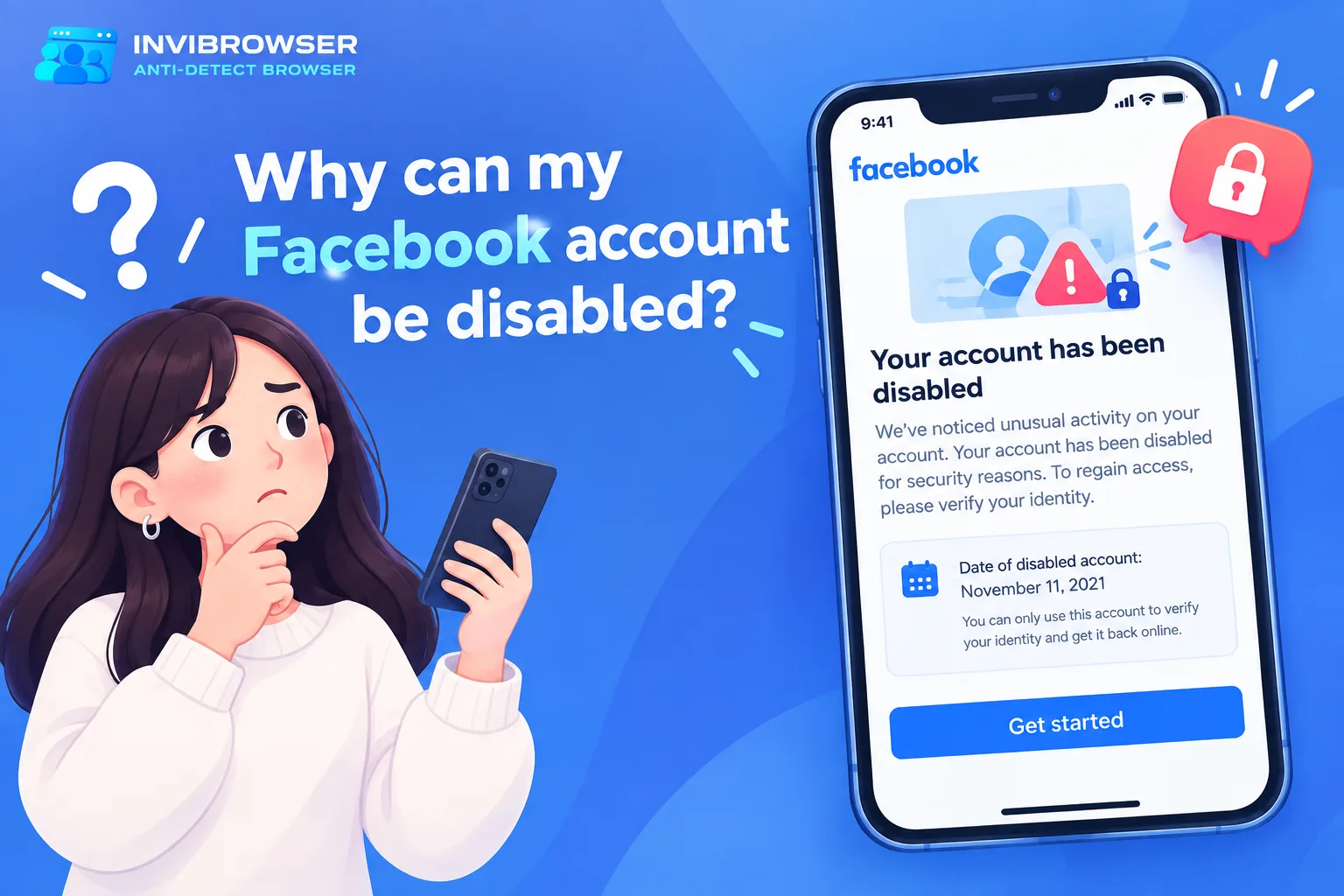
Depending on the platform and the cause, you may encounter the following statuses:
-
Temporarily lock the account.
-
Identity verification required.
-
Some features are limited.
-
Password change required.
-
Login lockout.
-
Permanently deactivate the account.
The cause may be related to policy violations, security issues, unusual login activity, or other actions that the system assesses as risky.
The important thing is to recognize the early warning signs instead of waiting until the account becomes inaccessible.
7 Signs Your Account Is at Risk of Being Disabled
1. Repeated verification prompts when logging in
It is normal to occasionally be required to enter an OTP code or confirm a new device.
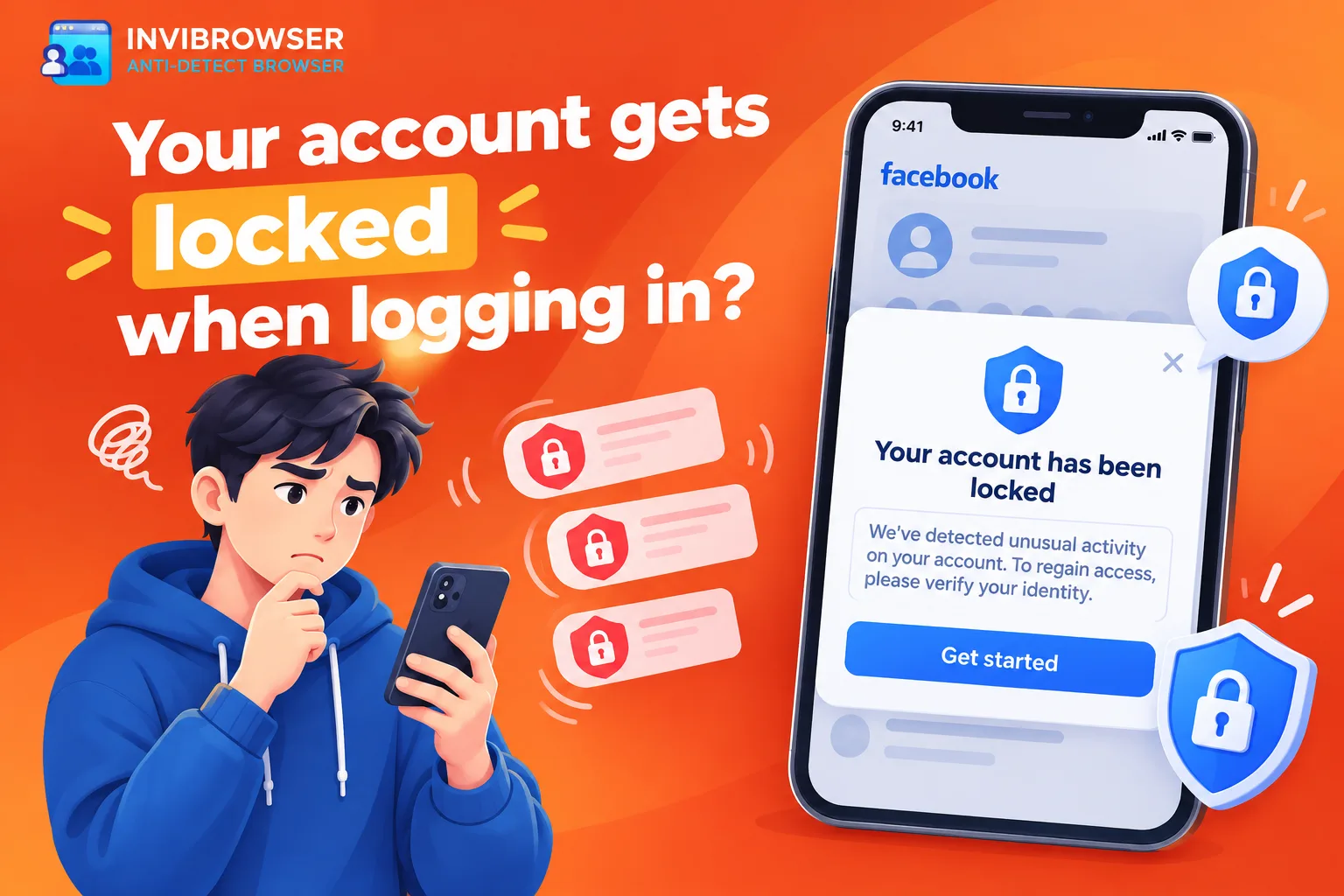
However, if the account continuously encounters:
-
Verify your email.
-
Verify your phone number.
-
CAPTCHA.
-
Confirm the device.
-
Verify your identity.
Even if you are still using it as before, this is a sign that you should pay attention to.
The system may be detecting changes or activities that it considers unusual.
2. Receive alerts about suspicious logins or activities
Platforms typically send alerts when they detect:
-
Log in from a new device.
-
Login from an unusual location.
-
Change password.
-
Suspicious login detected.
-
Activity differs from previous usage history.
If this is indeed your activity, please double-check your login environment. If this was not you, you should change your password and secure your account immediately.
This is not only a sign that the account is at risk of being restricted, but may also indicate that the account is experiencing security issues.
3. Some features are starting to be restricted
The account is still logged in but suddenly cannot:
-
Comments.
-
Message.
-
Follow other accounts.
-
Post.
-
Livestream.
-
Run ads.
-
Perform certain specified operations.
This is usually a more obvious sign than just a drop in engagement.
The platform may be applying temporary restrictions before requiring users to complete additional verification steps or address violations.
4. Account Status showing warnings or violations
If the platform has a section labeled Account Status,Account Health or an area for checking account status, this is the first place you should look.
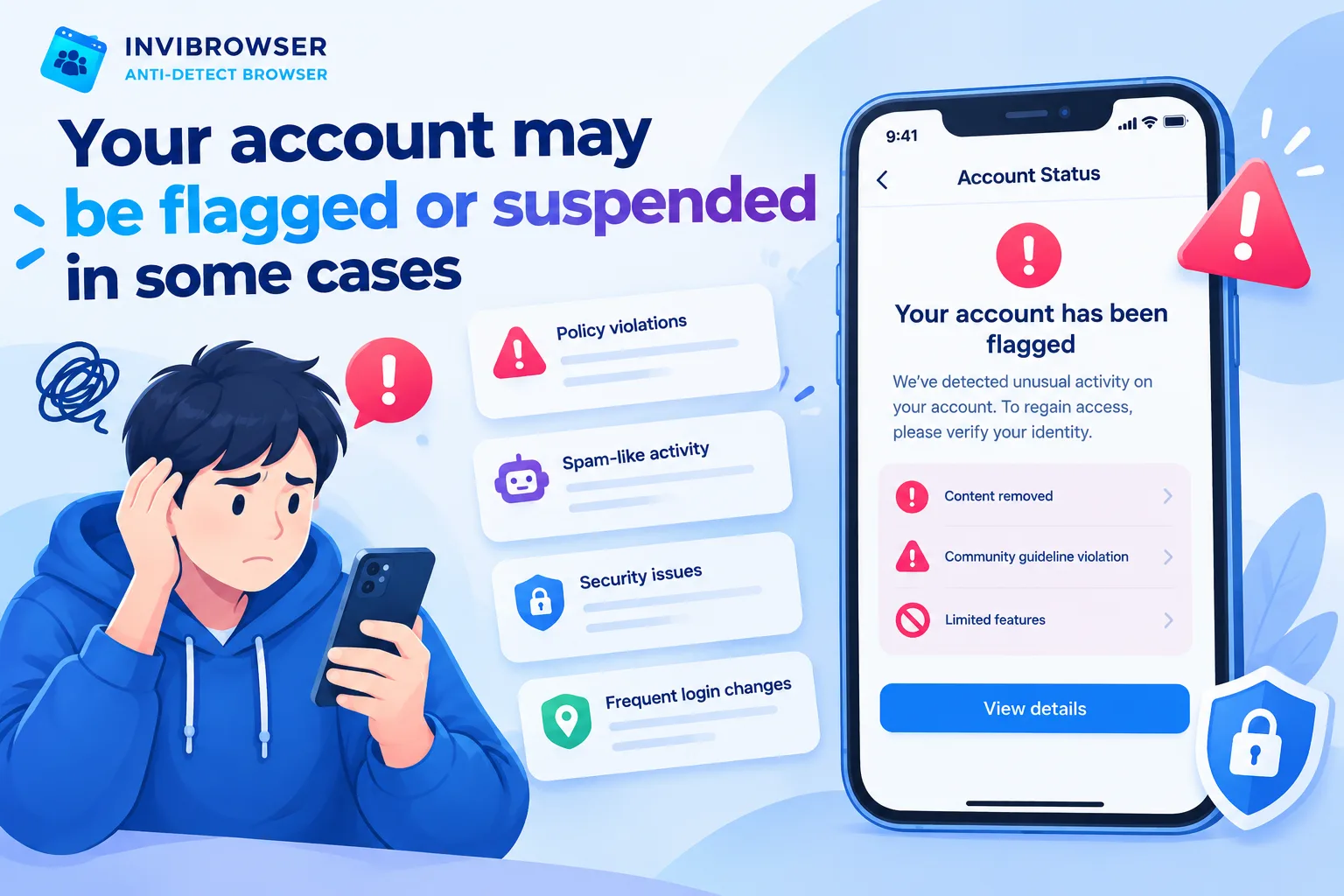
Warnings may be related to:
-
Content removed.
-
Violation of community standards.
-
Copyright infringement.
-
This content is not eligible for recommendation.
-
This feature is currently restricted.
A single warning does not necessarily result in account suspension. However, if violations continue to occur, the level of restriction may be increased.
5. Account frequently logs out of active sessions
You are using the account normally, but it keeps experiencing the following issues:
-
Auto logout.
-
Please log in again.
-
Session lost.
-
Device verification is required.
There are many reasons for this situation, ranging from security updates to the platform detecting that a login session requires verification.
If you are managing multiple accounts, sharing a browser environment can also make Cookies and Sessions harder to control.
Learn more: Understand Cookies, Sessions, and Browser Profiles correctly when managing multiple accounts
6. The platform requires additional information or identity verification
Certain accounts may be required:
-
Confirm your date of birth.
-
Verify your phone number.
-
Confirm your email.
-
Provide the documents.
-
Complete a video selfie or other form of verification.
A verification request does not mean that your account is about to be locked.
However, if the account fails to complete the verification step or the provided information does not match, access may remain restricted in accordance with the platform's policies.
7. Multiple alerts appear at the same time
A single signal usually does not convey much meaningful information on its own.
It is worth noting that when an account simultaneously:
-
Verification required.
-
Some features are lost.
-
Keeps logging out continuously.
-
Receive violation alerts.
-
Unusual activity has been detected.
If multiple unusual signs appear within a short period, you should check your account immediately instead of continuing to use it as normal.
Why could an account be disabled?
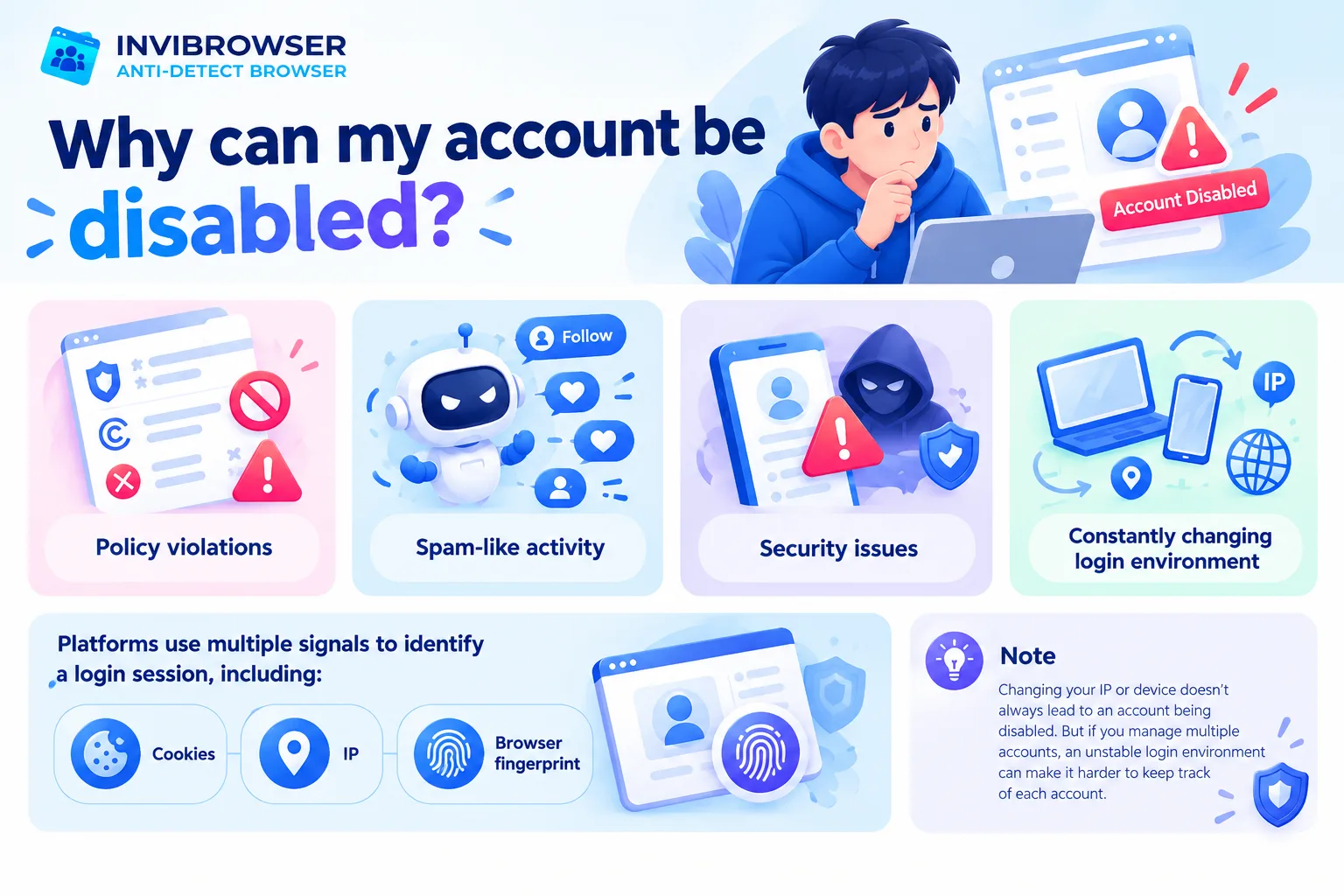
There is no universal cause that applies to all platforms.
Some common cases include:
Platform Policy Violation
Content or behavior that violates community standards, advertising policies, copyright regulations, or terms of service may result in account warnings and restrictions.
Spam-like activity
Performing too many actions within a short period of time, such as following, commenting, sending messages, or posting repetitive content, may cause the system to flag your activity as unusual.
Security issue
If the platform suspects that an account has been compromised or someone else is attempting to log in, the account may be temporarily locked for verification.
The login environment is constantly changing
Frequent changes to your device, IP address, or access environment may require your account to undergo additional verification.
Platforms may use a variety of different signals to identify a session, including cookies, IP addresses, and browser fingerprints.
This does not mean that changing your IP address or device will definitely result in your account being disabled. However, for users who manage multiple accounts, an unstable login environment can make it more difficult to keep track of each individual account.
Some notes to help reduce the risk of your Facebook account being disabled
There is no way to guarantee that your account will never be restricted, but following some reasonable usage habits can help you avoid generating unnecessary abnormal signals.
Maintain a reasonable posting frequency
Avoid posting an excessive number of posts, images, or videos continuously within a short period of time. Instead, maintain a natural posting schedule that aligns with the account's regular daily activity pattern.
Especially for new accounts or accounts that have just been reactivated, avoid increasing the posting frequency too quickly.
Increased personalization
Only add people you actually know and who also know you as friends to boost your account's credibility.
Avoid behaviors that are likely to be flagged as spam
Limit the following:
-
Bulk liking or commenting.
-
Send the same content to multiple people.
-
You're adding friends too quickly.
-
Posting identical content repeatedly.
-
Posting the same comment repeatedly on multiple posts.
If you need to operate multiple accounts, you should prioritize stable processes over increasing the number of operations in a short period of time.

Follow and comply with Facebook's policies
Policies regarding content, advertising, spam, and account behavior may change over time. Therefore, you should regularly check the alerts in Account Status and stay updated on platform policies.
If a piece of content or a feature has already received a warning, you should address the underlying cause first instead of continuing to repeat the same behavior.
Manage Multiple Accounts: Keep Your Login Environment Organized
The problem becomes more complicated when a person has to manage dozens of accounts for multiple projects.
If all accounts are logged in on the same browser, users are likely to encounter the following situation:
-
Wrong Cookie.
-
Incorrect account.
-
Session lost.
-
It's hard to remember which proxy is being used for which account.
-
It is difficult to determine which project the profile belongs to.
Antidetect Browsersolves the management problem by separating each environment into a separate Browser Profile.
Managing Browser Profiles with InviBrowser
InviBrowser allows organizations to manage multiple accounts as independent Browser Profiles.
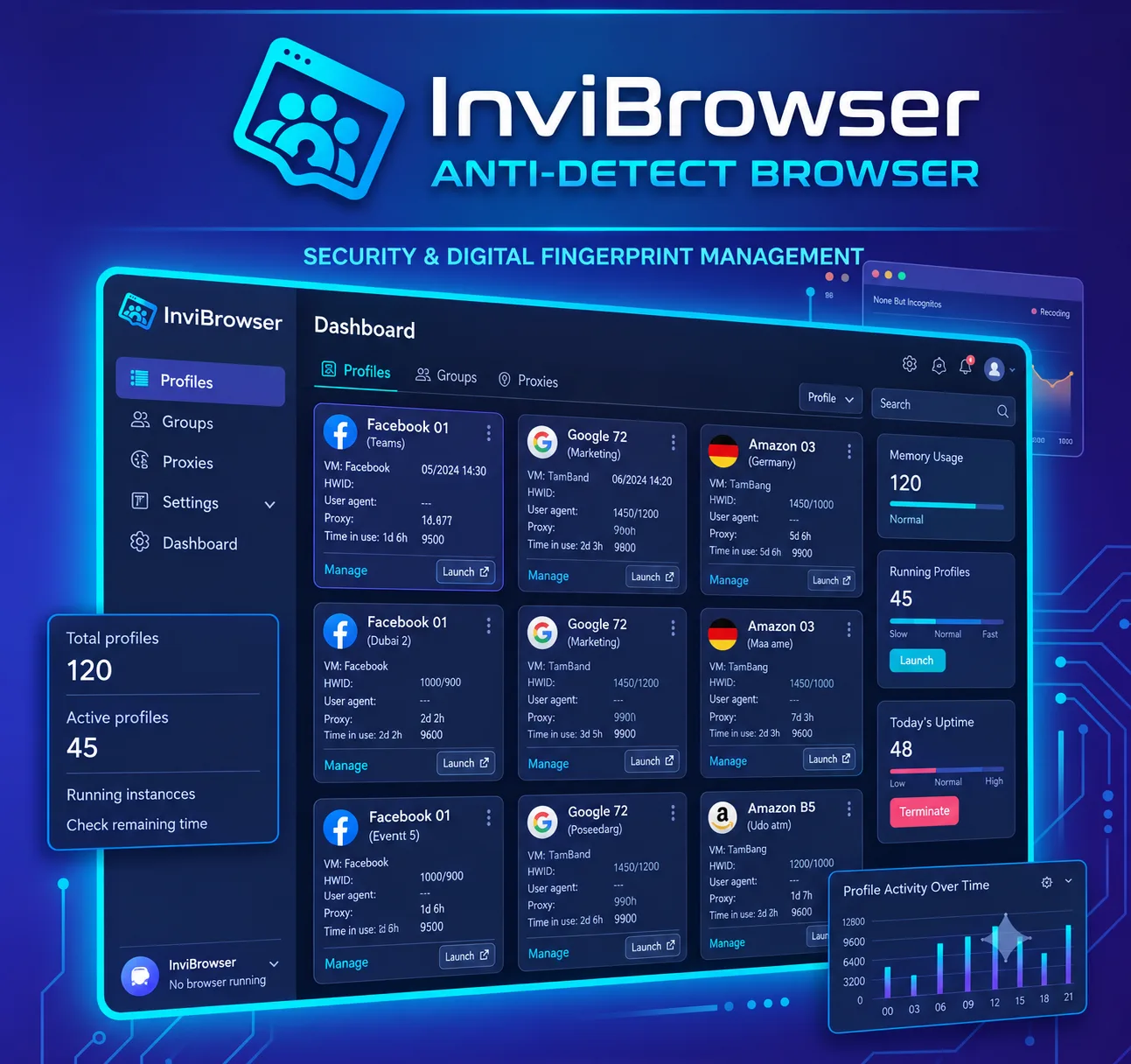
Users can:
-
Separate cookies and sessions by profile.
-
Set up a separate proxy for each profile.
-
Group profiles by project.
-
Maintain the browser environment for reuse.
-
Share and delegate profile permissions when working in a team.
The use of an antidetect browser does not guarantee that an account will not be suspended. Platform policies, content, and account operation methods remain critical factors.
Start your free InviBrowser experience to manage multiple browser profiles more clearly instead of logging into all accounts in the same environment.
FAQs about accounts at risk of being disabled
Does being required to verify identity mean that the account is about to be disabled?
Not necessarily. Verification may just be a security step implemented by the platform. What you need to pay attention to is whether the account is simultaneously showing warnings, has restricted features, or is unable to complete the verification process.
Should I change my IP, switch devices, or create a new account immediately when I see a warning?
You should not make a large number of changes immediately. First, check the cause, account status, and official alerts. Continuously changing your access environment while your account is under verification may complicate the processing.
Conclusion
Accounts rarely become compromised based on a single indicator alone. However, if you encounter repeated verification prompts, feature restrictions, unexpected logouts, and multiple warnings appearing at the same time, that is when you should conduct a thorough check of your account.
If you need to manage multiple accounts, InviBrowser helps separate browser profiles, cookies, sessions, and proxies so that each environment is more clearly organized.
See also:
-
What Is an Antidetect Browser? A Comprehensive A-Z Guide for Beginners
-
Understanding Cookies, Sessions, and Browser Profiles Correctly When Managing Multiple Accounts
You can try InviBrowser for free to manage multiple accounts in separate Browser Profiles.