
Antidetect Browser vs Regular Browser: What Are the Differences?
Comparison between Antidetect Browser and regular browsers in terms of profiles, cookies, fingerprints, and the ability to manage multiple online accounts.
Comparison between Antidetect Browser and regular browsers in terms of profiles, cookies, fingerprints, and the ability to manage multiple online accounts.
Chrome, Firefox, or Edge are suitable for daily web browsing needs. However, when you need to manage multiple accounts, using a single browser environment can make it difficult to control cookies, sessions, and login data.
So how does an antidetect browser differ from a regular browser? The article below will compare each factor to help you understand when a regular browser is sufficient and when you should use an antidetect browser.
Start your free InviBrowser trial to create multiple independent browser profiles and manage multiple accounts on the same device.
What is a regular browser?
Common web browsers are software applications such as Chrome, Firefox, Edge, or Safari, which are primarily designed for daily internet access needs.
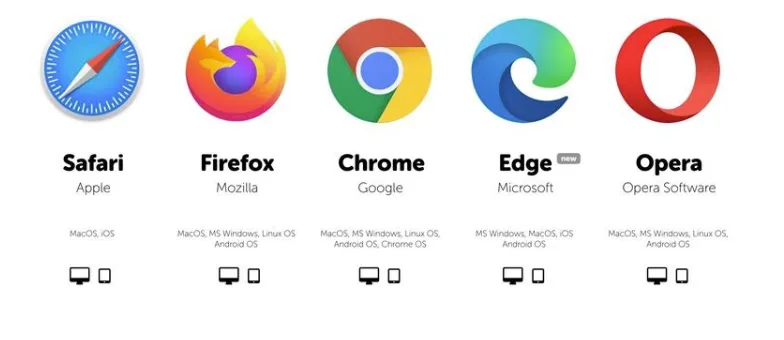
Users can:
-
Visit the website.
-
Save cookies and browsing history.
-
Save password.
-
Install the extension.
-
Create multiple profiles in several browsers.
-
Sign in to multiple accounts.
For people who only use a few personal or work accounts, regular browsers are usually sufficient to meet their needs.
What is an antidetect browser?
Antidetect Browser is a type of browser designed to create and manage multiple independent browser profiles.
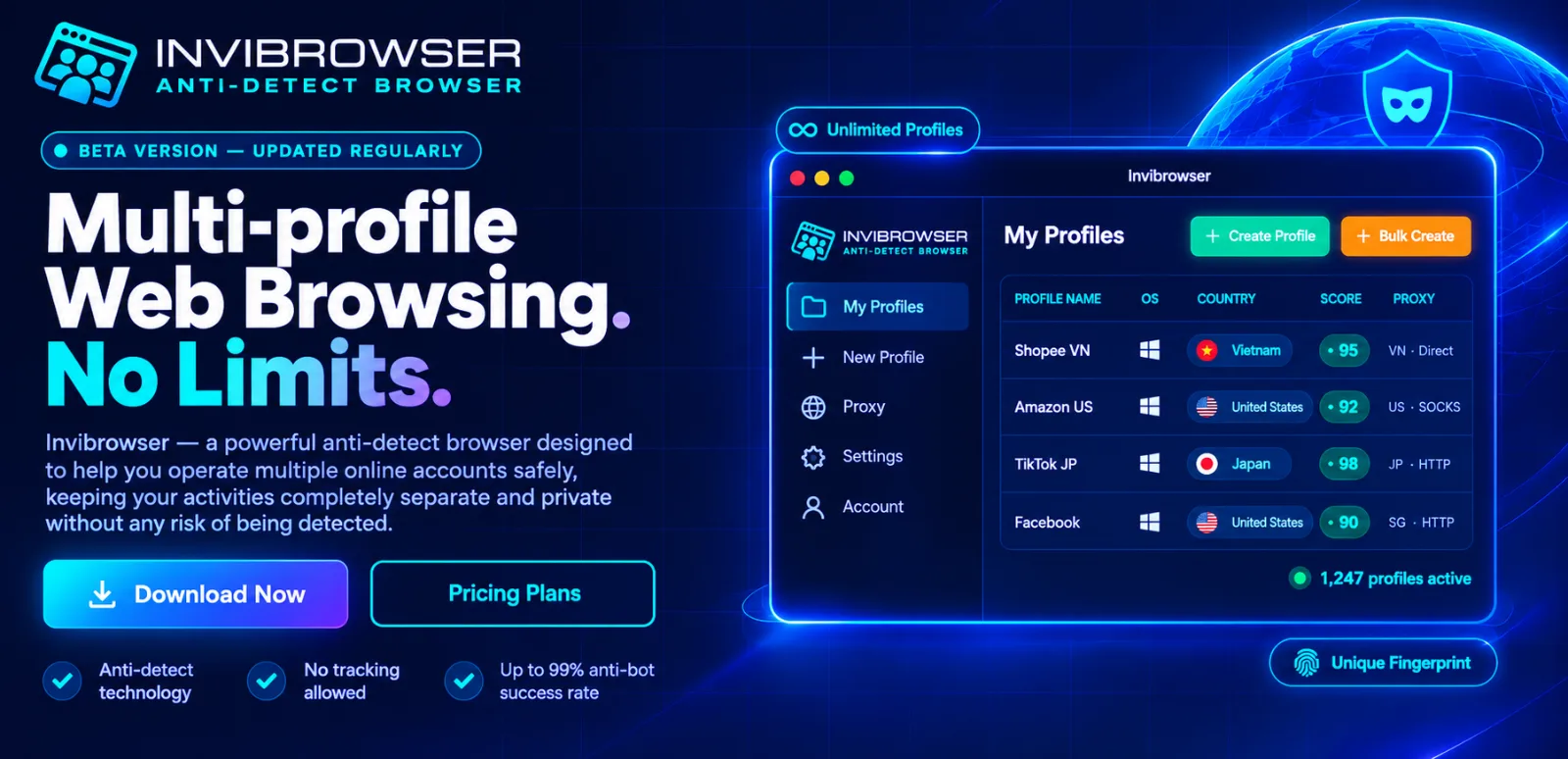
Each profile can store separate data such as:
-
Cookie.
-
Session.
-
Local Storage.
-
Proxy.
-
User Agent.
-
Canvas.
-
WebGL.
-
Browser fingerprinting.
Thanks to this, users can separate each account or project into separate browser environments instead of constantly logging in and out of the same profile.
What is the difference between an antidetect browser and a regular browser?
The main difference lies in the ability to manage and isolate browser environments.
Differences in Browser Profiles
Chrome also allows you to create multiple profiles, for example, one profile for work and another for personal use.
However, with an antidetect browser, browser profiles are the core component for managing multiple environments.
Example:
-
Profile A → Facebook Account A.
-
Profile B → TikTok account B.
-
Profile C → Shopee Store C.
Each profile can store separate data, making it easy for users to separate accounts by project or team member.
Differences Between Cookies and Sessions
Cookies and Sessions play a crucial role in maintaining login status.
If you frequently log in to multiple accounts within the same profile, users may encounter the following situation:
-
You have logged into the wrong account.
-
Cookies are mixed up.
-
It is difficult to determine which account the Session belongs to.
-
You need to log in and log out multiple times.
Antidetect Browser allows separating Cookies and Sessions by each Browser Profile, so that each account has a more distinct independent environment.
Learn more:Understand Cookies, Sessions, and Browser Profiles correctly when managing multiple accounts
Differences in browser fingerprints
The Website not only uses Cookies to identify the access environment, but may also collect a variety of other information such as:
-
User Agent.
-
Screen resolution.
-
Canvas.
-
WebGL.
-
Language.
-
Time zone.
These pieces of information can collectively form a Browser Fingerprint, also known as a browser fingerprint.
Regular browsers do not focus on managing fingerprints on a per-profile basis. Meanwhile, this is one of the key features of an antidetect browser.
However, an antidetect browser does not guarantee that users will remain completely anonymous or undetectable by platforms.
Differences in Proxy
Proxy primarily handles IP addresses and connection routing.
On regular browsers, using a different proxy for each profile may require additional extensions or configuration.
Meanwhile, antidetect browsers usually allow you to set up proxies directly for each browser profile.
Example:
-
Profile A → Proxy Singapore.
-
Profile B → US Proxy.
-
Profile C → Vietnam Proxy.
This approach helps keep each environment more clearly organized when managing multiple accounts.
Differences when managing multiple accounts
If you only have a few accounts, Chrome, Firefox, or Edge are usually sufficient.
However, as the number of accounts increases, users may encounter difficulties in:
-
Track which project the account belongs to.
-
Separate Cookie and Session.
-
Proxy Management.
-
Share the work environment with the team.
-
Switch between multiple accounts.
Antidetect browsers solve this problem by isolating each account in a separate browser profile.
When is a regular browser sufficient?
A regular browser is suitable if you:
-
Only use a small number of accounts.
-
No separate proxy is required for each account.
-
No need to manage multiple browser profiles.
-
Does not work well in a team.
-
There is no need to separate multiple environments by project.
In this case, switching to an Antidetect Browser may not be necessary yet.
When should you use an antidetect browser?
You may consider using an antidetect browser if needed:
-
Manage multiple browser profiles.
-
Separate cookies and sessions between different accounts.
-
Set up a dedicated proxy per profile.
-
Manage multiple projects simultaneously.
-
Share the profile with team members.
-
Role-based access control and multi-account workflow organization.
This is why antidetect browsers are commonly used by sellers, marketers, affiliates, and agencies in multi-account workflows.
Manage Multiple Browser Profiles with InviBrowser
InviBrowser supports creating and managing multiple independent browser profiles on the same device.
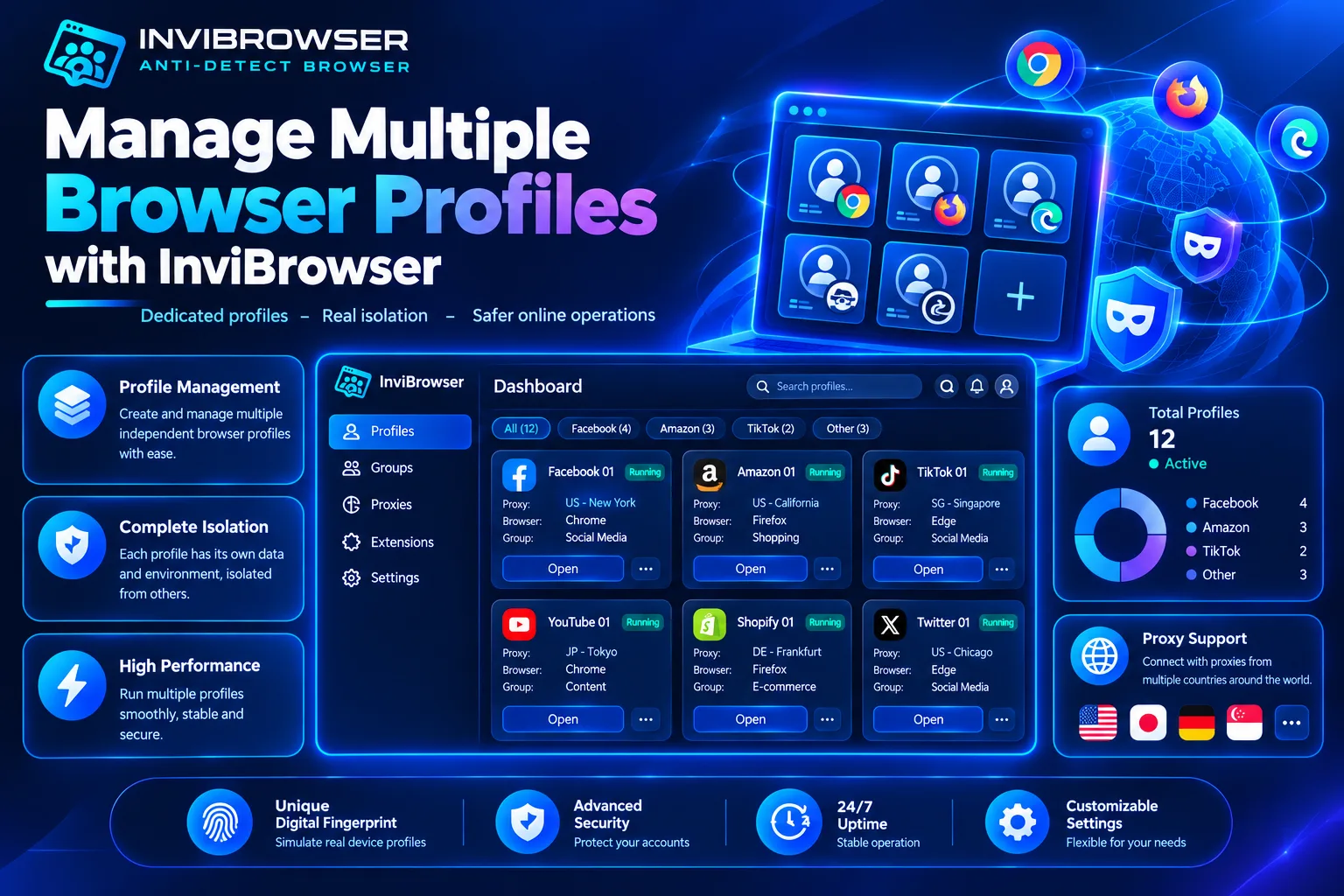
Users can:
-
Create Multiple Browser Profiles.
-
Separate Cookie and Session.
-
Set up proxy for each profile.
-
Manage profiles by project.
-
Share and delegate permissions to team members.
Start your free InviBrowser experience to manage multiple browser profiles and accounts more conveniently.
FAQs about Antidetect Browser and regular browsers
Is it necessary to create a separate Browser Profile for each account?
It is not mandatory, but if you need to separate Cookies, Sessions, and working environments between different accounts, using separate profiles will help you manage them more clearly and avoid confusion.
Does an antidetect browser make your device slower than a regular browser?
This can happen, especially when multiple browser profiles are open at the same time. The extent of the impact depends on the number of profiles, tabs, extensions, and your computer's specifications.
Conclusion
Regular browsers are suitable for general web browsing needs and use cases involving only a small number of accounts, while antidetect browsers are a better fit when you need to isolate and manage multiple browser profiles.
With InviBrowser, you can create multiple independent profiles, with separate Cookies, Sessions, and dedicated Proxy settings for each environment.
Start your free InviBrowser experience to create multiple independent browser profiles and manage multiple accounts on the same device
See also:
-
What Is an Antidetect Browser? A Comprehensive A-Z Guide for Beginners
-
What is Browser Fingerprinting? How does browser fingerprinting work?
You can try InviBrowser for free to manage multiple browser profiles and accounts more conveniently.