
Can Incognito Mode Replace an Antidetect Browser?
Can Incognito Mode Replace Antidetect Browsers? A Comparison of Incognito Mode in Terms of Cookies, IP Addresses, Fingerprinting, and Multi-Account Management
Can Incognito Mode Replace Antidetect Browsers? A Comparison of Incognito Mode in Terms of Cookies, IP Addresses, Fingerprinting, and Multi-Account Management Capabilities.
The Incognito mode allows you to browse the web without saving your history and deletes most session data after you close the window. However, Incognito mode does not mean you are completely anonymous, nor is it designed to manage multiple independent browser environments.
So can incognito mode replace an antidetect browser? Let's compare how the two solutions differ in terms of cookies, sessions, IP addresses, browser fingerprints, and multi-account management capabilities.
Start your free InviBrowser trial to create multiple independent browser profiles and manage each browser environment more conveniently.
What is Incognito mode?
Incognito mode is a private browsing feature available on Chrome and many other popular web browsers.
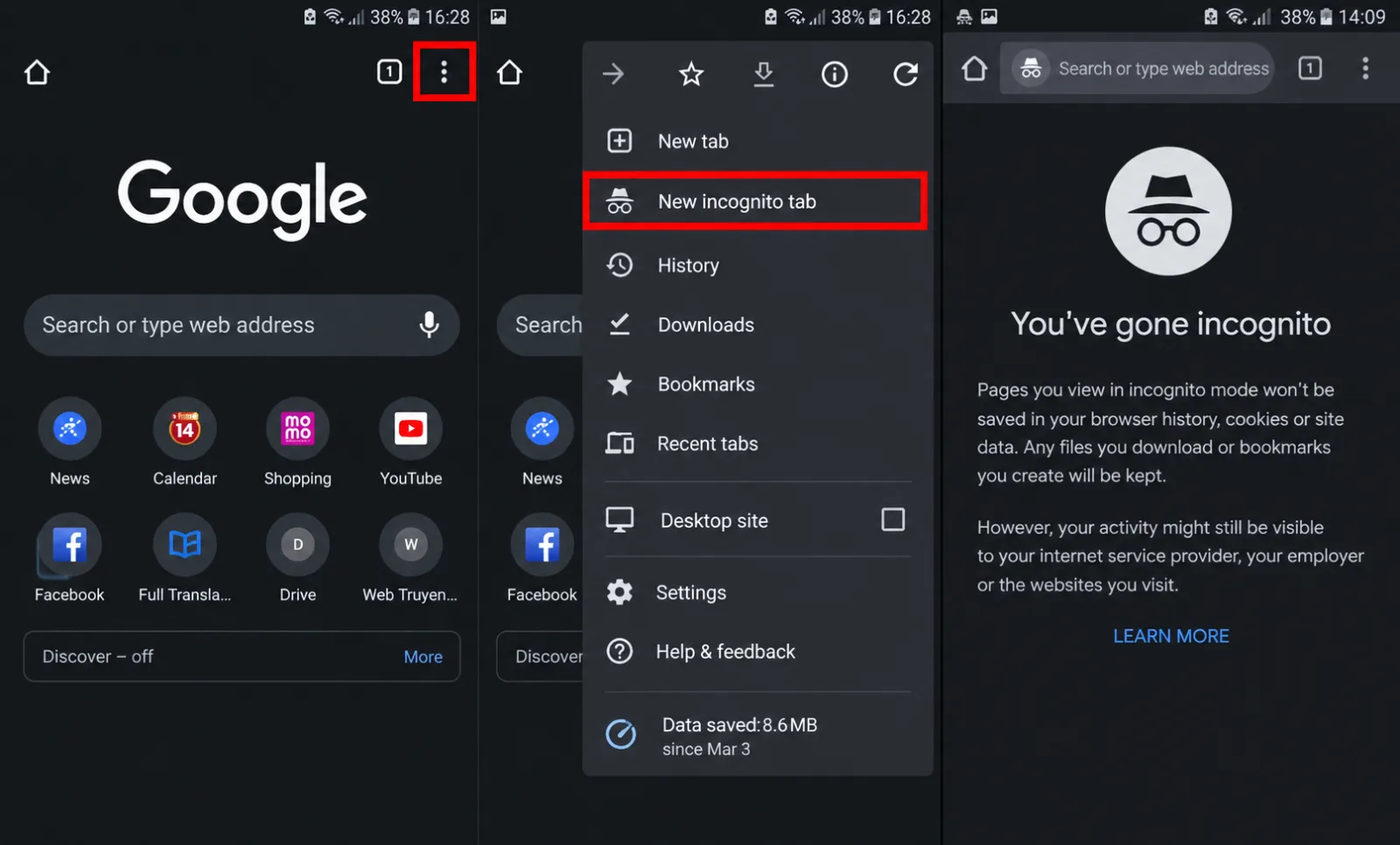
When you open an incognito window, the browser creates a temporary browsing session that is separate from the data of regular sessions.
After you close all incognito mode windows, the browser will generally not save:
-
Browsing history.
-
Cookie created during the session.
-
Website data is temporarily unavailable.
-
Information entered into some forms.
This is useful when you want to temporarily log in to another account or do not want your browsing history to be saved on the device.
However, incognito mode does not make your internet activity completely invisible.
What is an antidetect browser?
Antidetect Browser is a type of browser designed to create and manage multiple separate browser profiles.
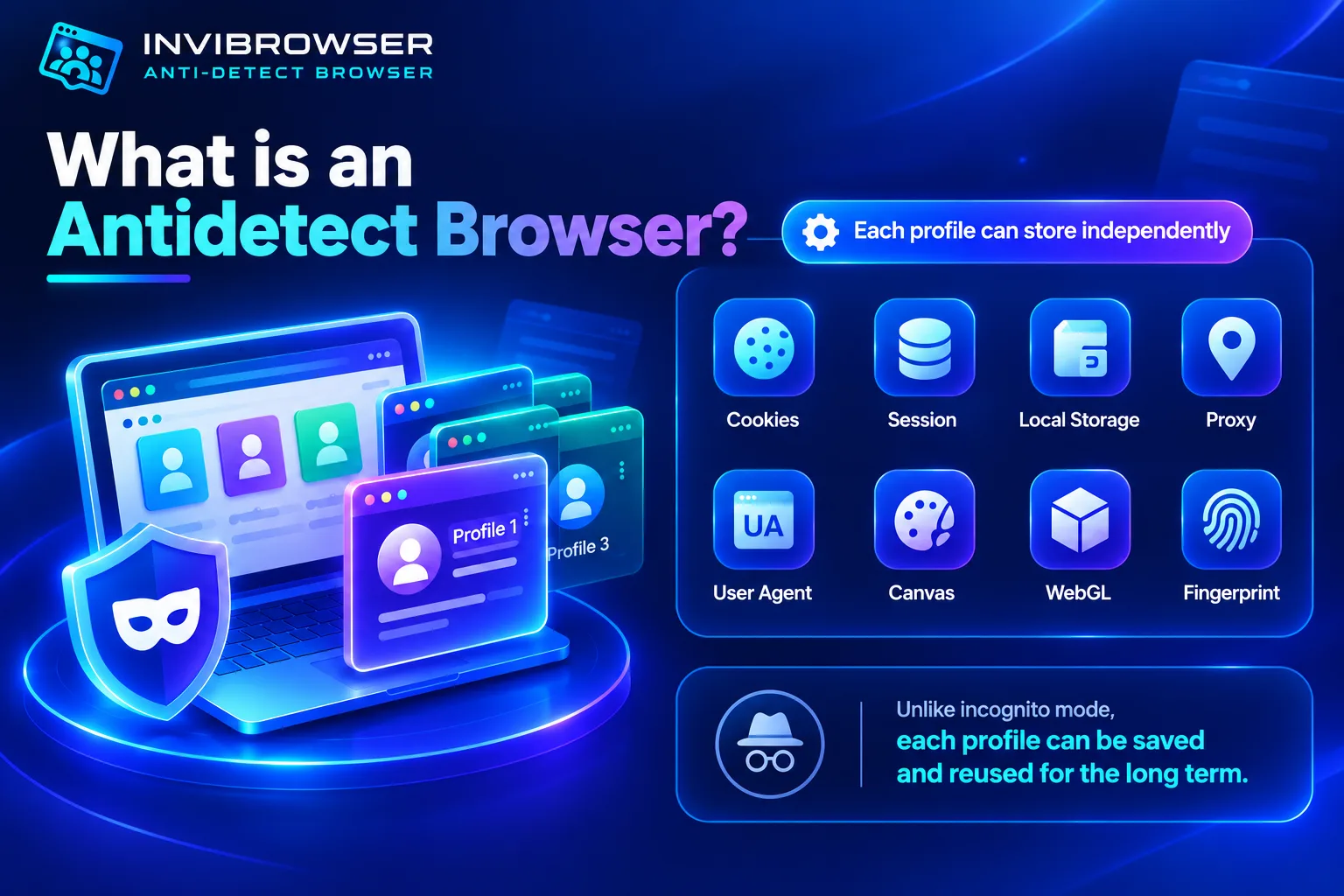
Each profile can be saved independently:
-
Cookie.
-
Session.
-
Local Storage.
-
Proxy.
-
User Agent.
-
Canvas.
-
WebGL.
-
Information related to browser fingerprinting.
Unlike incognito mode, browser profiles in an antidetect browser can be preserved and reused instead of being deleted after each session.
What does incognito mode actually hide?
Incognito mode primarily protects your privacy only on the device you are currently using.
For example, after you close the incognito window:
-
Other users of the device will have difficulty reviewing the access history.
-
Cookies from incognito sessions do not persist.
-
Accounts that are logged in within the session are frequently logged out unexpectedly.
Therefore, incognito mode is suitable for short-term needs such as:
-
Temporarily log in to an account.
-
Test the website without logging in.
-
Avoid saving history on shared devices.
-
Test a new session that does not use old cookies.
What does incognito mode not hide?
The term "incognito mode" may lead many people to mistakenly believe that their browsing activity will be completely untraceable.
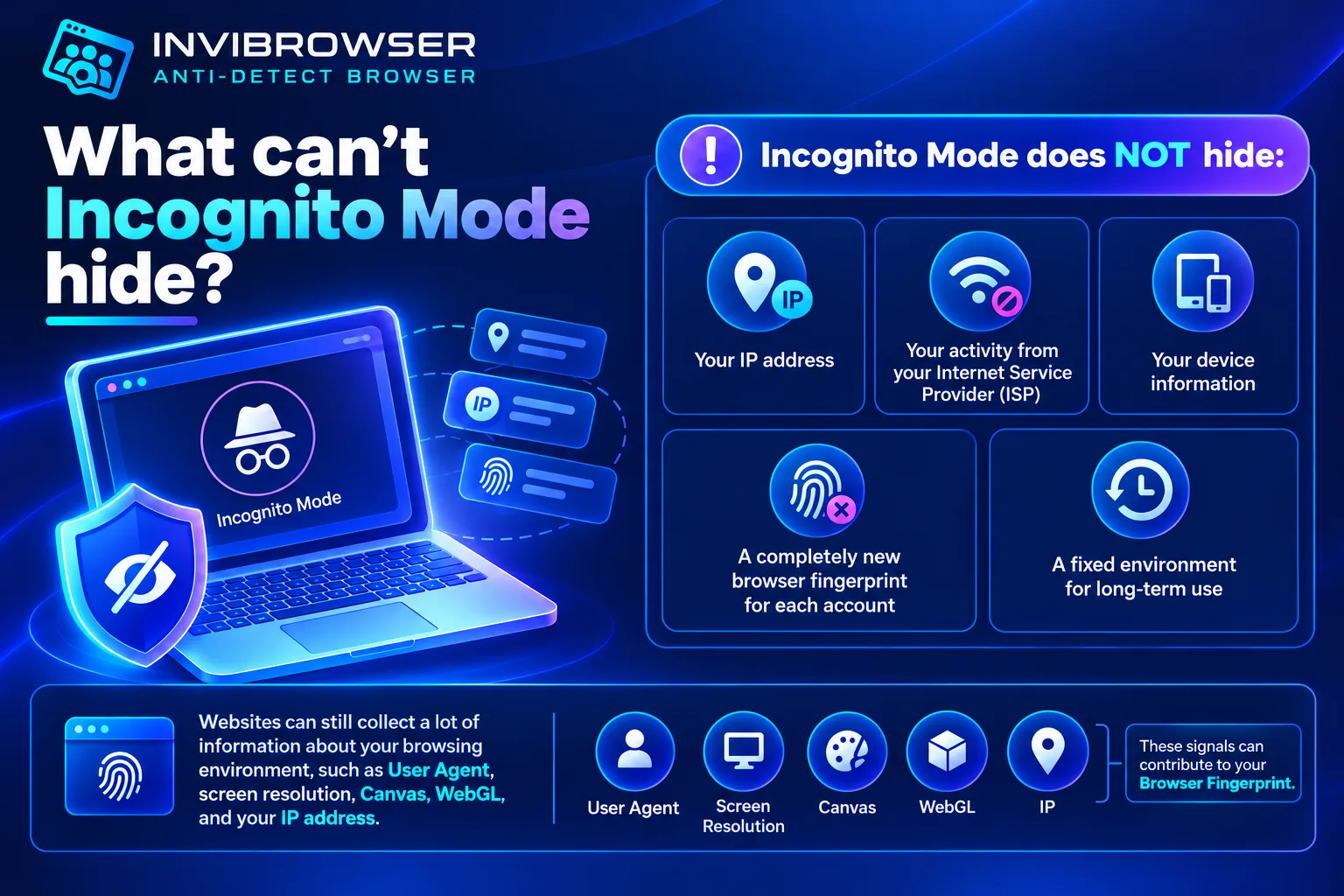
In fact, incognito mode does not automatically:
-
Change the IP address.
-
Hide your activity from your internet service provider.
-
Completely change the device information.
-
Generate a completely new browser fingerprint for each account.
-
Create a stable environment for long-term reuse.
The website can still collect a wide range of information about the access environment, including User Agent, screen resolution, Canvas, WebGL, or IP address.
These signals may contribute to forming a Browser Fingerprint.
What is the difference between an antidetect browser and incognito mode?
| Criteria | Incognito mode | Antidetect Browser |
|---|---|---|
| - Main purpose | - Temporary private browsing | - Manage multiple browser environments |
| - Cookie | - Delete when session is closed | - Save separately by profile |
| - Session | - Primarily used in the current session | - Can be maintained according to the profile |
| - Browser Profile | - Temporary session | - Independent, reusable profile |
| - Fingerprint | - Lack of focused management | - Ability to manage based on profiles |
| - Proxy theo profile | - Not a core feature | - Common support |
| - Manage multiple accounts | - Limitations | - Designed for multi-profile use |
| - Teamwork | - No | - Supports sharing and permission assignment |
Differences Between Cookies and Sessions
When using incognito mode, cookies and sessions are created in a temporary data storage area. This data is usually deleted after all incognito windows are closed.
This means that the next time you open incognito mode, you will usually need to log in again.
Antidetect browsers operate differently. Cookies and sessions can be stored within each browser profile, allowing users to resume using that environment in subsequent sessions.
Example:
-
Profile A → Facebook A.
-
Profile B → TikTok B.
-
Profile C → Shopee C.
Each profile stores its own data instead of creating a temporary session every time.
Learn more:Understanding Cookies, Sessions, and Browser Profiles correctly when managing multiple accounts
Differences in Browser Profiles
Incognito mode primarily creates a temporary browsing session.
Meanwhile, an antidetect browser allows users to create multiple browser profiles that can be named, saved, and organized by account or project.
For example, an agency might create:
-
Facebook profile for Customer A.
-
TikTok Profile for Client B.
-
E-commerce profile for Project C.
When they need to work, users simply reopen the corresponding profile instead of logging in from scratch again.
Differences in browser fingerprints
Incognito mode is not designed to manage browser fingerprints.
Even if old cookies are not used, the website can still read a variety of parameters from the browser and device, such as:
-
User Agent.
-
Canvas.
-
WebGL.
-
Time zone.
-
Language.
-
Screen resolution.
Antidetect browsers focus more on managing this information on a per-browser-profile basis.
However, no tool can guarantee that users are completely unidentifiable. Platforms may use a variety of different signals to assess a session.
Differences in IP Addresses and Proxies
Incognito mode does not automatically change your IP address.
If you open a regular browser and an incognito mode window on the same network, both will typically still use the same internet connection and IP address.
Antidetect browsers usually support configuring proxies individually for each browser profile.
Example:
-
Profile A → Vietnam Proxy.
-
Profile B → US Proxy.
-
Profile C → Proxy Singapore.
This makes managing multiple access environments more straightforward.
Differences when managing multiple accounts
Incognito mode can be useful if you only need to log in to another account temporarily.
However, as the number of accounts increases, users will need to:
-
Log in again after each session.
-
Re-enter account information.
-
Reconfigure the environment.
-
It is difficult to track which project an account belongs to.
-
Difficult to share the environment with other members.
Antidetect browsers solve this problem by maintaining multiple separate browser profiles.
When is a regular browser sufficient?
A regular browser is suitable if you:
-
Only use a small number of accounts.
-
No need for a separate proxy for each account.
-
No need to manage multiple browser profiles.
-
Does not work well in a team.
-
There is no need to separate multiple environments by project.
In this case, switching to an antidetect browser may not be necessary yet.
When should you use an antidetect browser?
You may consider using an antidetect browser if needed:
-
Manage multiple browser profiles.
-
Isolate cookies and sessions between different accounts.
-
Set up a private proxy per profile.
-
Manage multiple projects simultaneously.
-
Share the profile with team members.
-
Role-based access control and multi-account workflow organization.
This is why antidetect browsers are commonly used by sellers, marketers, affiliates, and agencies in multi-account workflows.
Manage Multiple Browser Profiles with InviBrowser
InviBrowser supports the creation and management of multiple independent Browser Profiles on the same device.
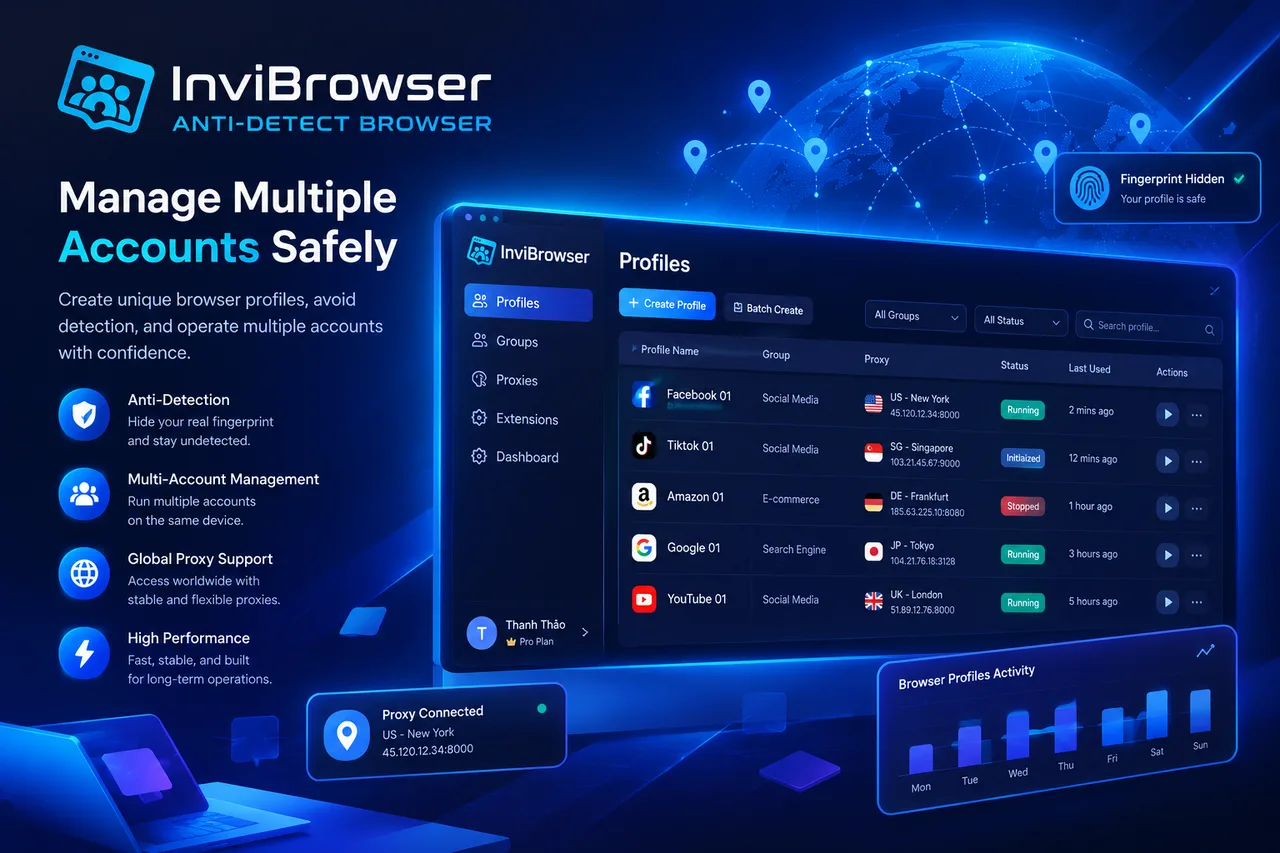
Users can:
-
Create multiple Browser Profiles.
-
Separate Cookie and Session.
-
Set up proxy settings per profile.
-
Manage profiles on a project-by-project basis.
-
Share and assign permissions to team members.
Start your free InviBrowser experience to manage multiple browser profiles and accounts more conveniently.
FAQs about Antidetect Browser and regular browsers
Is it necessary to purchase a dedicated proxy when using an antidetect browser?
Not required. You can still use the Antidetect Browser without a Proxy. However, if you need each Browser Profile to use a separate IP address, you can set up a corresponding Proxy for each profile.
Does using an antidetect browser guarantee that your account will not be banned?
No. Antidetect browsers support isolating and managing browser environments, but whether an account gets restricted or banned depends on the platform's policies, account usage practices, IP address, and many other factors.
Conclusion
Regular browsers are suitable for general web browsing needs and use cases involving only a small number of accounts, while antidetect browsers are a better choice when you need to isolate and manage multiple browser profiles.
With InviBrowser, you can create multiple independent profiles, with separate Cookies, Sessions, and dedicated Proxy settings for each environment.
See also:
-
What Is an Antidetect Browser? A Comprehensive A-Z Guide for Beginners
-
Understanding Cookies, Sessions, and Browser Profiles for Multi-Account Management
You can try InviBrowser for free to manage multiple browser profiles and accounts more conveniently.